EasyManua.ls Logo

Commodore Plus 4 - Page 48

Commodore Plus 4
464 pages
Print Icon
To Next Page IconTo Next Page
To Previous Page IconTo Previous Page
Loading...
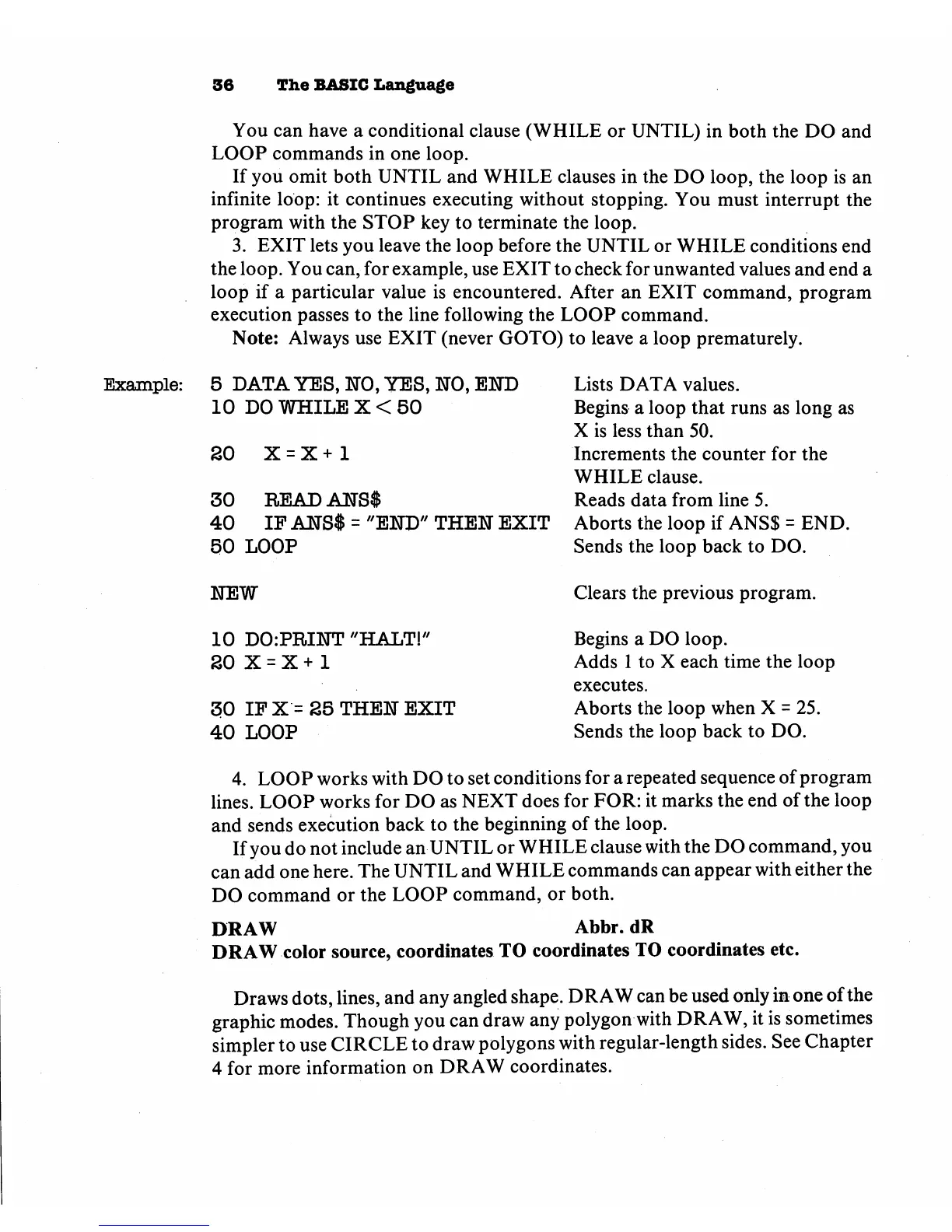
36
The
BASIC
Language
You
can
have
a
conditional
clause
(WHILE
or
UNTIL)
in
both
the
DO
and
LOOP
commands
in
one
loop.
If
you
omit
both
UNTIL
and
WHILE
clauses
in
the
DO
loop,
the
loop
is
an
infinite
loop:
it
continues
executing
without
stopping.
You
must
interrupt
the
program
with
the
STOP
key
to
terminate
the
loop.
3.
EXIT
lets
you
leave
the
loop
before
the
UNTIL
or
WHILE
conditions
end
the
loop.
You
can,
for
example,
use
EXIT
to
check
for
unwanted
values
and
end
a
loop
if
a
particular
value
is
encountered.
After
an
EXIT
command,
program
execution
passes
to
the
line
following
the
LOOP
command.
Note:
Always
use
EXIT
(never
GOTO)
to
leave
a
loop
prematurely.
Example:
5
DATA
YES,
NO,
YES,
NO,
END
Lists
DATA
values.
10
DO
WHILE
X
<
50
Begins
a
loop
that
runs
as
long
as
X
is
less
than
50.
SO
X
=
X
+
1
Increments
the
counter
for
the
WHILE
clause.
30
READ
ANSI
Reads
data
from
line
5.
40
IF
ANSI
=
"END"
THEN
EXIT
Aborts
the
loop
if
ANS$
=
END.
50
LOOP
Sends
the
loop
back
to
DO.
NEW
Clears
the
previous
program.
10
D0:PRINT
"HALT!"
Begins
a
DO
loop.
SO
X
=
X
+
1
Adds
1
to
X
each
time
the
loop
executes.
30
IF
X
=
25
THEN
EXIT
Aborts
the
loop
when
X
=
25.
40
LOOP
Sends
the
loop
back
to
DO.
4.
LOOP
works
with
DO
to
set
conditions
for
a
repeated
sequence
of
program
lines.
LOOP
works
for
DO
as
NEXT
does
for
FOR:
it
marks
the
end
of
the
loop
and
sends
execution
back
to
the
beginning
of
the
loop.
If
you
do
not
include
an
UNTIL
or
WHILE
clause
with
the
DO
command,
you
can
add
one
here.
The
UNTIL
and
WHILE
commands
can
appear
with
either
the
DO
command
or
the
LOOP
command,
or
both.
DRAW
Abbr.dR
DRAW
color
source,
coordinates
TO
coordinates
TO
coordinates
etc.
Draws
dots,
lines,
and any
angled
shape.
DRAW
can
be
used
only
in
one
of
the
graphic
modes.
Though
you
can
draw
any
polygon
with
DRAW,
it
is
sometimes
simpler
to
use
CIRCLE
to
draw
polygons
with
regular-length
sides.
See
Chapter
4
for
more
information
on
DRAW
coordinates.

Other manuals for Commodore Plus 4

Related product manuals