EasyManua.ls Logo

Commodore Plus 4 - Page 82

Commodore Plus 4
464 pages
Print Icon
To Next Page IconTo Next Page
To Previous Page IconTo Previous Page
Loading...
70
The
BASIC
Language
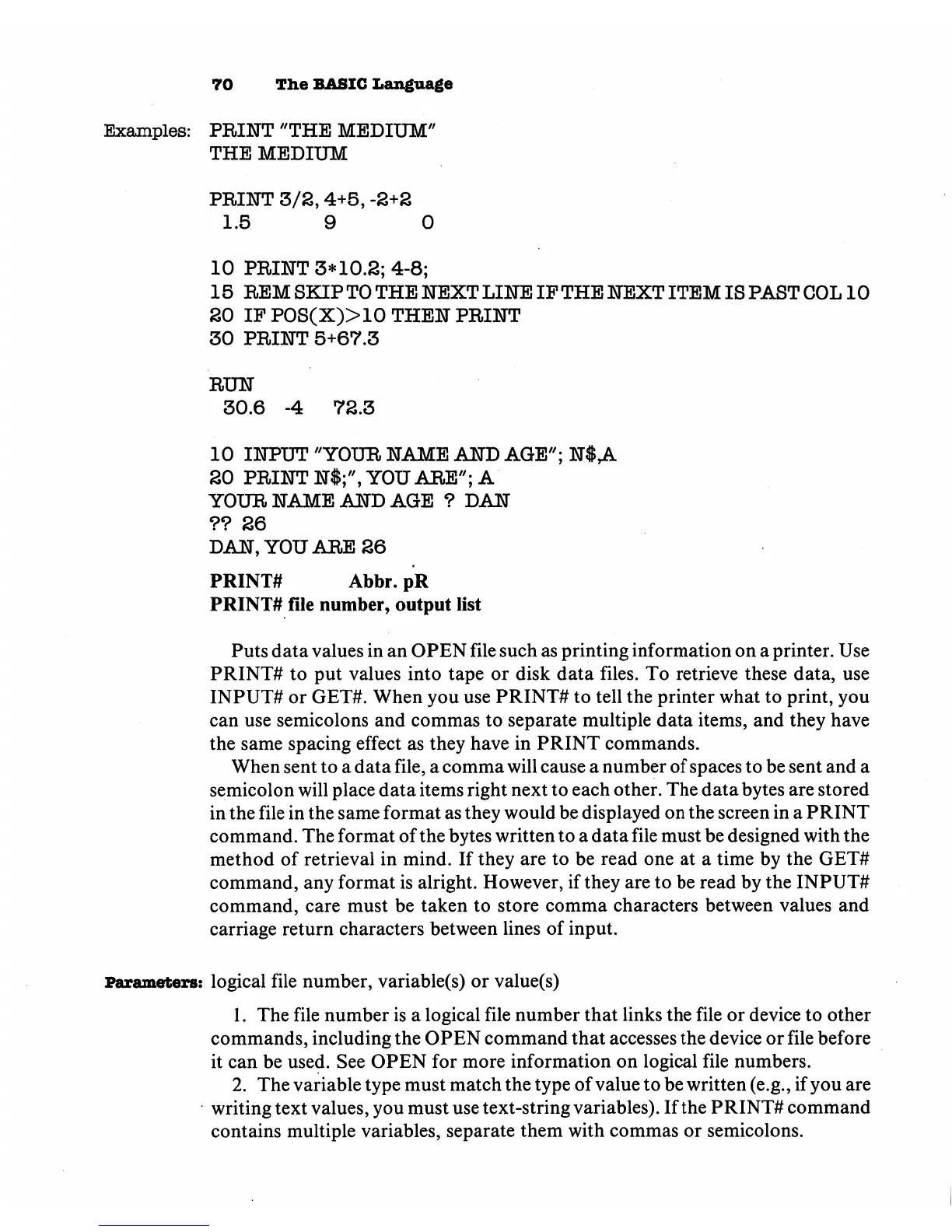
Examples:
PRINT
"THE
MEDIUM"
THE
MEDIUM
PRINT
3/2,4+5,
-2+2
1.5
9
0
10
PRINT
3*10.2;
4-8;
15
REM
SKIP
TO
THE
NEXT
LINE
IF
THE
NEXT
ITEM
IS
PAST
COL
10
20
IP
P0S(X)>10
THEN
PRINT
30
PRINT
5+67.3
RUN
30.6
-4
72.3
10
INPUT
"YOUR
NAME
AND
AGE";
N$
A
20
PRINT
N$;",
YOU
ARE";
A
YOUR
NAME
AND
AGE
?
DAN
??
26
DAN,
YOU
ARE
26
PRINT#
Abbr.
pR
PRINT#
file
number,
output
list
Puts
data
values
in
an
OPEN
file
such
as
printing
information
on
a
printer.
Use
PRINT#
to
put
values
into
tape
or
disk
data
files.
To
retrieve
these
data,
use
INPUT#
or
GET#.
When
you
use
PRINT#
to
tell
the
printer
what
to
print,
you
can
use
semicolons
and
commas
to
separate
multiple
data
items,
and
they
have
the
same
spacing
effect
as
they
have
in
PRINT
commands.
When
sent
to
a
data
file,
a
comma
will
cause
a
number
of
spaces
to
be
sent
and
a
semicolon
will
place
data
items
right
next
to
each
other.
The
data
bytes
are
stored
in
the
file
in
the
same
format
as
they
would
be
displayed
on
the
screen
in
a
PRINT
command.
The
format
of
the
bytes
written
to
a
data
file
must
be
designed
with
the
method
of
retrieval
in
mind.
If
they
are
to
be
read
one
at
a
time
by
the
GET#
command,
any
format
is
alright.
However,
if
they
are
to
be
read
by
the
INPUTS
command,
care
must
be
taken
to
store
comma
characters
between
values
and
carriage
return
characters
between
lines
of
input.
Parameters:
logical
file
number,
variable(s)
or
value(s)
1.
The
file
number
is
a
logical
file
number
that
links
the
file
or
device
to
other
commands,
including
the
OPEN
command
that
accesses
the
device
or
file
before
it
can
be
used.
See
OPEN
for
more
information
on
logical
file
numbers.
2.
The
variable
type
must
match
the
type of
value
to
be
written
(e.g.,
if
you
are
writing
text
values,
you
must
use
text-string
variables).
If
the
PRINT#
command
contains
multiple
variables,
separate
them
with
commas
or
semicolons.

Other manuals for Commodore Plus 4

Related product manuals