EasyManua.ls Logo

Commodore Plus 4 - Page 103

Commodore Plus 4
234 pages
Print Icon
To Next Page IconTo Next Page
To Previous Page IconTo Previous Page
Loading...
The
Char
Command
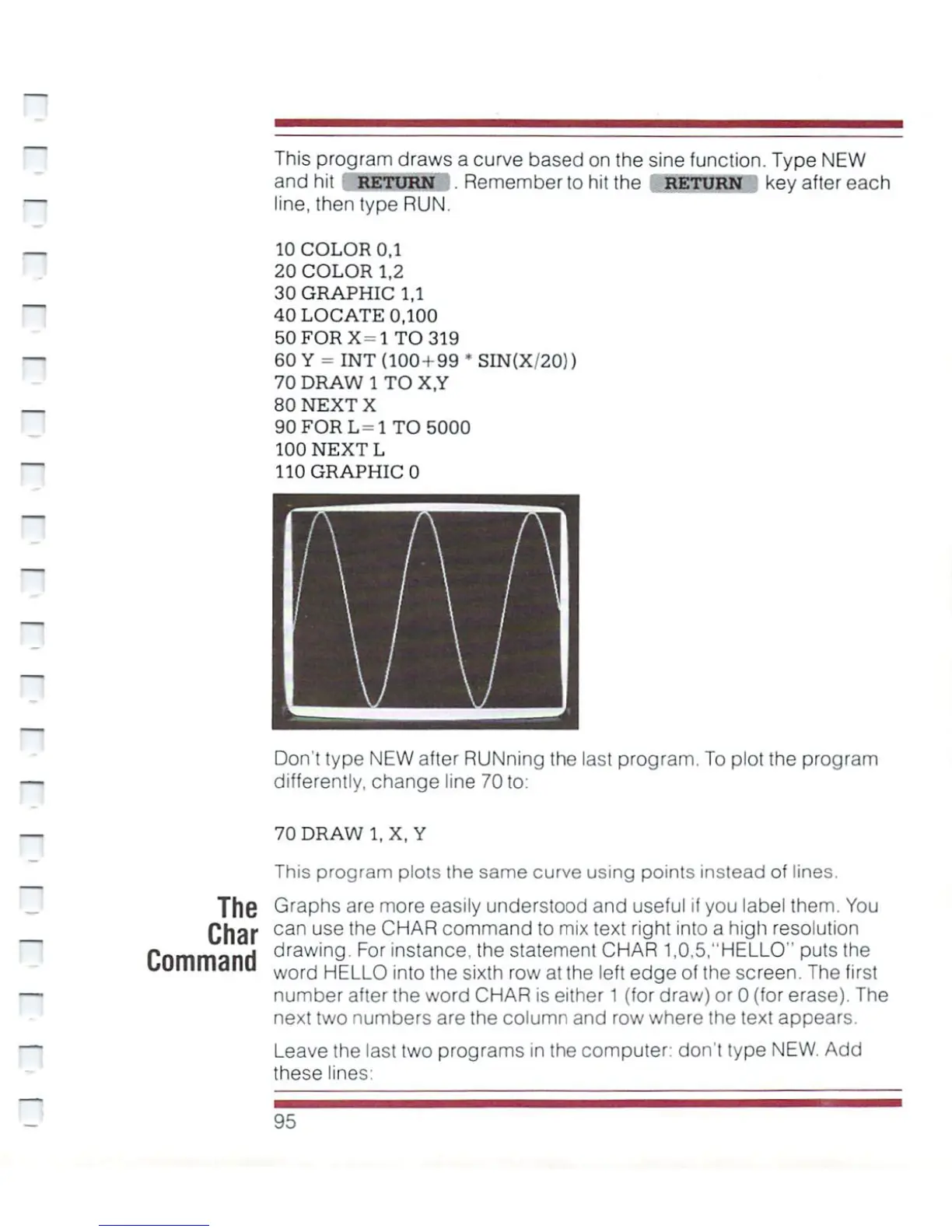
This
program
draws
a curve
based
on
the
sine
function.
Type
NEW
and
hit
RETURN
.
Remember
to
hit
the
RETURN
key
after
each
line,
then type
RUN.
10
COLOR
0.1
20
COLOR
1,2
30
GRAPHIC
1,1
40
LOCATE
0,100
50
FOR
X=l
TO
319
60
Y
=
INT
(100
+
99
*SIN(X/20))
70
DRAW
1
TO
X,Y
80
NEXT
X
90
FOR
L=l
TO
5000
100
NEXT
L
110
GRAPHIC
0
Don't
type
NEW
after
RUNning
the
last
program. To
plot
the
program
differently,
change
line
70
to:
70DRAW1.X,
Y
This
program
plots
Ihe
same
curve
using
points
instead
of
lines.
Graphs
are
more
easily
understood
and
useful
if
you
label
them.
You
can
use
the
CHAR
command
to
mix
text
right
into
a
high
resolution
drawing.
For
instance, the
statement
CHAR
1,0,5,"HELLO"
puts
the
word
HELLO
into
the
sixth
row
at
the
left
edge
of
the
screen.
The
first
number
after
the
word
CHAR
is
either
1
(for
draw)
or
0
(for
erase).
The
next
two
numbers
are
the
column
and
row
where
the
text
appears.
Leave
the
last
two
programs
in
the
computer:
don't
type
NEW.
Add
these
lines
95

Other manuals for Commodore Plus 4

Related product manuals