EasyManua.ls Logo

Commodore Plus 4 - Page 133

Commodore Plus 4
234 pages
Print Icon
To Next Page IconTo Next Page
To Previous Page IconTo Previous Page
Loading...
LIST
LIST
\firstline#]
[-[last
line
#]]
-
n
The
LIST
command
lets
you
look
at
lines
of
a
BASIC
program
that
have
been
typed
or
LOADed
into
the
Plus/4'S
memory.
When
used
alone
(without
any
numbers
following
it),
the
Plus/4
gives
a
complete
LISTing
of
the
program
on
your
screen,
which
may
be
slowed
down
by
holding
down
the
C*
key,
paused
by
CTRL
S
(unpaused
by
press
ing
any
other
key),
orSTOPped
by
hitting
the
RUN/STOP
key.
If
you
follow
the
word
LIST
with
a
line
number,
the Plus/4
only
shows
that
line
number.
If
you
type
LIST
with
two
numbers
separated
by a
dash,
the
Plus/4
shows
all
lines
from
the
first
to
the
second
line
number.
If
you
type
LIST
followed
by
a
number
and
just
a dash,
it
shows
all
the
lines
from
that
number
to
the
end
of
the
program.
And
if
you
type
LIST,
a dash,
and
then
a
number,
you
get
all
the
lines
from
the
beginning
of
the
program
to
that
line
number.
Using
these
variations,
you
can
examine
any
portion
of
a
program,
or easily
bring
lines
to
the
screen
for
modification.
n
n
n
n
n
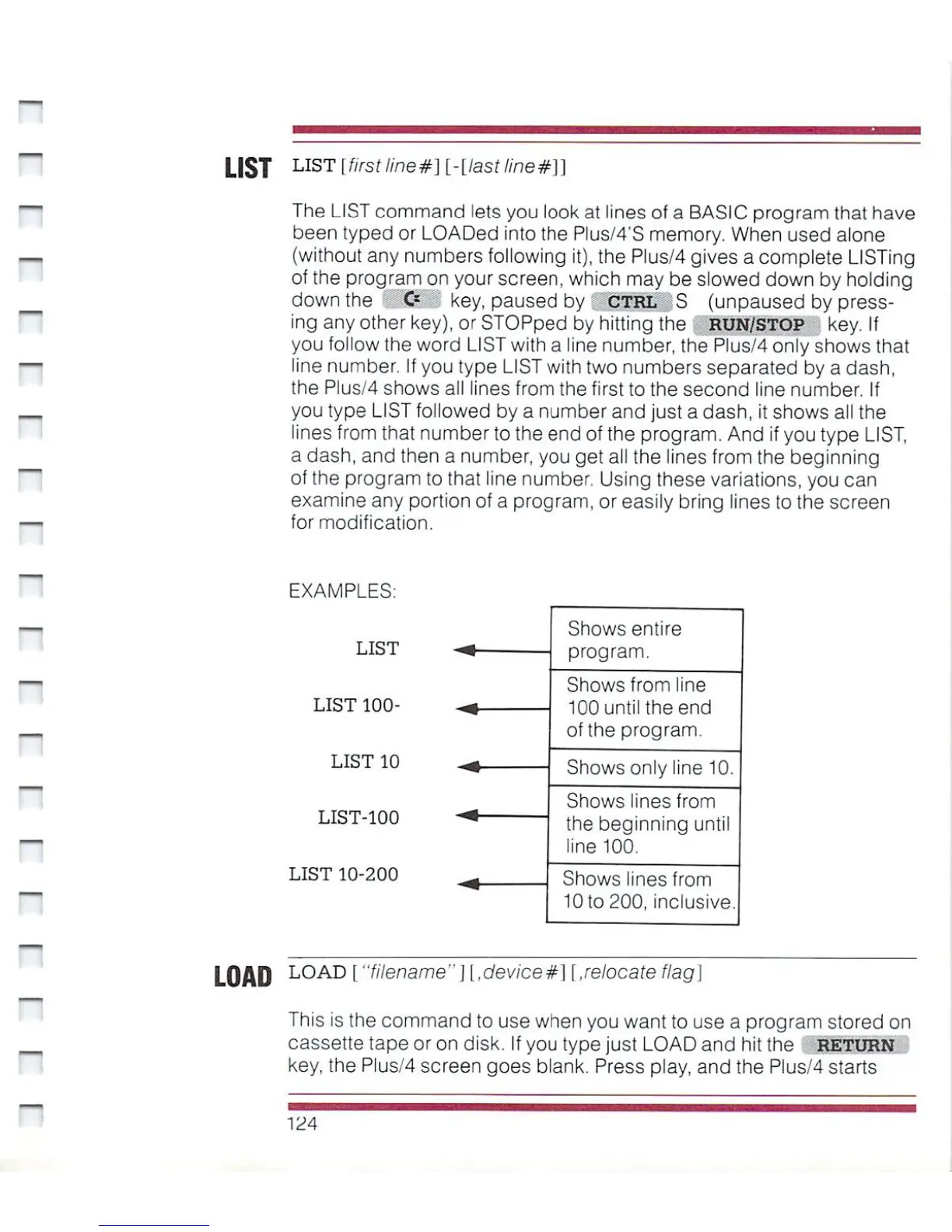
EXAMPLES:
LIST
LIST
100-
LIST
10
LIST-100
LIST
10-200
Shows
entire
program.
Shows
from
line
100
until
the
end
of
the
program.
Shows
only
line
10.
Shows
lines
from
the
beginning
until
line
100.
Shows
lines
from
10
to
200,
inclusive.
LOAD
L0AD
["filename"][,device#]
[.relocate
flag\
This
is
the
command
to
use
when
you
want
to
use
a
program
stored
on
cassette
tape
or
on
disk.
If
you
type
just
LOAD
and
hit
the
RETURN
key,
the
Plus/4
screen
goes
blank.
Press
play,
and
the
Plus/4
starts
124

Other manuals for Commodore Plus 4

Related product manuals