EasyManua.ls Logo

Commodore Plus 4 - Page 144

Commodore Plus 4
234 pages
Print Icon
To Next Page IconTo Next Page
To Previous Page IconTo Previous Page
Loading...
ried
away.
To
figure
the
number
of
variables
created
with
each
DIM,
multiply
the
total
number
of
elements
in
each
dimension
of
the
array.
(Each
array
starts
with
element
0.)
NOTE:
Integer
(single-digit)
arrays
take
up
2/5ths
of
the
space
of
floating
point
arrays.
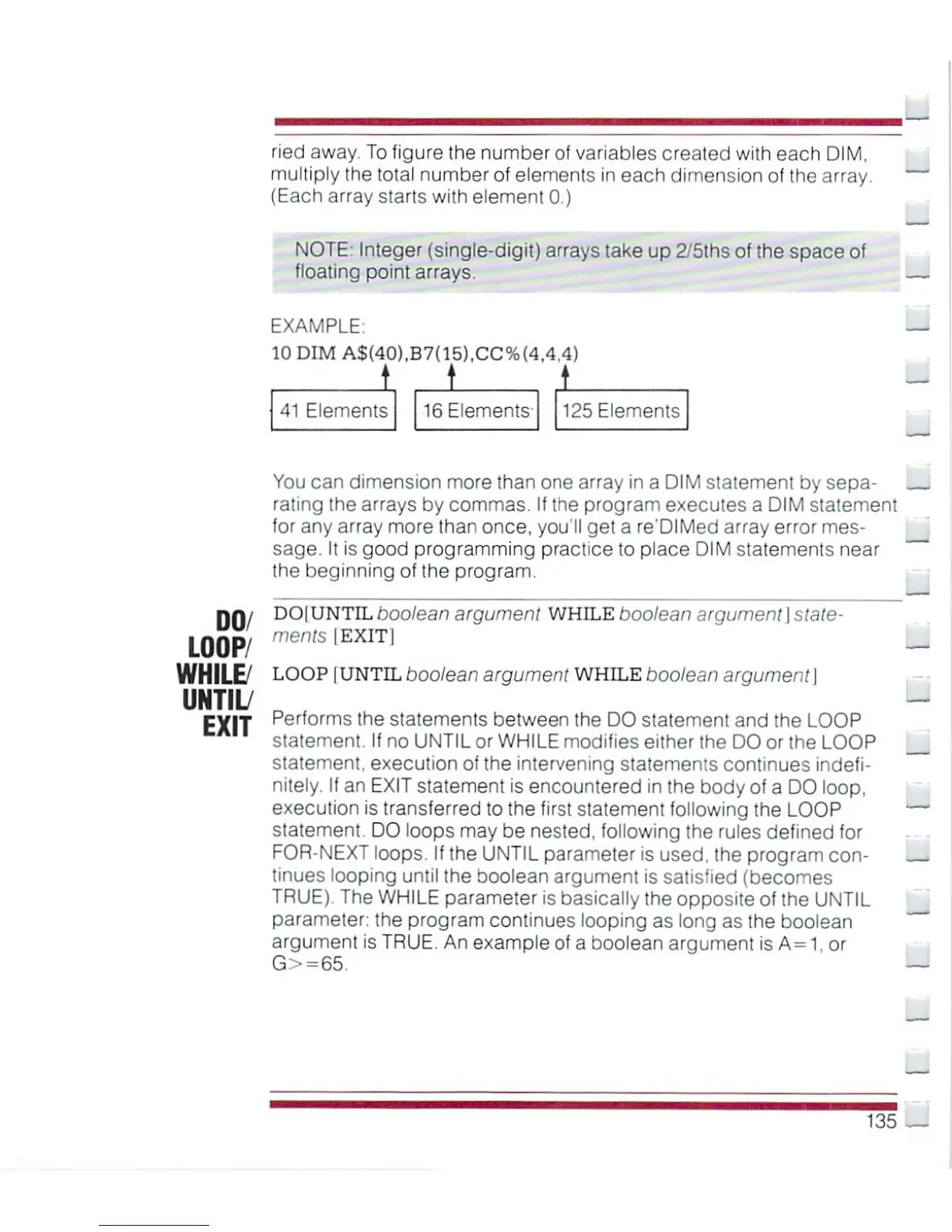
EXAMPLE:
10
DIM
A${40),B7(15),CC%(4,4,4)
L
t
1
41
Elements
16
Elements
125
Elements
DO/
LOOP/
WHILE/
UNTIL/
EXIT
You
can
dimension
more
than
one
array
in
a
DIM
statement by
sepa
rating
the
arrays
by
commas.
If
the
program
executes
a
DIM
statement
for
any
array
more
than
once,
you'll
get
a
re'DIMed
array
error
mes
sage.
It
is
good
programming
practice
to
place
DIM
statements
near
the
beginning
of
the
program.
DO|
UNTIL
boolean
argument
WHILE
boolean
argument
\
state
ments
|EXIT|
LOOP
|
UNTIL
boolean
argument
WHILE
boolean
argument\
Performs
the
statements
between
the
DO
statement
and
the
LOOP
statement.
If
no
UNTIL
or
WHILE
modifies
either
the
DO
or
the
LOOP
statement,
execution
of
the
intervening
statements
continues
indefi
nitely.
If
an EXIT
statement
is
encountered
in
the
body
of
a
DO
loop,
execution
is
transferred
to
the
first
statement
following
the
LOOP
statement.
DO
loops
may
be
nested,
following
the
rules
defined
for
FOR-NEXT
loops.
If
the
UNTIL
parameter
is
used,
the
program
con
tinues
looping
until
the
boolean
argument
is
satisfied
(becomes
TRUE).
The
WHILE
parameter
is
basically
the
opposite
of
the
UNTIL
parameter:
the
program
continues
looping
as
long
as
the
boolean
argument
is
TRUE.
An
example
of
a
boolean
argument
is
A=1.
or
G>=65.
135

Other manuals for Commodore Plus 4

Related product manuals