EasyManua.ls Logo

Commodore Plus 4 - Page 146

Commodore Plus 4
234 pages
Print Icon
To Next Page IconTo Next Page
To Previous Page IconTo Previous Page
Loading...
seconds,
in
case
you
need
something
counted,
or
something
must
be
done
a
certain
number
of
limes
(such as
printing).
The
loop
variable
is
the variable
that
is
added
to
or
subtracted
from
during
the
FOR/NEXT
loop.
The
start
value
and
the
end
value
are
the
beginning
and
ending
counts
for
the
loop
variable.
The
logic
of
the
FOR
statement
is
as
follows:
First,
the
loop
variable
is
set
to
the
start
value.
When
the
program
reaches
a
line
with
the
com
mand
NEXT,
it
adds
the
STEP
increment
(default
=
1) to
the
value
of
the
loop
variable
and
checks
to
see
if
it
is
higher
than
the
end
of
loop
vaiue.
If
it
is
not
higher,
the
next
line
executed
is
the
statement
im
mediately
following
the
FOR
statement.
If
the
loop
variable
is
larger
than
the
end
of
loop
number,
then
the
next
statement
executed
is
the
one
following
the
NEXT
statement.
See
also
the
NEXT
statement.
EXAMPLE:
10
FOR
L -
1
TO
10
20
PRINT
L
30
NEXT
L
40
PRINT
"I'M
DONE!
L -
"L
This
program
prints
the
numbers
from
one
to
ten
on
the
screen,
fol
lowed
by
the
message
I'M
DONE!
L
=
11.
The end
of
loop
value
may
be
followed
by
the
word
STEP
and
another
number
or
variable.
In
this
case,
the
value
following
the
STEP
is
added
each
time
instead
of
one.
This
allows
you
to
count
backwards,
by
frac
tions,
or
any
way
necessary.
You
can
set
up
loops
inside
one
another. This
is
known
as
nesting
loops.
You
must
be
careful
to
nest
loops
so
that
the
iast
loop
to
start
is
the
first
one
to
end.
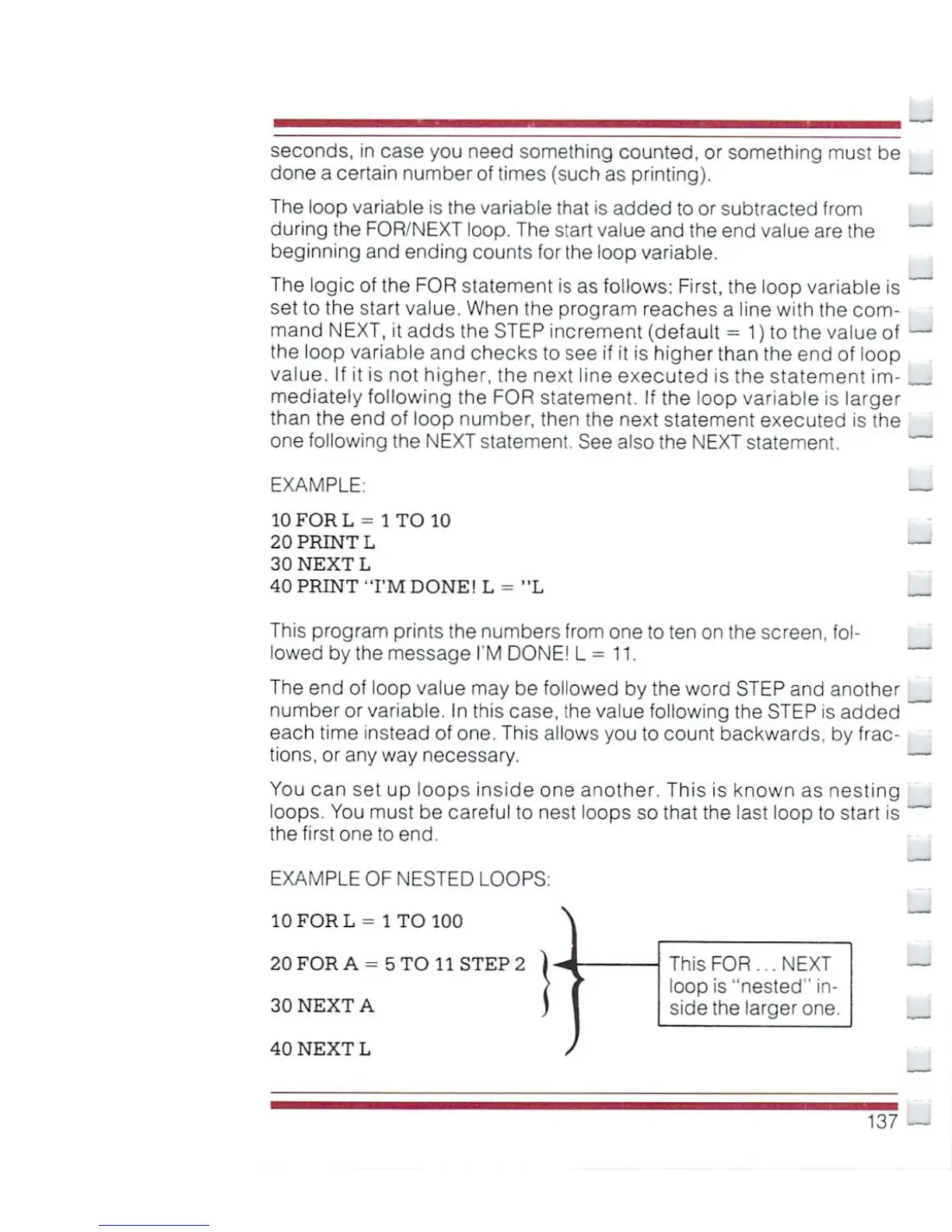
EXAMPLE
OF
NESTED
LOOPS:
10
FOR
L
-
1
TO
100
20
FOR
A
-
5
TO
11
STEP
2
30
NEXT
A
40NEXTL
\
This
FOR...
NEXT
loop
is
"nested"
in
side
the
larger
one.
137

Other manuals for Commodore Plus 4

Related product manuals