EasyManua.ls Logo

Commodore Plus 4 - Page 150

Commodore Plus 4
234 pages
Print Icon
To Next Page IconTo Next Page
To Previous Page IconTo Previous Page
Loading...
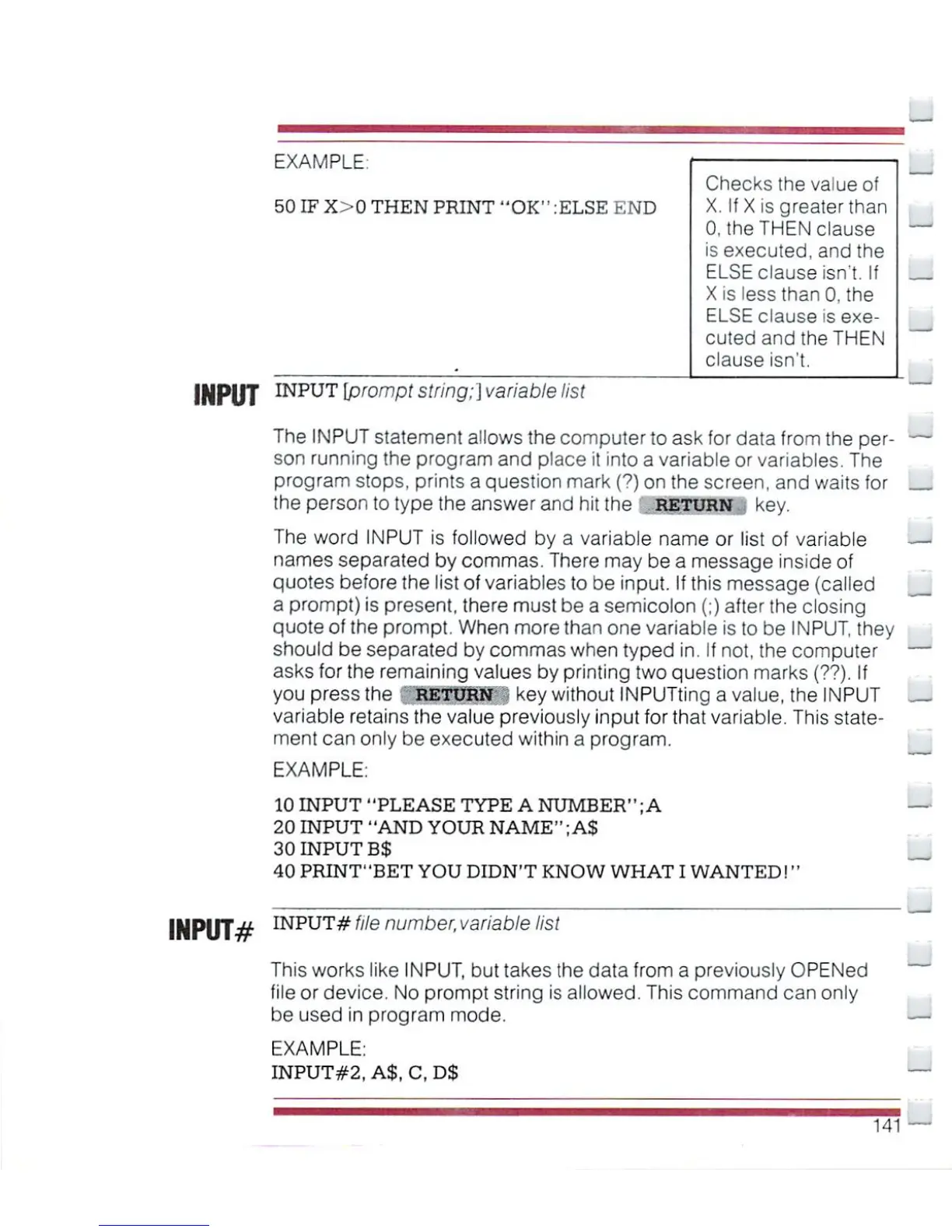
EXAMPLE:
50
IF
X>0
THEN
PRINT
"OK"
:ELSE
END
Checks
the
value
of
X.
If
X
isgreaterthan
0,
the
THEN
clause
is
executed,
and
the
ELSE
clause
isn't.
If
X
is
less
than
0,
the
ELSE
clause
is
exe
cuted
and
the
THEN
clause
isn't.
INPUT
INPUT
\Prompt
string;]
variable
list
The
INPUT
statement
allows
the
computer
to
ask
for
data from
the
per-
son
running
the
program
and
place
it
into
a variable
or
variables.
The
program
stops,
prints
a
question
mark
(?)
on
the
screen,
and
waits
for
the
person
to
type
the
answer
and
hit
the
return
.
key.
The
word
iNPUT
is
followed
by
a variable
name
or
list
of
variable
—I
names
separated
by
commas.
There
may
be
a
message
inside
of
quotes
before
the
list
of
variables
to
be
input.
If
this
message
(called
a
prompt)
is
present,
there
must
be
a
semicolon
(;)
after
the
closing
quote
of
the
prompt.
When
more
than
one
variable
is
to
be
INPUT,
they
should
be
separated
by
commas
when
typed
in.
If
not,
the
computer
asks
for
the
remaining
values
by
printing
two
question
marks
(??).
If
you
press
the
RETURNS
key
without
INPUTting
a
value,
the
INPUT
variable
retains
the
value
previously
input
for
that
variable.
This
state
ment
can
only
be
executed
within
a
program.
EXAMPLE:
10
INPUT
"PLEASE
TYPE
A
NUMBER11;
A
20
INPUT
"AND
YOUR
NAME";AS
30
INPUT
B$
40
PRINT'
'BET
YOU
DIDN'T
KNOW
WHAT
I
WANTED!''
INPUT-#
INPUT#Me
nun
/
er.variable
list
This
works
like
INPUT,
but
takes
the
data
from a
previously
OPENed
file
or
device.
No
prompt
string
is
allowed.
This
command
can
only
be
used
in
program
mode.
EXAMPLE:
INPUT#2,
A$,
C,D$

Other manuals for Commodore Plus 4

Related product manuals