EasyManua.ls Logo

Commodore Plus 4 - Page 166

Commodore Plus 4
234 pages
Print Icon
To Next Page IconTo Next Page
To Previous Page IconTo Previous Page
Loading...
MORE
ON
GRAPHIC
STATEMENTS
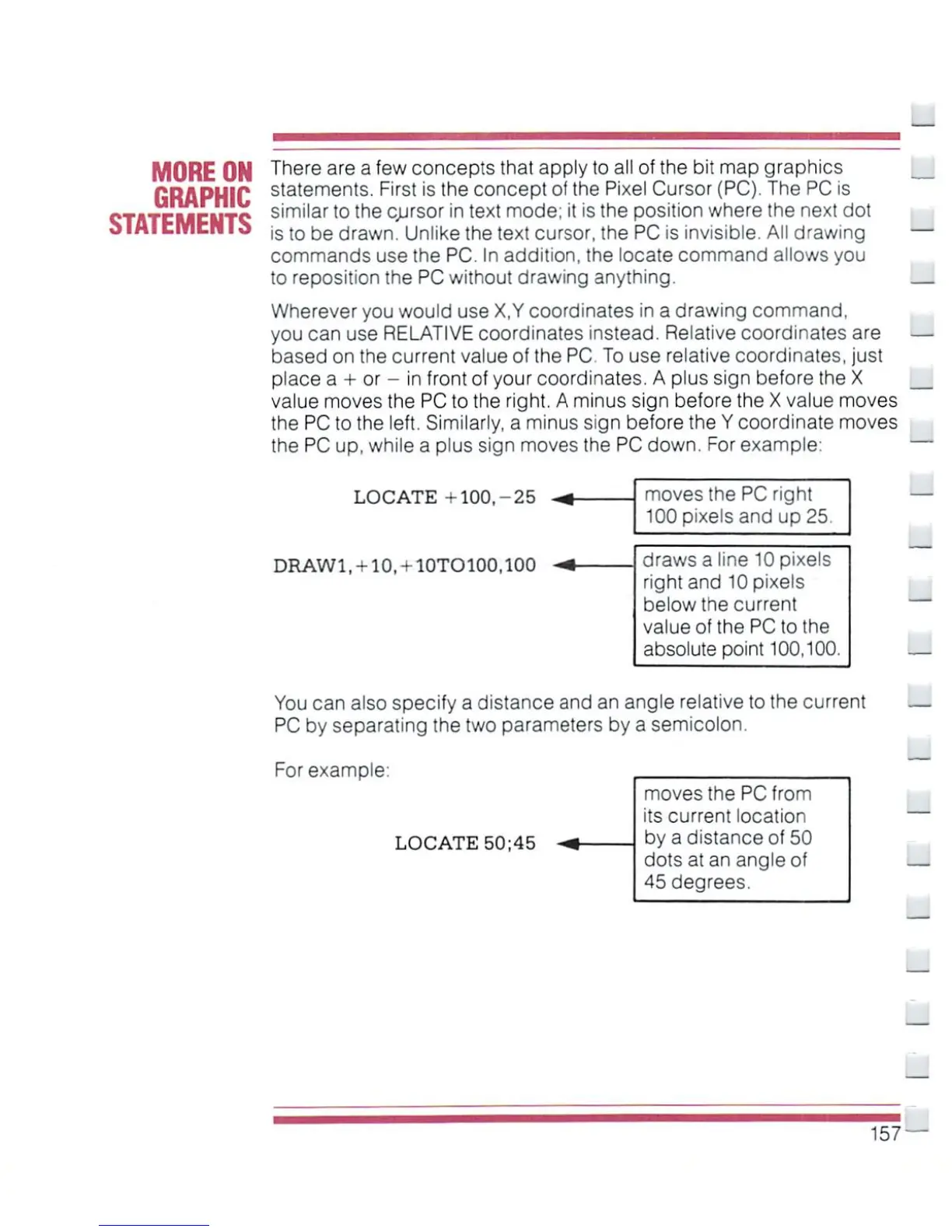
There
are
a
few
concepts
that
apply
to
all
of
the
bit
map
graphics
statements.
First
is
the
concept
of
the
Pixel
Cursor
(PC).
The
PC
is
similar
to
the
cursor
in
text
mode;
it
is
the
position
where
the next
dot
is
to
be
drawn.
Unlike
the
text
cursor,
the
PC
is
invisible.
All
drawing
commands
use
the
PC.
In
addition,
the locate
command
allows
you
to
reposition
the
PC
without
drawing
anything.
Wherever
you
would
use
X,Y coordinates
in
a
drawing
command,
you
can
use
RELATIVE
coordinates
instead.
Relative
coordinates
are
based
on
the
current
value
of
the
PC
To
use
relative
coordinates,
just
place
a
+
or
-
in
front
of
your
coordinates.
A
plus sign
before
the
X
value
moves
the
PC
to
the
right.
A
minus
sign
before
the
X
value
moves
the
PC
to
the
left.
Similarly,
a
minus
sign
before
the
Y
coordinate
moves
the
PC
up,
while
a
plus
sign
moves
the
PC
down.
For
example:
LOCATE
+100,-25
DRAWl,
+
10,
+
10TO100,100
moves
the
PC
right
100
pixels
and
up
25.
draws
a
line
10
pixels
right
and
10
pixels
below
the
current
value
of
the
PC
to
the
absolute
point
100,100.
You can
also
specify
a
distance
and
an
angle
relative
to
the current
PC
by
separating
the
two
parameters by
a
semicolon.
For
example:
LOCATE
50;45
moves
the
PC
from
its
current
location
by
a
distance
of
50
dots
at
an
angle
of
45
degrees.
157

Other manuals for Commodore Plus 4

Related product manuals