EasyManua.ls Logo

Commodore Plus 4 - Page 182

Commodore Plus 4
234 pages
Print Icon
To Next Page IconTo Next Page
To Previous Page IconTo Previous Page
Loading...
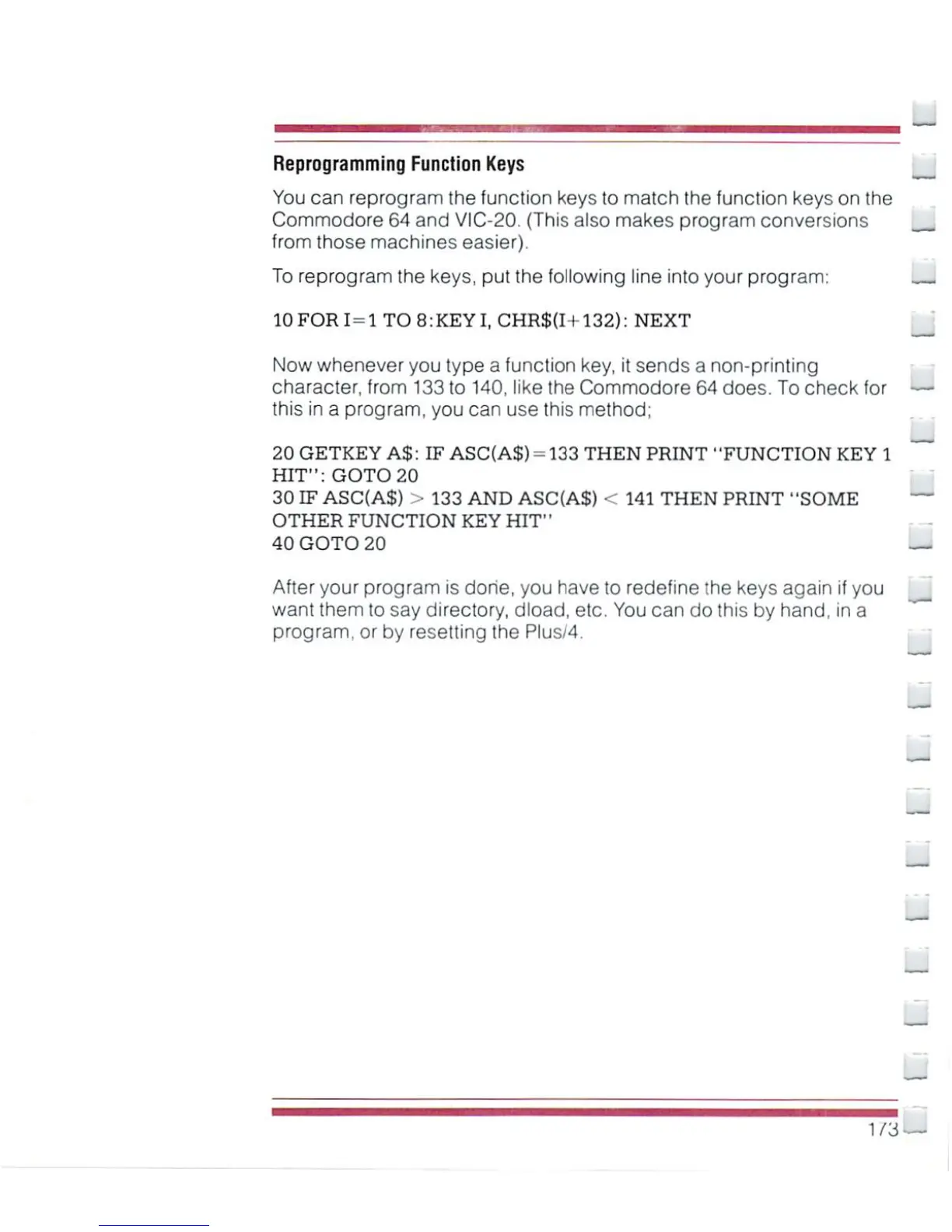
Reprogramming
Function
Keys
You
can
reprogram
the function
keys
to
match
the
function
keys
on
the
Commodore
64
and
VIC-20.
(This
also
makes
program
conversions
H
from those
machines
easier).
To
reprogram
the keys, put the
following
line into
your
program:
10FORI=1
T08:KEYI,
CHR$(I+132):
NEXT
Now
whenever
you
type
a
function
key,
it
sends
a
non-printing
character,
from
133
to
140,
like
the
Commodore
64
does.
To
check
for
this
in
a
program,
you can use
this
method;
20
GETKEY
A$:
IF
ASC(A$)
-133
THEN
PRINT
"FUNCTION KEY
1
HIT":
GOTO
20
30
IF
ASC(A$)
>
133
AND
ASC(A$)
<
141
THEN
PRINT
"SOME
OTHER
FUNCTION
KEY
HIT"
40
GOTO
20
After
your
program
is
done,
you
have
to
redefine
the
keys
again
if
you
want
them
to
say
directory,
dload,
etc.
You
can
do
this
by
hand,
in
a
program,
or
by
resetting
the
Plus/4.
173

Other manuals for Commodore Plus 4

Related product manuals