EasyManua.ls Logo

Commodore Plus 4 - Page 87

Commodore Plus 4
234 pages
Print Icon
To Next Page IconTo Next Page
To Previous Page IconTo Previous Page
Loading...
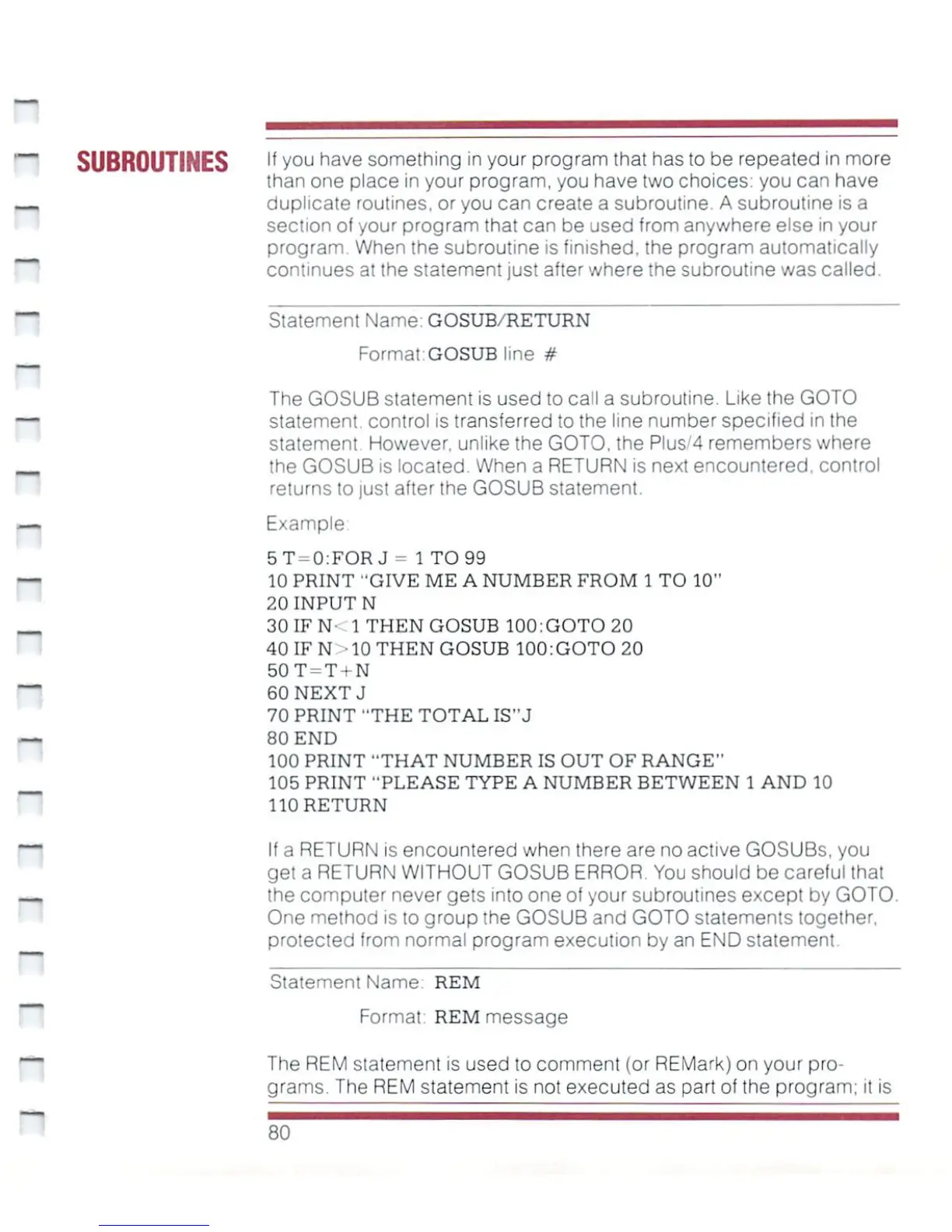
SUBROUTINES
lf
y°u
have
something
in
your
program
that
has
to
be
repeated
in
more
than
one
place
in
your
program,
you
have
two
choices:
you can have
duplicate
routines,
or
you
can
create
a
subroutine.
A
subroutine
is
a
section
of
your
program
that
can
be
used
from
anywhere
else
in
your
program
When
the
subroutine
is
finished,
the
program
automatically
continues
at
the
statement
just
after
where
the
subroutine
was
called.
Statement
Name-
GOSUB/RETURN
Format:GOSUBIine
#
The
GOSUB
statement
is
used
to
call
a
subroutine.
Like
the
GOTO
statement,
control
is
transferred
to
the
line
number
specified
in
the
statement
However,
unlike
the
GOTO,
the Plus/4
remembers
where
the
GOSUB
is
located.
When
a
RETURN
is
next
encountered,
control
returns
to
just
after
the
GOSUB
statement.
Example
5T
=
0:FORJ
=
1
TO
99
10
PRINT
"GIVE
ME
A
NUMBER
FROM
1
TO
10"
20
INPUT
N
30IFN-
1
THEN
GOSUB
100:GOTO
20
40IFN
10
THEN
GOSUB
100:GOTO
20
50T
=
T
+
N
60
NEXTJ
70
PRINT
"THE
TOTAL
IS"J
80
END
100
PRINT
"THAT
NUMBER
IS
OUT
OF
RANGE"
105
PRINT
"PLEASE
TYPE
A
NUMBER
BETWEEN
1
AND
10
110
RETURN
If
a
RETURN
is
encountered
when
there
are
no
active
GOSUBs,
you
get
a
RETURN
WITHOUT
GOSUB
ERROR
You
should
be
careful
that
the
computer
never
gets
into
one
of
your
subroutines
except
by
GOTO.
One
method
is
to
group
the
GOSUB
and
GOTO
statements
together,
protected
from
normal
program
execution
by an
END
statement.
Statement
Name
REM
Format
REM
message
The
REM
statement
is
used
to
comment
(or
REMark)
on
your
pro
grams.
The
REM
statement
is
not
executed
as
part
of
the
program;
it
is
80

Other manuals for Commodore Plus 4

Related product manuals