EasyManua.ls Logo

Commodore Plus 4 - Page 94

Commodore Plus 4
234 pages
Print Icon
To Next Page IconTo Next Page
To Previous Page IconTo Previous Page
Loading...
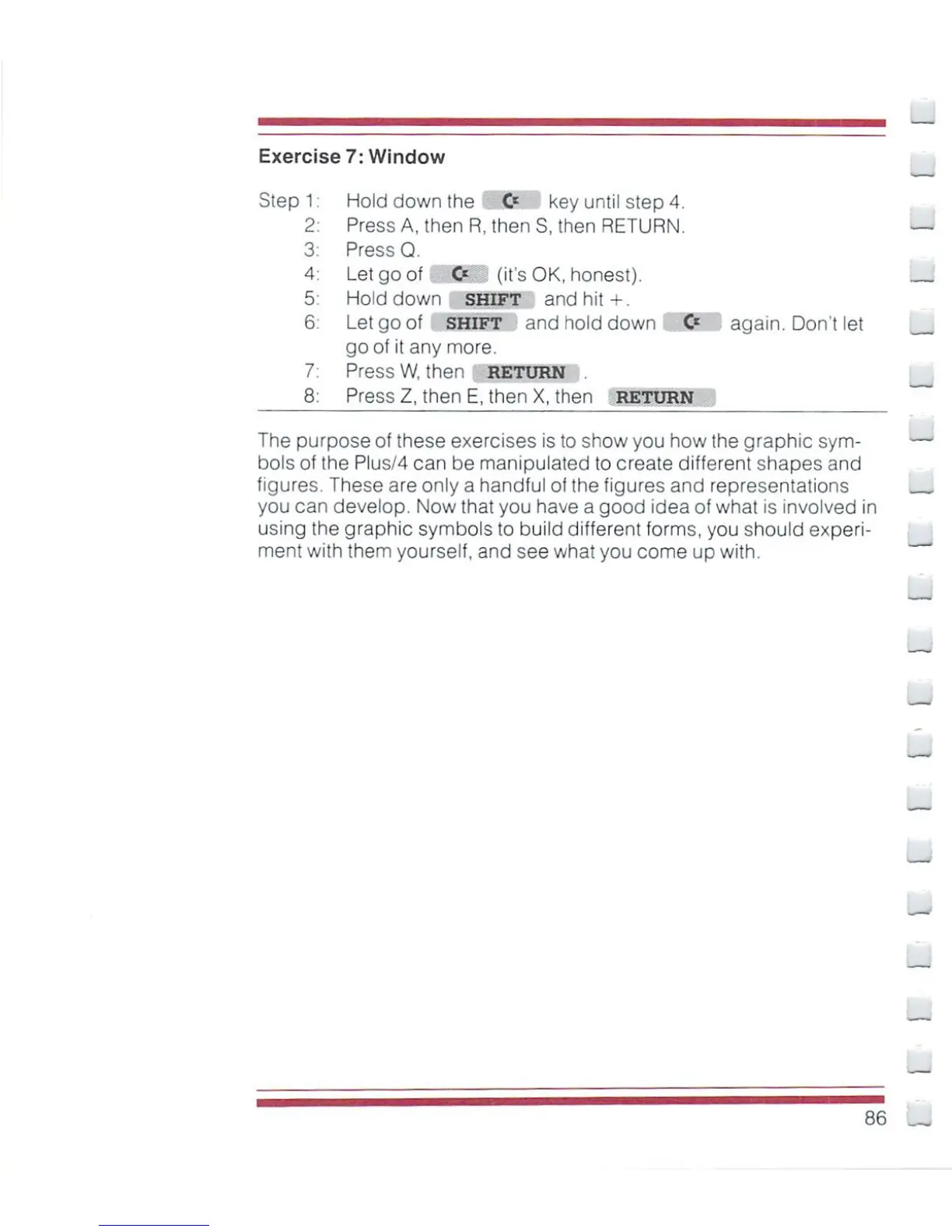
Exercise
7:
Window
Step
1:
Hold
down
the
0=
key
until
step
4.
2:
Press
A,
then
R,
then
S,
then
RETURN.
3:
Press
Q.
4:
Let
go
of
0=
(its
OK,
honest).
5 Hold
down
SHIFT
and
hit+.
6.
Let
go
of
SHIFT
and
hold
down
&
again.
Don't
let
goof
it
any
more.
7:
Press
W,
then
RETURN
.
8:
Press
Z,
then
E,
then
X,
then
RETURN
The
purpose
of
these
exercises
is
to
show
you
how
the
graphic
sym-
bols
of
the
Plus/4
can
be
manipulated
to
create
different
shapes and
figures.
These
are
only
a
handful
of
the
figures
and
representations
,
you
can
develop.
Now
that
you
have
a
good
idea
of
what
is
involved
in
using
the
graphic
symbols
to
build
different
forms,
you
should
experi
ment
with
them
yourself,
and
see what you
come
up
with.
B6

Other manuals for Commodore Plus 4

Related product manuals