Last update: 2021/12/18 01:44 systems:c20 https://wiki.batocera.org/systems:c20
https://wiki.batocera.org/ Printed on 2022/04/18 09:34
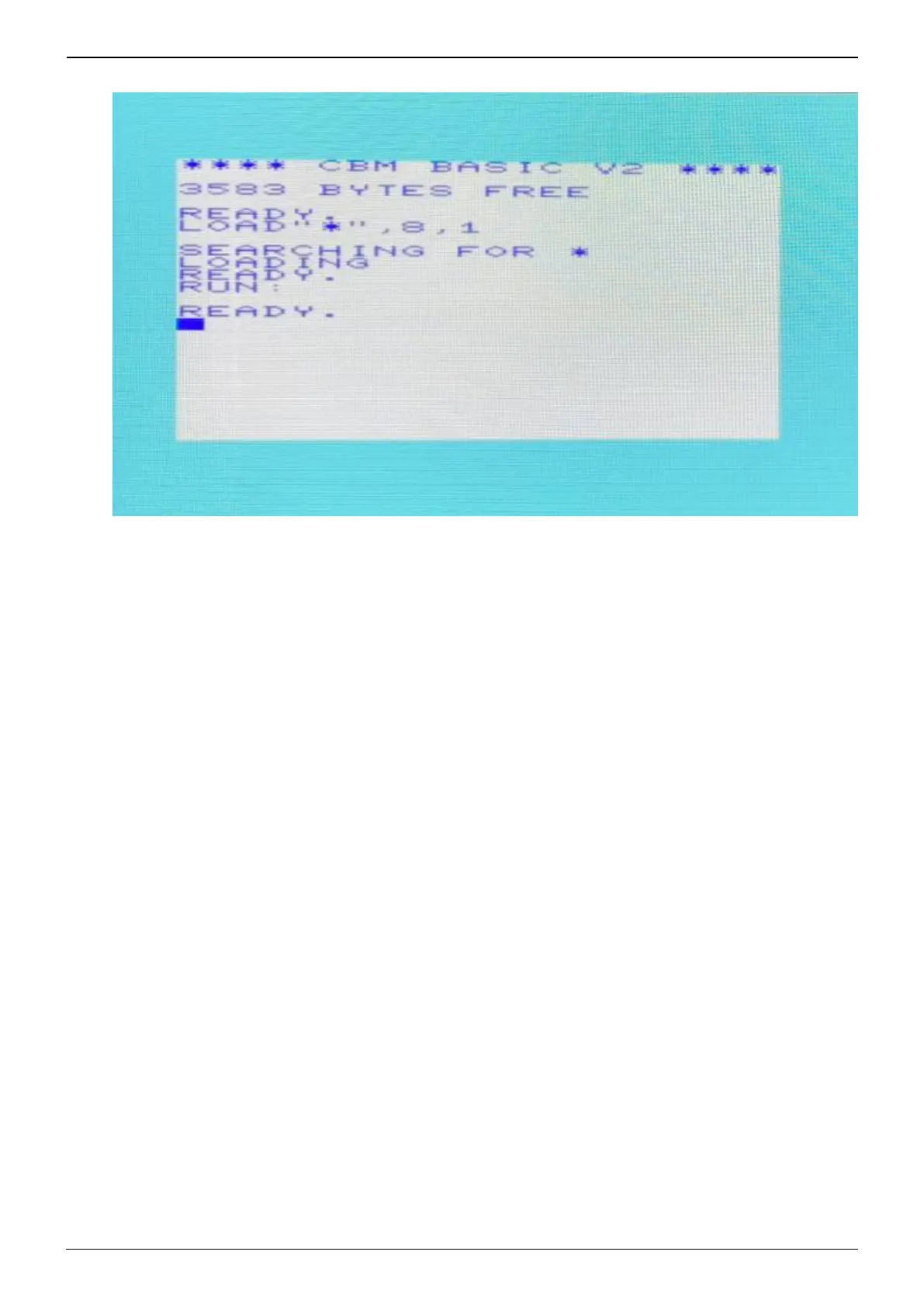
Launch the game, and you will be greeted with the following screen1.
Open VICE's menu with [START].2.
Go to Cartridge → Add to generic cartridge.3.
Choose the cartridge type appropriate to your ROM (“4/8KiB” is fine for most).4.
Select your intended ROM.5.







 To Next Page