92
The VIC 20
User
Guide
Control
Statements
In every program, the sequence of the statements executed
is
every bit
as important as the statements themselves. VIC BASIC has several state-
ments
that
control the way a program executes, hence the name "control
statements. "
Control statements redirect the execution sequence of a program.
Some control statements choose one of many paths program logic can take;
others execute several statements a specified number of times.
FOR-NEXT
Statement
GOTO and computed GOTO statements let you create any type of
statement execution sequence that your program logic requires. But sup-
pose you want to reexecute
an
instruction (or a group of instructions) many
times.
For
example, suppose array variable A(l) has
100
elements and each
element needs to be assigned a value ranging from 0 to
99.
Writing a hundred
assignment statements would be tedious.
It
is
far simpler to reexecute one
statement
100
times. This can be done using the
FOR
and NEXT
statements.
10
DIM
Fl(99)
20
FOR
I-e
TO
99
STEP
1
30
AO)-!
40
NEXT
I
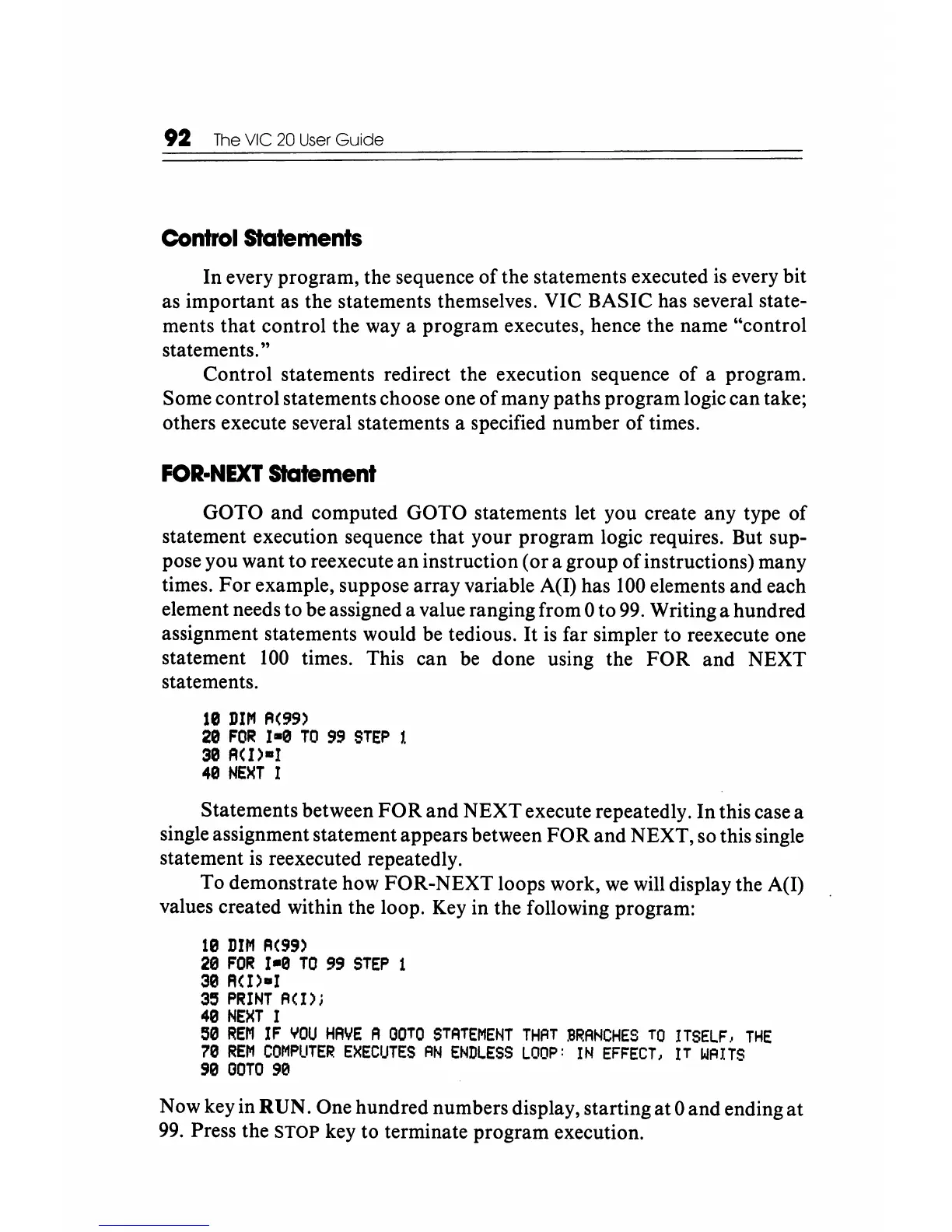
Statements between
FOR
and NEXT execute repeatedly. In this case a
single assignment statement appears between
FOR
and NEXT, so this single
statement
is
reexecuted repeatedly.
To demonstrate how FOR-NEXT loops work,
we
will display the A(I)
values created within the loop.
Key
in the following program:
10
DIM
A(99)
20
FOR
I-a
TO
99
STEP
1
30
FlO)-I
35
PRINT
A(I)j
40
NEXT
I
50
REM
I F
YOU
HAVE
A
OOTO
STATEMENT
THAT
BRANCHES
TO
ITSELF.,
THE
70
REM
COMPUTER
EXECUTES
AN
ENDLESS
LOOP:
IN
EFFECT,
IT
WAITS
90
OOTO
90
Now key in RUN. One hundred numbers display, starting
at
0 and ending
at
99.
Press the STOP key to terminate program execution.






 To Next Page