Chapter
3:
Programming
the
VIC 20
Computer
109
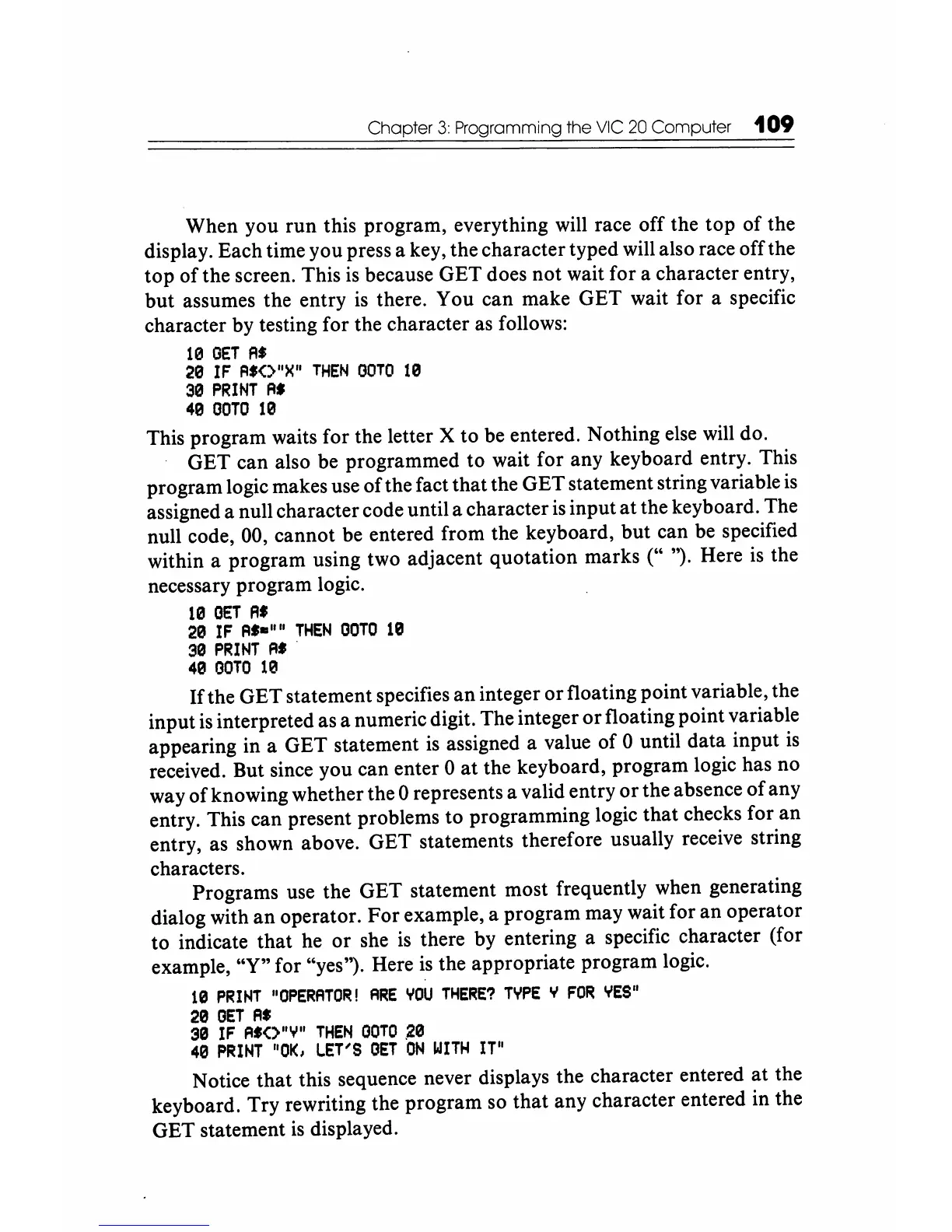
When you run this program, everything will race off the top
of
the
display. Each time you press a key, the character typed will also race off the
top of the screen. This
is
because GET does not wait for a character entry,
but assumes the entry
is
there. You can make GET wait for a specific
character by testing for the character
as
follows:
10
GET
A.
20
IF
FI.<>"X"
THEN
GOTO
10
30
PRINT
Fl.
49
GOTO
19
This program waits for the letter X to be entered. Nothing else
will
do.
GET can also be programmed to wait for any keyboard entry. This
program logic makes use of the fact that the GET statement string variable
is
assigned a null character code until a character
is
input
at
the keyboard. The
null code, 00, cannot be entered from the keyboard, but can be specified
within a program using two adjacent quotation marks (" ''). Here
is
the
necessary program logic.
10
GET
A.
29
IF
FI,_"
II
THEN
GOTO
10
30
PRINT
A
•.
40
GOTO
10
If
the GET statement specifies
an
integer
or
floating point variable, the
input
is
interpreted as a numeric digit. The integer
or
floating point variable
appearing in a GET statement
is
assigned a value of 0 until data input
is
received. But since you can enter 0
at
the keyboard, program logic has no
way
of
knowing whether the 0 represents a valid entry
or
the absence
of
any
entry. This can present problems to programming logic that checks for an
entry, as shown above. GET statements therefore usually receive string
characters.
Programs use the GET statement most frequently when generating
dialog with
an
operator.
For
example, a program may wait for
an
operator
to indicate that he
or
she
is
there by entering a specific character (for
example, "Y" for "yes''). Here
is
the appropriate program logic.
U!)
PRINT
"OPERATOR!
ARE
YOU
THERE?
TYPE
Ii
FOR
YES"
20
GET
Fl.
30
IF
FI'<>"Y"
THEN
GOTO
20
40
PRINT
1101(,
LET'S
GET
'ON
WITH
IT"
Notice that this sequence never displays the character entered at the
keyboard. Try rewriting the program so that any character entered in the
GET statement
is
displayed.






 To Next Page