Chapter
4:
Advanced
BASIC
Programming 137
the day
or
the year. This
is
because the day and year are not used very often,
but
the month
is
used in lines
90
through
140.
You will save
both
memory
and execution time by using a numeric representation of the month.
It
does take more time to write a good
data
entry program
that
checks
for valid data input, allowing the operator to restart
at
any time. Is the extra
time worthwhile?
By
all means, yes. You will write a program once, while
an
operator may have
to
run
the program hundreds or thousands of times.
Thus, by spending extra programming time once, you may save operators
hundreds or thousands of delays.
Formatted Data Input
The best way of handling multi-item
data
entry
is
to display a form and
then fill it in as data
is
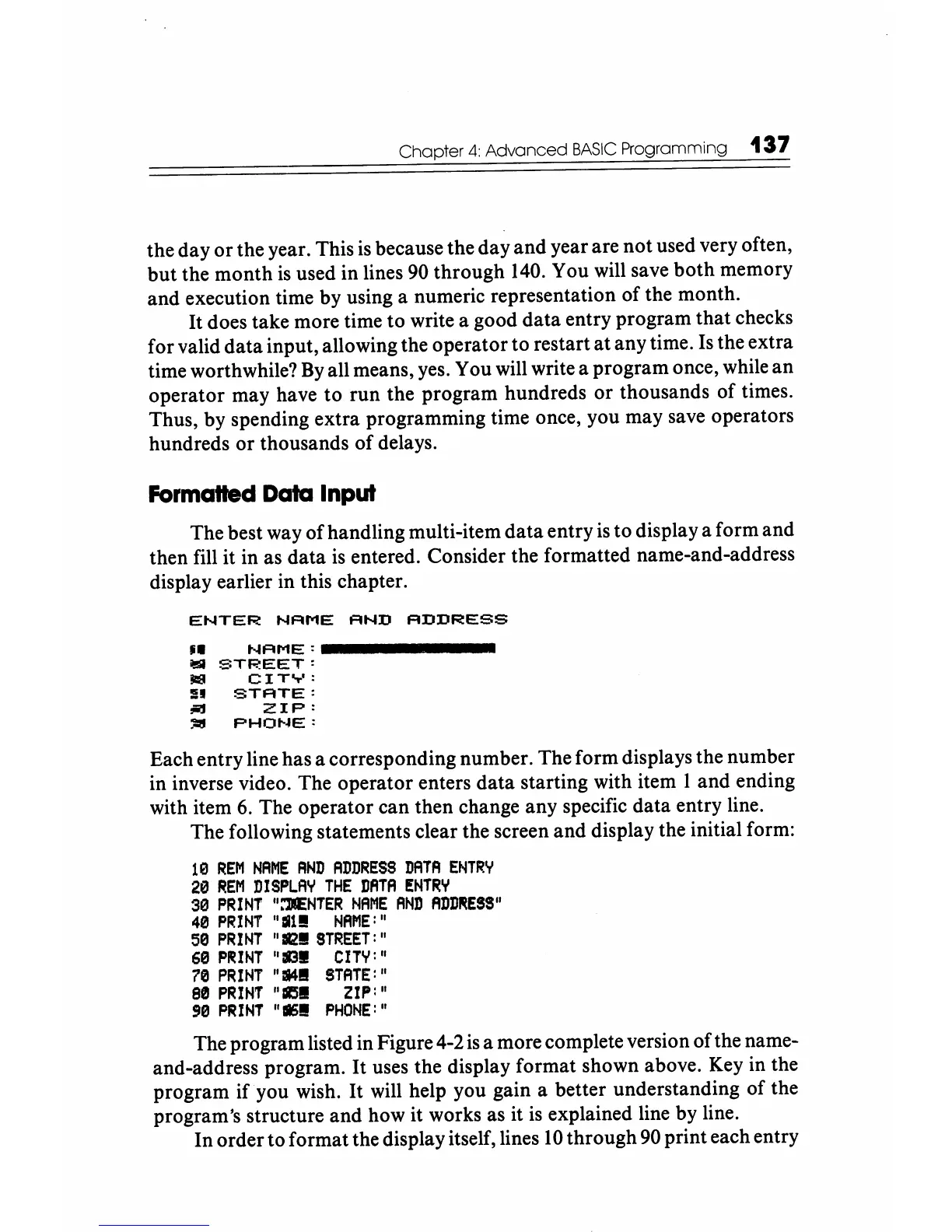
entered. Consider the formatted name-and-address
display earlier in this chapter.
ENTER
NAME
AND
ADDRESS
~.
NAME:
_______
_
iI!lI
STREET:
..
CIT
...
·:
:n
STATE:
..,
ZIP:
:iI:I!I
PHOt-~E:
Each entry line has a corresponding number. The form displays the number
in inverse video. The operator enters data starting with item 1 and ending
with item
6.
The operator can then change any specific data entry line.
The following statements clear the screen and display the initial form:
10
REM
NAME
AND
ADDRESS
DATA
ENTRY
20
REM
DISPLAY
THE
DATA
ENTRY
30
PRINT
":M::NTER
NAME
AND
ADD~ES5"
40
PRINT
"all!
NAME:"
50
PRINT
"112!
STREET:"
60
PII!INT
";113!
CITY:
"
70
PRINT
"lII4l!
STATE:"
80
PRINT
"1Il'.51
ZIP:
"
!l0
PRINT
"116!
PHONE:"
The program listed in Figure 4-2
is
a more complete version of the name-
and-address program.
It
uses the display format shown above. Key in the
program if you wish. It will help you gain a better understanding of the
program's structure and how it works as it
is
explained line by line.
In order to format the display itself, lines
10
through
90
print each entry






 To Next Page