140
The
VIC
20
User
Guide
line. The R
VS
ON control character precedes each
PRINT
statement line
number, and the
RVS
OFF
character follows it. These characters do not
display anything by themselves, and they do not take up space on
the'
display. They do change the display mode; that is, any characters following
the
RVS ON will display in inverse video. Likewise, any characters following
the
RVS
OFF
will display in normal video.
THE
DATA
ENTRY
SEQUENCE
Once the entry lines are displayed, the entries start
at
the
NAME
line.
The program displays a black bar, showing where the entry should start, as
well as how long the entry will be.
The operator can back up on the entry line by pressing the
INSTjDEL
key to correct any typing errors. When the entry
is
complete, the operator
presses
RETURN and the program goes to the next entry line.
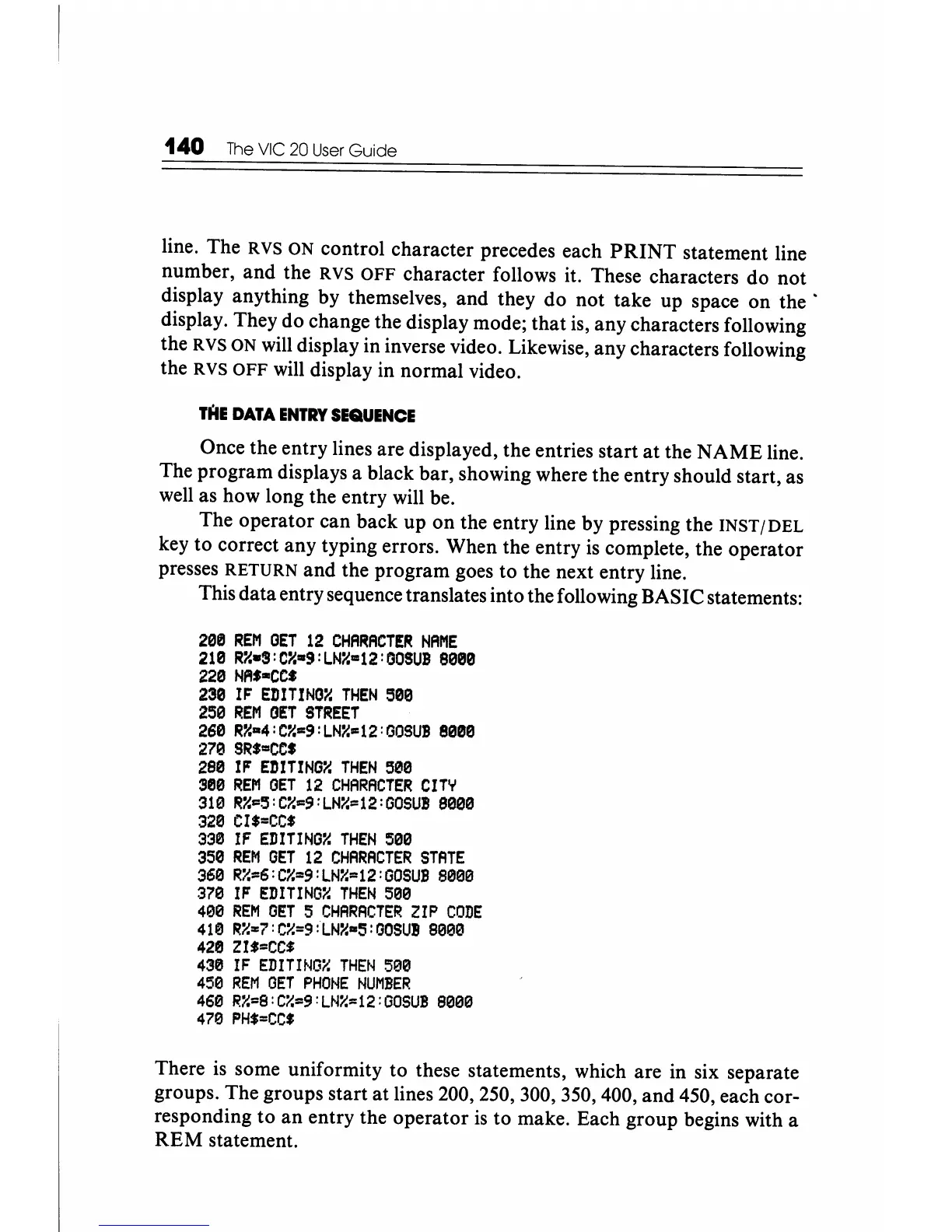
This data entry sequence translates into the following BASIC statements:
200
REM
OET
12
CHARACTER
NAME
210
R~.3:Cy'.9:LN~=12:GOSUB
8000
220
NAS-ce.
230
IF
EDITINO~
THEN
500
250
REM
OET
STREET
260
Ry'm4:C~=9:LNY.=12:GOSUB
8000
270
SR'=CCS
290
IF
EDITING~
THEN
300
380
REM
OET
12
CHARACTER
CITY
310
Ry'=3:C~=9:LN~=12:00SU!
8000
320
CI$=CC'
330
IF
EDITINOY.
THEN
500
350
REM
GET
12
CHARACTER
STATE
360
R%=6:Cy'=9:LN~=12:GOSUB
8000
370
IF
EDITING~
THEN
500
400
REM
GET
5
CHARACTER
ZIP
CODE
410
R~=7:C%=9:LN%-S:OOSUB
8000
428
ZI'=CC'
438
IF
EDITINO~
THEN
500
450
REM
GET
PHONE
NUMBER
460
R%=8:C%=9:LN~=12:GOSUB
8000
478
PH,=CC'
There
is
some uniformity to these statements, which are in six separate
groups. The groups start at lines 200, 250, 300, 350, 400, and 450, each cor-
responding to
an
entry the operator
is
to make. Each group begins with a
REM
statement.






 To Next Page