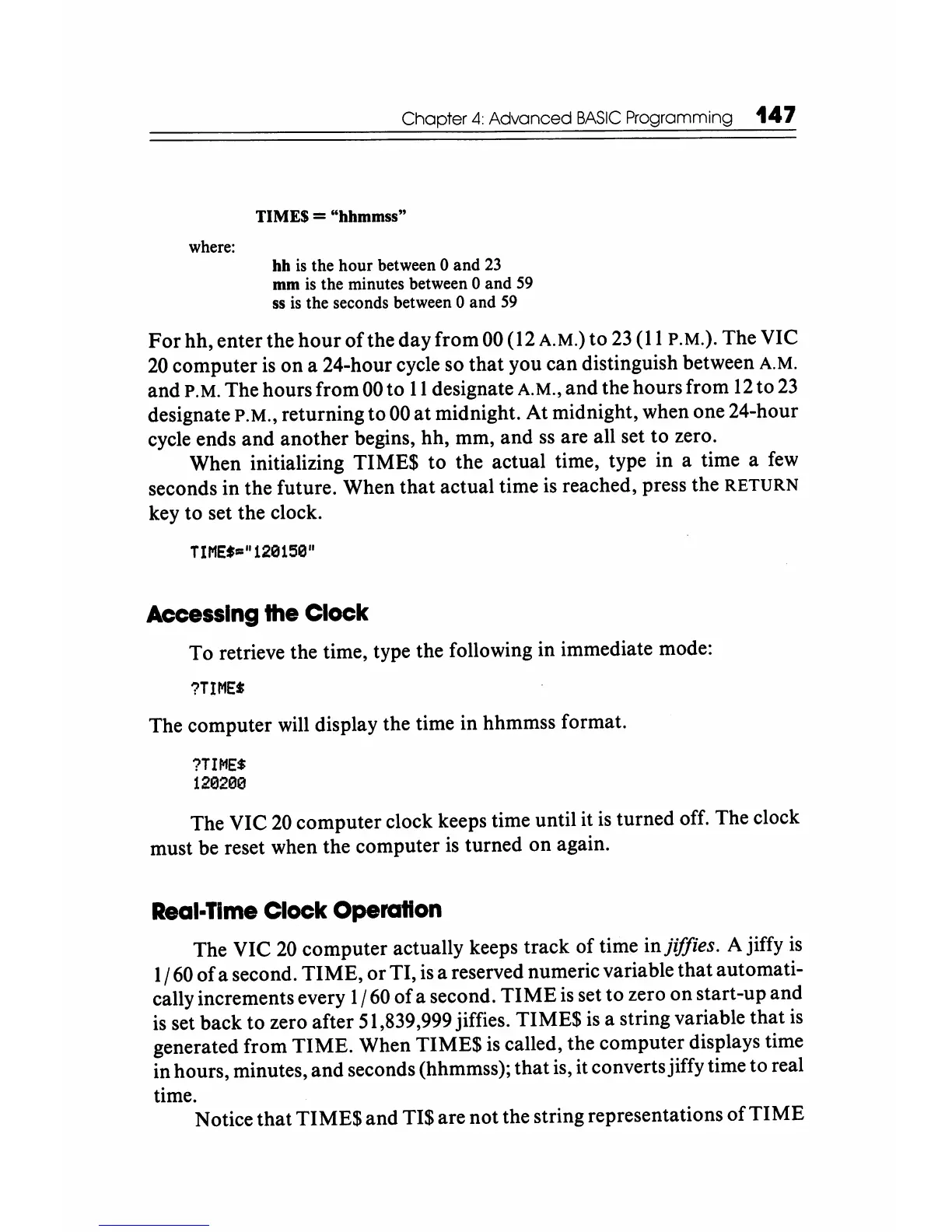
where:
Chapter
4:
Advanced
BASIC
Programming
147
TIMES = "hhmmss"
hh
is
the hour between 0 and
23
mm
is
the minutes between 0 and
59
ss
is
the seconds between 0 and
59
For
hh, enter the
hour
of
the
day
from 00 (12 A.M.) to
23
(11
P.M.).
The VIC
20
computer
is
on
a 24-hour cycle so
that
you can distinguish between A.M.
and P.M. The hours from 00 to
11
designate A.M.,
and
the hours from
12
to
23
designate
P.M.,
returning to 00
at
midnight. At midnight, when one 24-hour
cycle ends
and
another begins, hh, mm,
and
ss
are all set
to
zero.
When initializing TIME$
to
the actual time, type in a time a
few
seconds in the future. When
that
actual time is reached, press the
RETURN
key to set the clock.
TIMEf"
1
129159"
Accessing
the
Clock
To retrieve the time, type the following in immediate mode:
?TIME*
The computer will display the time in hhmmss format.
?TIME$
129290
The VIC
20
computer clock keeps time until it
is
turned off. The clock
must be reset when the computer
is
turned
on
again.
Real-Time
Clock Operation
The VIC
20
computer actually keeps track
of
time injiffies. A jiffy
is
1/60
of
a second.
TIME,
or
TI, is a reserved numeric variable
that
automati-
cally increments every 1/60
of
a second.
TIME
is
set to zero
on
start-up and
is set back to zero after 51,839,999 jiffies. TIME$
is
a string variable
that
is
generated from
TIME.
When TIME$
is
called, the computer displays time
in hours, minutes,
and
seconds (hhmmss);
that
is, it converts jiffy time to real
time.
Notice
that
TIME$
and TI$ are
not
the string representations
of
TIME






 To Next Page