Chapter
5:
Game
Controllers 169
63010
63020
63030
63040
Checks
to
see
if any key
is
pressed.
63050
63060
If
not,
RETURNs,
leaving all variables set to zero.
These lines form a loop to scan the key table for
the key
that
was pressed. A FOR-NEXT loop is not used,
since
we
want to
RETURN
immediately if the key
is
found.
(Remember
that
you must always terminate a
FOR
loop
with a NEXT, and
we
want to stop this loop as soon as
possible.)
Checks for the Fire button.
RETURNs
to main program.
USING
THE
KEYBOARD
JOYSTICK
Your program should be entered ahead
of
statement 62000. You can
SA
VE
a copy of these routines by themselves
to
use as a base on which to
build programs.
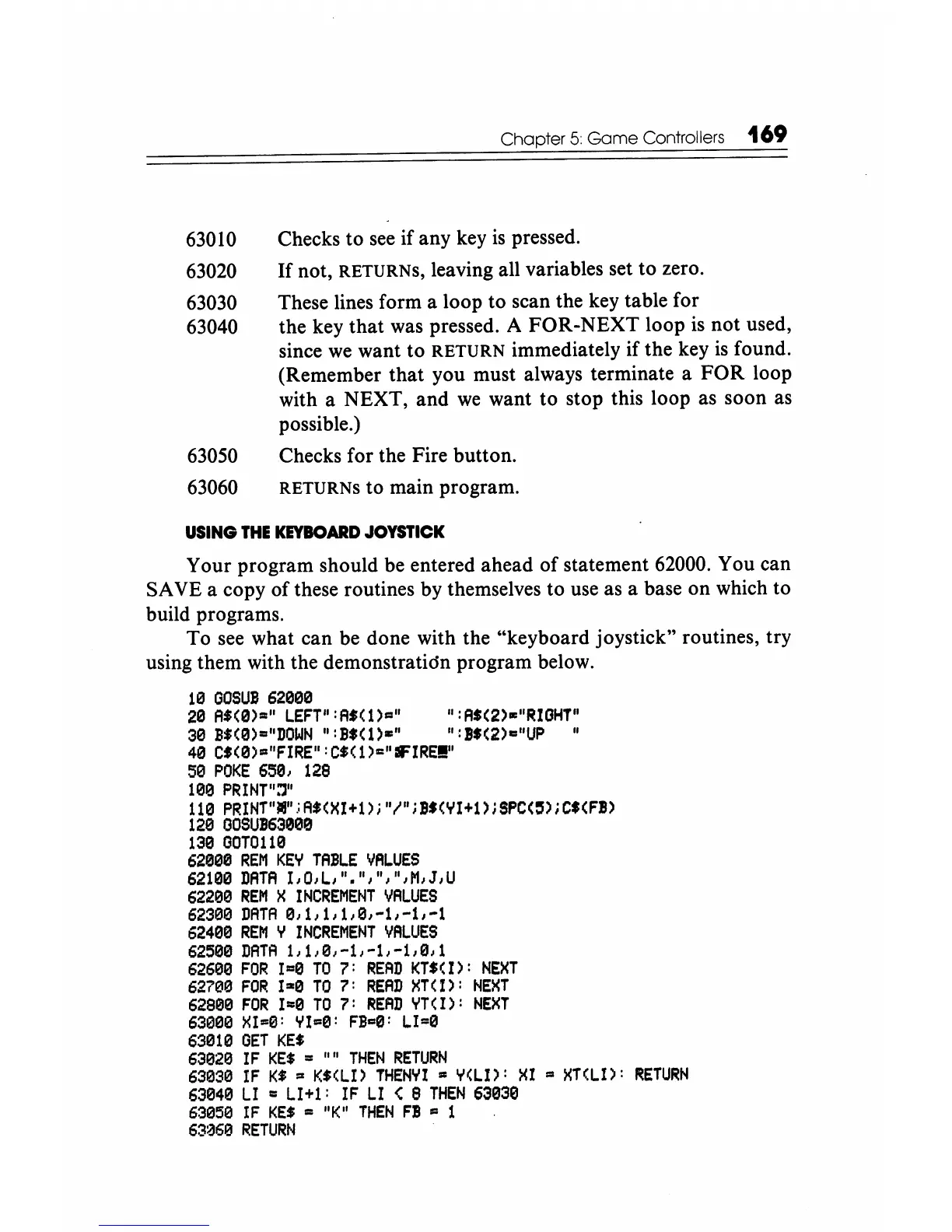
To see what can be done with the "keyboard joystick" routines, try
using them with the demonstratidn program below.
19
GOSUB
62000
20
A'(0)·"
lEFT":A.Cl)II"
":AS(2)."RIGHT"
30
BS(0)="DOWN
":BS(l)=" ":BS(2)="UP"
40
C'(0)."FIRE":C'(1)="IFIRE!!"
50
POKE
6501
128
1013
PRINT":'}"
110
PRINT"."
,;
A'(XI+1)
i "I"; 1'(YI+1);
Spe(,);
C$(FB)
1213
GOSUB63000
1313
GOT0110
62090
REM
KEY
TABLE
VALUES
62109
DATA
IIOlll"."I"I"IM,J,U
622130
REM
X
INCREMENT
VALUES
62399
DATA
9111111101-1/-1/-1
62400
REM
Y
INCREMENT
VALUES
62500
DATA
1,1101-1/-11-1,911
626013
FOR
1=0
TO
7:
READ
KT'(I):
NEXT
62700
FOR
1=0
TO
7:
READ
XT(I):
NEXT
62900
FOR
1=0
TO
7:
READ
YTCI):
NEXT
63900
XI=0:
YI=e:
FI=S:
lI=0
63019
GET
KE'
63020
IF
KE$
..
""
THEN
RETURN
63030
IF
K'
..
K'(lI)
THENYI
• Y(ll):
XI
II
XT(LI):
RETURN
63040
LI
..
LI+l:
IF
LI
< 8
THEN
630313
63058
IF
KE.
..
"K"
THEN
FB
• 1
63a6e
RETURN






 To Next Page