190
The
VIC
20
User
Guide
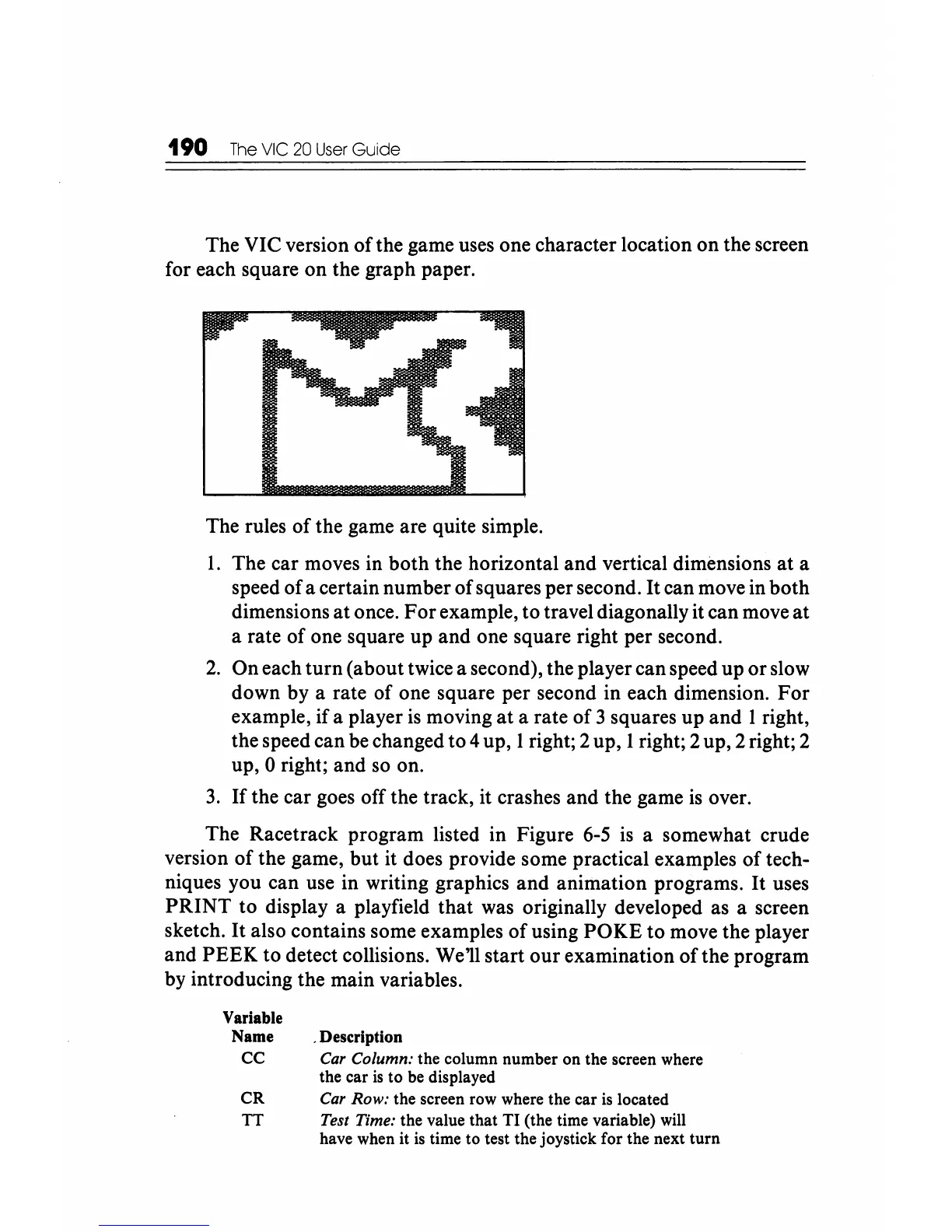
The VIC version
of
the game uses one character location on the screen
for each square on the graph paper.
The rules
of
the game are quite simple.
1.
The car moves in both the horizontal and vertical dimensions
at
a
speed of a certain number
of
squares per second.
It
can move in both
dimensions
at
once.
For
example, to travel diagonally it can move
at
a rate of one square up and one square right per second.
2.
On each
turn
(about twice a second), the player can speed up
or
slow
down by a rate of one square per second in each dimension.
For
example, if a player
is
moving
at
a rate
of
3 squares up and 1 right,
the speed can be changed to 4 up, 1 right; 2 up, 1 right; 2 up, 2 right; 2
up, 0 right; and so on.
3.
If
the car goes off the track, it crashes and the game
is
over.
The Racetrack program listed in Figure
6-5
is
a somewhat crude
version
of
the game, but it does provide some practical examples
of
tech-
niques you can use in writing graphics and animation programs.
It
uses
PRINT
to
display a playfield
that
was originally developed as a screen
sketch.
It
also contains some examples
of
using
POKE
to
move the player
and
PEEK
to detect collisions. We'll start
our
examination
of
the program
by introducing the main variables.
Variable
Name
CC
CR
TT
. Description
Car
Column: the column number on the screen where
the car
is
to be displayed
Car
Row: the screen row where the car
is
located
Test Time: the value that
TI
(the time variable) will
have when it
is
time to test the joystick for the next
turn






 To Next Page