340
REM
PROTECT
MEMORY
350
POKE
52,24
POKE
56,24
~:55
REM
FORGET
VARIABLES
360
CLR
365
REM
START
THE
FUN
370
LOAD
"MAIN"
Chapter 6 Graphics 203
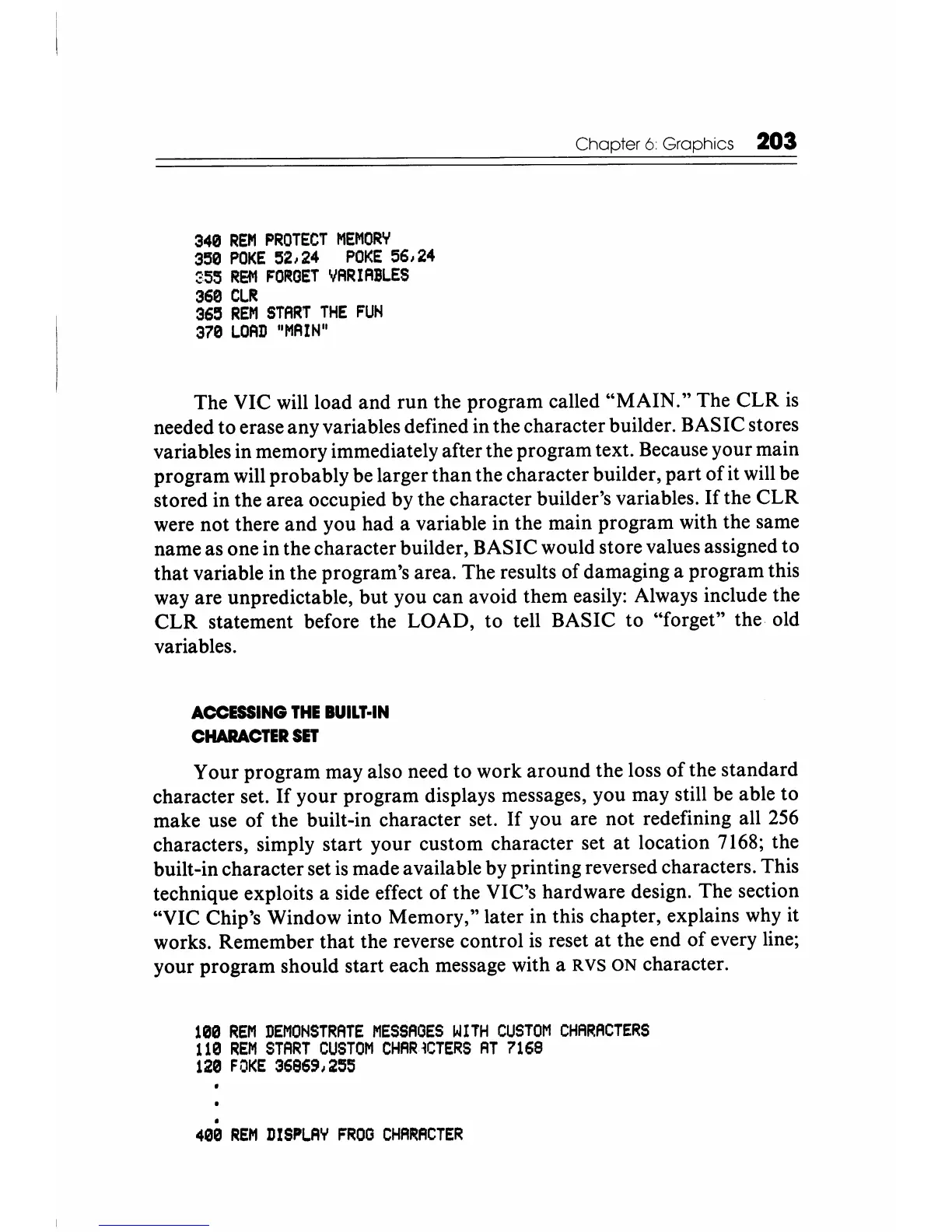
The VIC will load
and
run the program called
"MAIN."
The
CLR
is
needed to erase any variables defined in the character builder. BASIC stores
variables in memory immediately after the program text. Because your main
program will probably be larger
than
the character builder,
part
of
it will be
stored in the area occupied by the character builder's variables.
If
the
CLR
were not there and you had a variable in the main program with the same
name as one in the character builder, BASIC would store values assigned to
that variable in the program's area. The results of damaging a program this
way are unpredictable, but you can avoid them easily: Always include the
CLR
statement before the LOAD, to tell BASIC to "forget" the old
variables.
ACCESSING
THE
BUILT·IN
CHARACTER
SET
Your program may also need to work
around
the loss
of
the standard
character set.
If
your program displays messages, you may still be able to
make use
of
the built-in character set.
If
you are not redefining all
256
characters, simply start your custom character set
at
location 7168; the
built-in character set
is
made available by printing reversed characters. This
technique exploits a side effect
of
the VIC's hardware design. The section
"VIC Chip's Window into Memory," later in this chapter, explains why it
works. Remember that the reverse control
is
reset at the end
of
every line;
your program should start each message with a
R
VS
ON character.
100
REM
DEMONSTRATE
MESSAOES
WITH
CUSTOM
CHARACTERS
110
REM
START
CUSTOM
CHAR~CTERS
AT
7168
120
FOKE
36969,255
.
400
REM
DISPLAY
FROO
CHA~ACTER






 To Next Page