Chapter 7 Saund 245
longer, you can increase the length
of
the delay loop
at
line 440 by making
the fractional STEP smaller.
Saving Music
An alternative to writing
DATA
statements by hand
is
to use the VIC
electronic organ to store your musical values. Let's look at how these can be
saved.
CREATING
MUSIC
ARRAYS
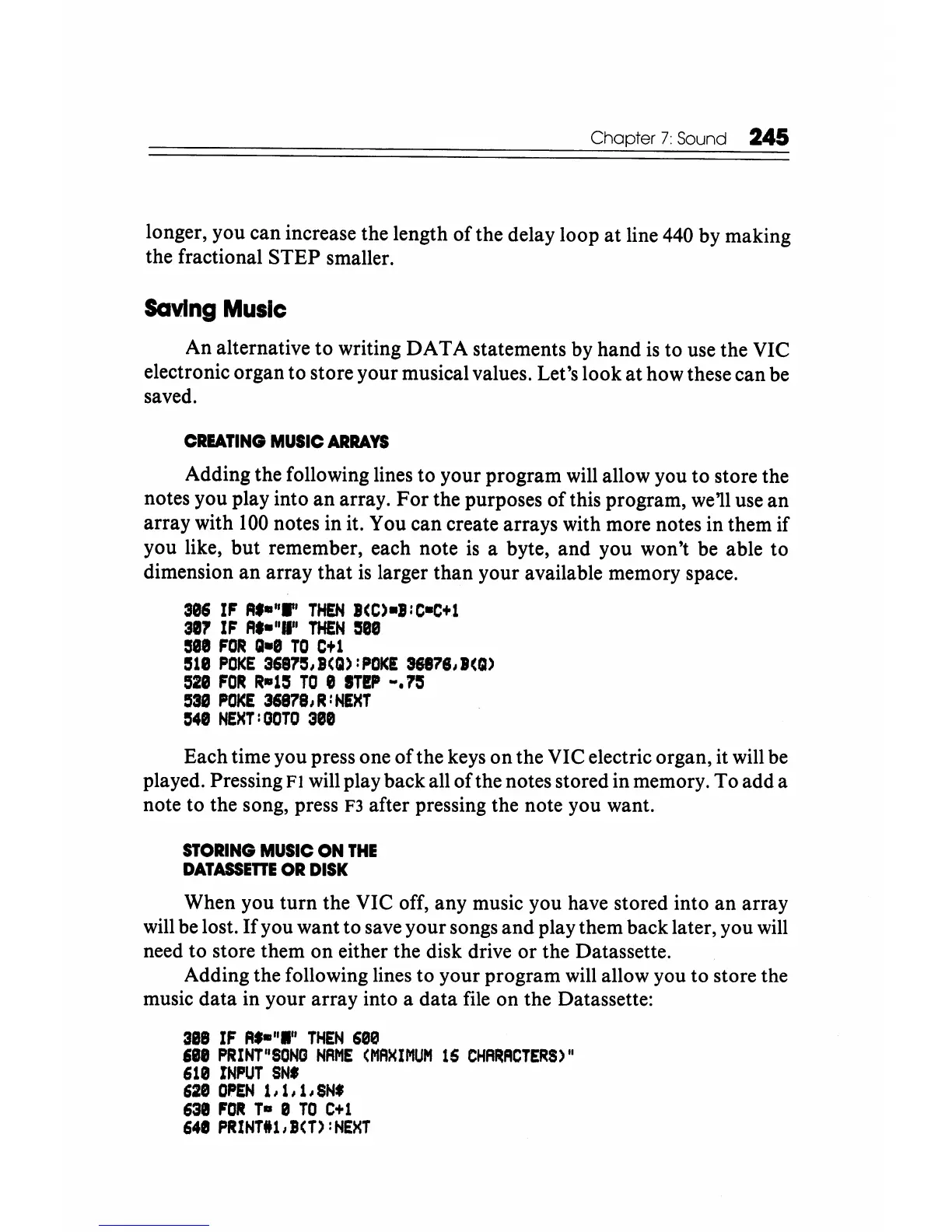
Adding the following lines to your program will allow you to store the
notes you play into
an
array.
For
the purposes
of
this program, we'll use
an
array with
100
notes in it. You can create arrays with more notes in them if
you like, but remember, each note
is
a byte, and you won't be able to
dimension
an
array that
is
larger than your available memory space.
306
IF
A.-"W'
THEN
BCC)-B:C-C+l
301
IF
A.-"II"
THEN
1588
see
FOR
Q-8
TO
Ctl
1518
POKE
3687S,B(Q):POKE
36818,.(Q)
528
FOR
R-ll5
TO
e
IT!P
w.115
53S
POKE
36878,R:NEHT
548
NEHT:OOTO
388
Each time you press one
ofthe
keys
on
the VIC electric organ, it will be
played. Pressing
FI will play back all
of
the notes stored in memory.
To
add a
note to the song, press
F3
after pressing the note you want.
STORING
MUSIC
ON
THE
DATASSETTE
OR
DISK
When you
turn
the VIC off, any music you have stored into
an
array
will be lost.
If
you want to save your songs
and
play them back later, you will
need to store them
on
either the disk drive
or
the Datassette.
Adding the following lines to your program will allow you to store the
music data in your array into a data file on the Datassette:
3S8
IF
A.-"I"
THEN
680
see
PRINT"SONG
NRME
(MRXIMUM
16
CHRRACTERS)"
610
INPUT
SN.
628
OPEN
1,1,1,SN'
63e
FOR
T-
0
TO
C+1
641
PRINTll,B(T):NEXT






 To Next Page