256 The VIC 20
User
Guide
N ow you can enter the data from the keyboard.
20
INPUT
At
If
you were entering numeric data, you could use a numeric variable such
as
A.
At some point you
will
want to end the data entry. Let's say that if you
enter XXX the computer will branch out
of
the routine.
30
IF
AI
•
"XXX"
THEN
60
If
the input was not XXX, you'll want to save it on tape
40
PRINTlU,
A.
and go back for more input.
50
OOTO
20
If
you are done entering data, close the
file.
60
CLOSE
1
To run this program, you should first wind a fresh tape all the way
forward and rewind it again until you can see where the nonmagnetic leader
and the actual magnetic tape meet. Make sure that this
is
in the center
ofthe
cassette opening (see Figure 8-1).
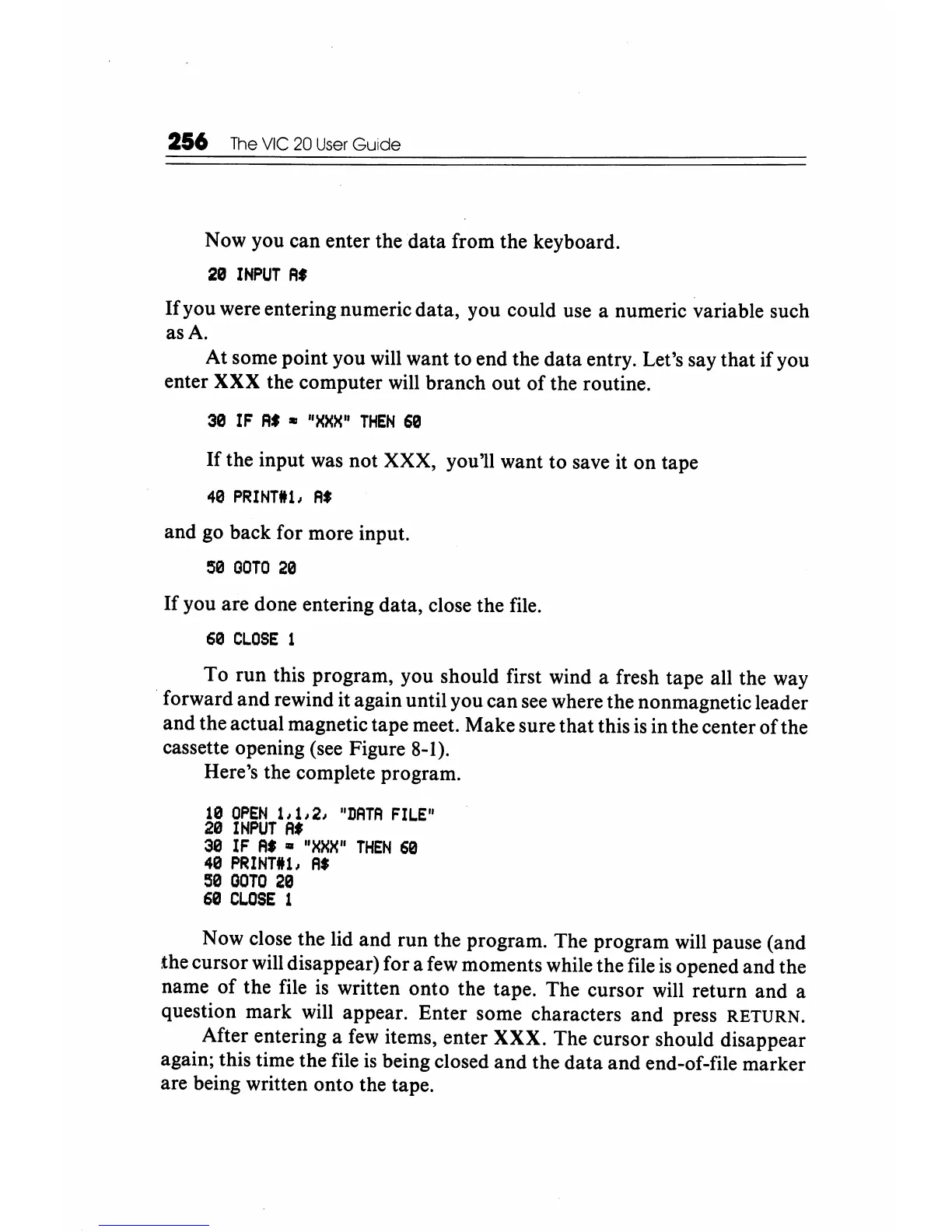
Here's the complete program.
10
OPEN
1,1,2,
"DATA
FILE"
20
INPUT
Af
30
IF
At
III
"XXX"
THEN
60
40
PRINTlU,
A.
50
OOTO
20
60
CL.OSE
1
Now close the lid and run the program. The program will pause (and
the cursor will disappear) for a few moments while the file
is
opened and the
name
of
the file
is
written onto the tape. The cursor will return and a
question mark will appear. Enter some characters and press
RETURN.
After entering a
few
items, enter XXX. The cursor should disappear
again; this time the file
is
being closed and the data and end-of-file marker
are being written onto the tape.






 To Next Page