Chapter 8 Peripheral Devices 267
sa
is
the secondary address.
You
can use any number between 2 and
14.
Both 0 and 1 are reserved by the VIC for LOAD and SAVE operations
and
15
is
used to open the command channel
drn
is
the drive number. This may be omitted if you have a one-drive
system
file name
is
the name of the file you are accessing
SEQ indicates that this
will
be a sequential data file
W indicates the write mode. You may also read. The READ command
may be abbreviated as R.
Here's
an
example
of
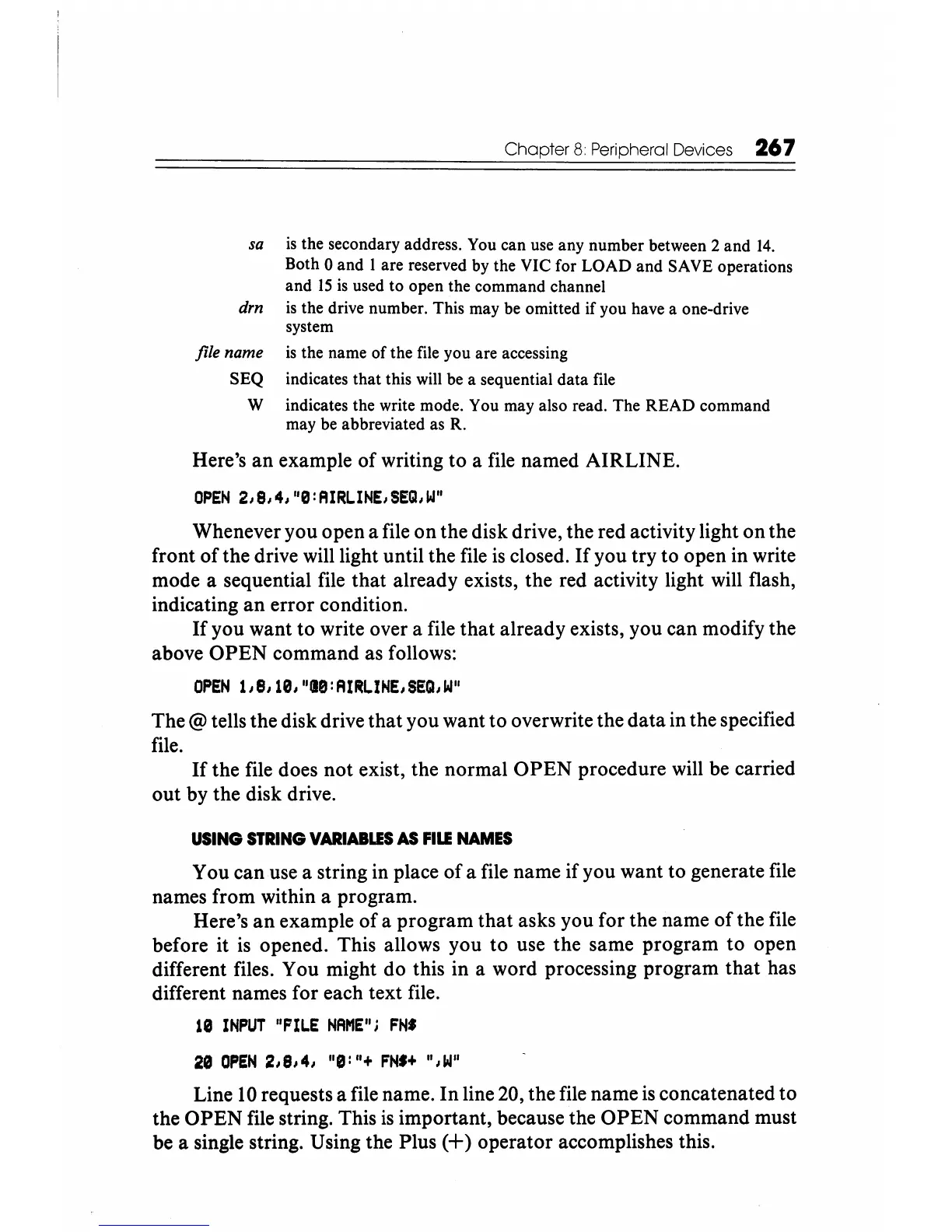
writing to a file named AIRLINE.
OPEN
2,8,4,
"EJ:AIRLINE,SEQ,W"
Whenever you open a file on the disk drive, the red activity light on the
front
of
the drive will light until the file
is
closed.
If
you try to open in write
mode a sequential file that already exists, the red activity light will flash,
indicating
an
error condition.
If
you want to write over a file
that
already exists, you can modify the
above
OPEN
command as follows:
OPEN
l,8,lEJ,"18:AIRLIHE,SEQ,W"
The @ tells the disk drive that you want to overwrite the data in the specified
file.
If
the file does
not
exist, the normal
OPEN
procedure will be carried
out by the disk drive.
USING
STRING
VARIABLES
AS
FILE
NAMES
You can use a string in place
of
a file name if you want to generate file
names from within a program.
Here's
an
example
of
a program that asks you for the name
of
the file
before it
is
opened. This allows you to use the same program to open
different files. You might do this in a word processing program that has
different names for each text file.
le
INPUT
"FILE
NAME";
FN'
Line
10
requests a file name.
In
line 20, the file name
is
concatenated to
the
OPEN
file string. This
is
important, because the
OPEN
command must
be a single string. Using the Plus
(+)
operator accomplishes this.






 To Next Page