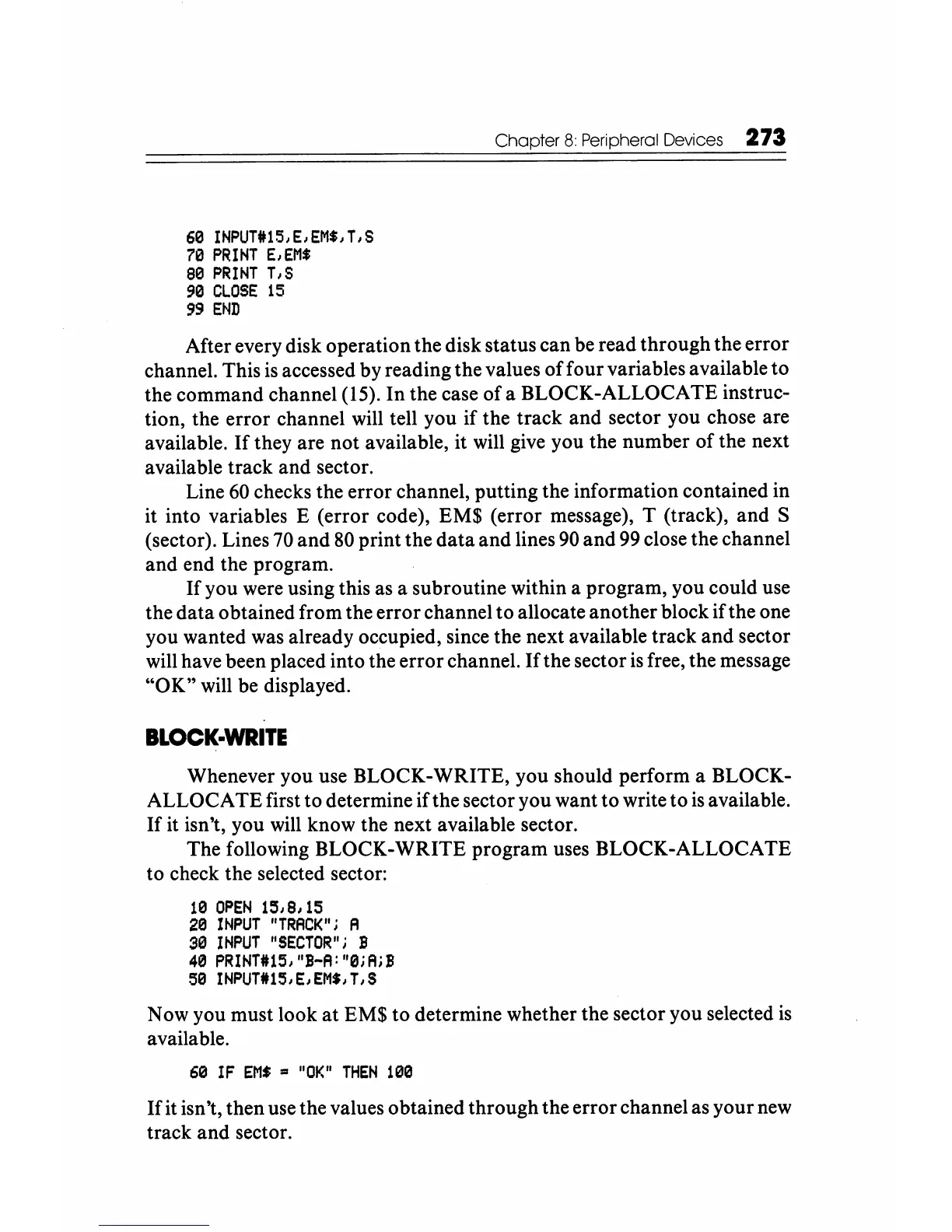
60
INPUT#15,E,EM$,T,S
70
PRINT
E,EMS
80
PRINT
T,S
90
CLOSE
15
99
END
Chapter 8 Peripheral Devices 273
After every disk operation the disk status can be read through the error
channel. This
is
accessed by reading the values
offour
variables available to
the command channel (15).
In
the case of a BLOCK-ALLOCATE instruc-
tion, the error channel will tell you if the track and sector you chose are
available.
If
they are not available, it will give you the number of the next
available track and sector.
Line
60
checks the error channel, putting the information contained in
it into variables E (error code), EM$ (error message), T (track), and S
(sector). Lines
70
and
80
print the
data
and lines
90
and
99
close the channel
and end the program.
If
you were using this as a subroutine within a program, you could use
the data
0 btained from the error channel to allocate another block if the one
you wanted was already occupied, since the next available track and sector
will have been placed into the error channel.
If
the sector
is
free, the message
"OK" will be displayed.
BLOCK-WRITE
Whenever you use BLOCK-WRITE, you should perform a BLOCK-
ALLOCA TE first to determine if the sector you want to write to
is
available.
If
it isn't, you will know the next available sector.
The following BLOCK-WRITE program uses BLOCK-ALLOCATE
to check the selected sector:
10
OPEN
15,8,15
20
INPUT
"TRACK"i
A
30
INPUT
"SECTOR"i
B
40
PRINT#15,"B-A:"0iAiB
50
INPUT#15,E,EM$,T,S
N
ow
you must look at EM$ to determine whether the sector you selected
is
available.
60
IF
EMS
=
"OK"
THEN
100
If
it isn't, then use the values obtained through the error channel as your
new
track and sector.






 To Next Page