308 The VIC 20
User
Guide
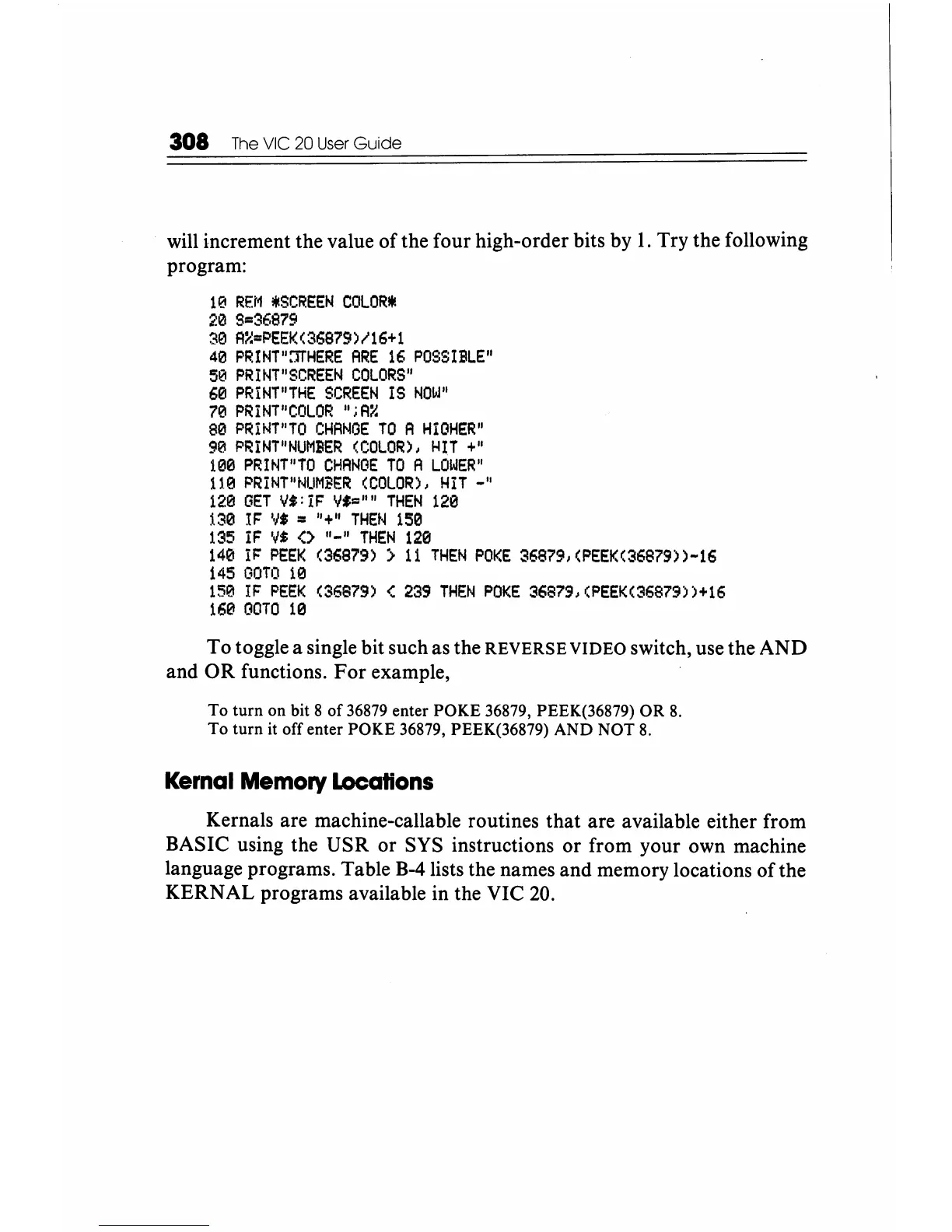
will increment the value of the four high-order bits by
1.
Try the following
program:
10
REM
,SCREEN
COLOR*
20
9=36879
30
A~=PEEK(36879)/16+1
40
PRINT"::rJ'HERE
ARE
16
POSSIBLE"
50
PRINT"SCREEN
COLORS"
60
PRINT"THE
SCREEN
IS
NOW"
7'21
PRINT"COLOR
"iA::::
80
PRINT"TO
CHANOE
TO
A
HIGHER"
90
PR
I
NT"
NUMBER
(COLOR),
HiT +
II
100
PRINT"TO
CHANGE
TO
A
LOWER"
11'21
PRINT"NUMBER
(COLOR),
Hit
_"
120
GET
Vt:
IF
VI=""
THEN
120
i30
IF
V$
=
U+"
THEN
150
135
iF
V$
(>
"-"
THEN
120
140
IF
PEEK
(36879)
>
11
THEN
POKE
36879,(PEEK(36879»-16
145
GOTO
10
150
IF
PEEK
(36879)
<
239
THEN
POKE
36879,
(PEEK(36879»+16
160
OOTO
10
To toggle a single bit such as the REVERSE VIDEO switch, use the AND
and
OR
functions.
For
example,
To
turn on bit 8 of
36879
enter POKE 36879, PEEK(36879) OR
8.
To
turn it off enter POKE 36879, PEEK(36879) AND NOT
8.
Kemal
Memory
Locations
Kernals are machine-callable routines
that
are available either from
BASIC using the USR or SYS instructions or from your own machine
language programs. Table B-4lists the names and memory locations of the
KERNAL programs available in the VIC
20.






 To Next Page