Appendix
G
BASIC
Statements 351
PRINTlU
,"
I"
Initialize diskettes in drive 0
INPUT
The INPUT statement receives data input from the keyboard.
Format:
{
(blank) }
INPUT "message"; var[,var, ... ,var]
INPUT
can be used in program mode only. When the INPUT
statement
is
executed, VIC BASIC displays a question mark on the screen
requesting
data
input. The user must enter
data
items
that
agree exactly in
number and type with the variables in the
INPUT
statement parameter list.
If
the
INPUT
statement has more
than
one variable in its parameter list,
then keyboard entries must be separated by commas. The last entry must be
terminated with a carriage return.
?1234
<CR>
Single data item response
?1234,567.89,NOW<CR> Multiple data item response
If "message"
is
present, it
is
displayed before the question mark.
"message" can have as many as
80
characters.
If
more than one
but
less
than
the required number of data items are
input, VIC BASIC requests additional input with double question marks
(??)
until the required number of data items have been input.
If
too many
data items are input, the message ?EXTRA
IGNORED
is
displayed. The
extra input
is
ignored, but the program continues execution.
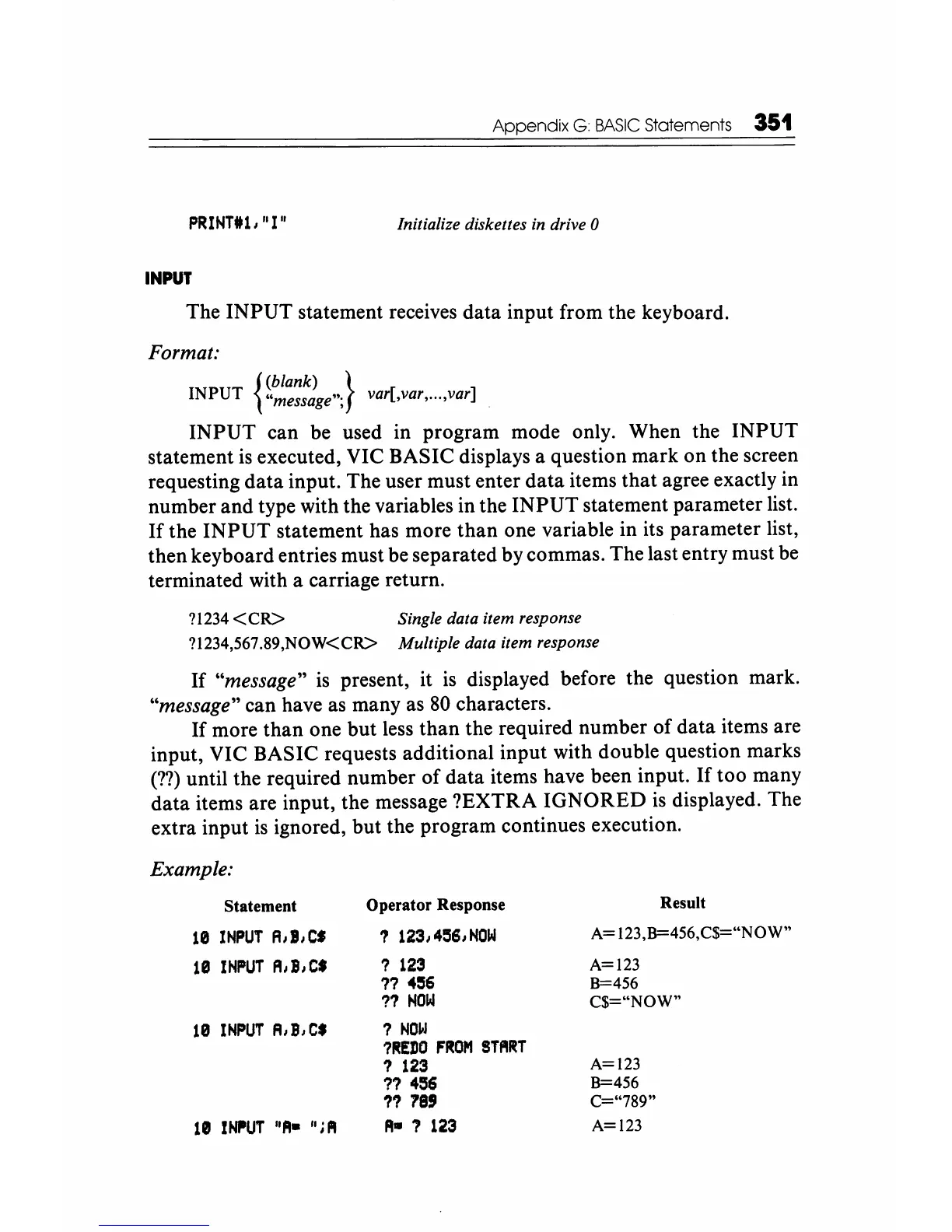
Example:
Statement Operator Response
10
INPUT
A,I,C' ?
123,4~S,NOW
18
INPUT
A,B,Ct
?
123
??
4~6
??
HOW
10
INPUT
A,B,C'
?
NOW
?~EDO
FROM
START
?
123
?? 456
11
78'
1111
INIIUT
"A-
";
PI
A-
7
123
Result
A=
123,B=456,C$="NOW"
A=123
8=456
C$="NOW"
A=123
B=456
C="789"
A=123






 To Next Page