Appendix
G:
BASIC
Statements 361
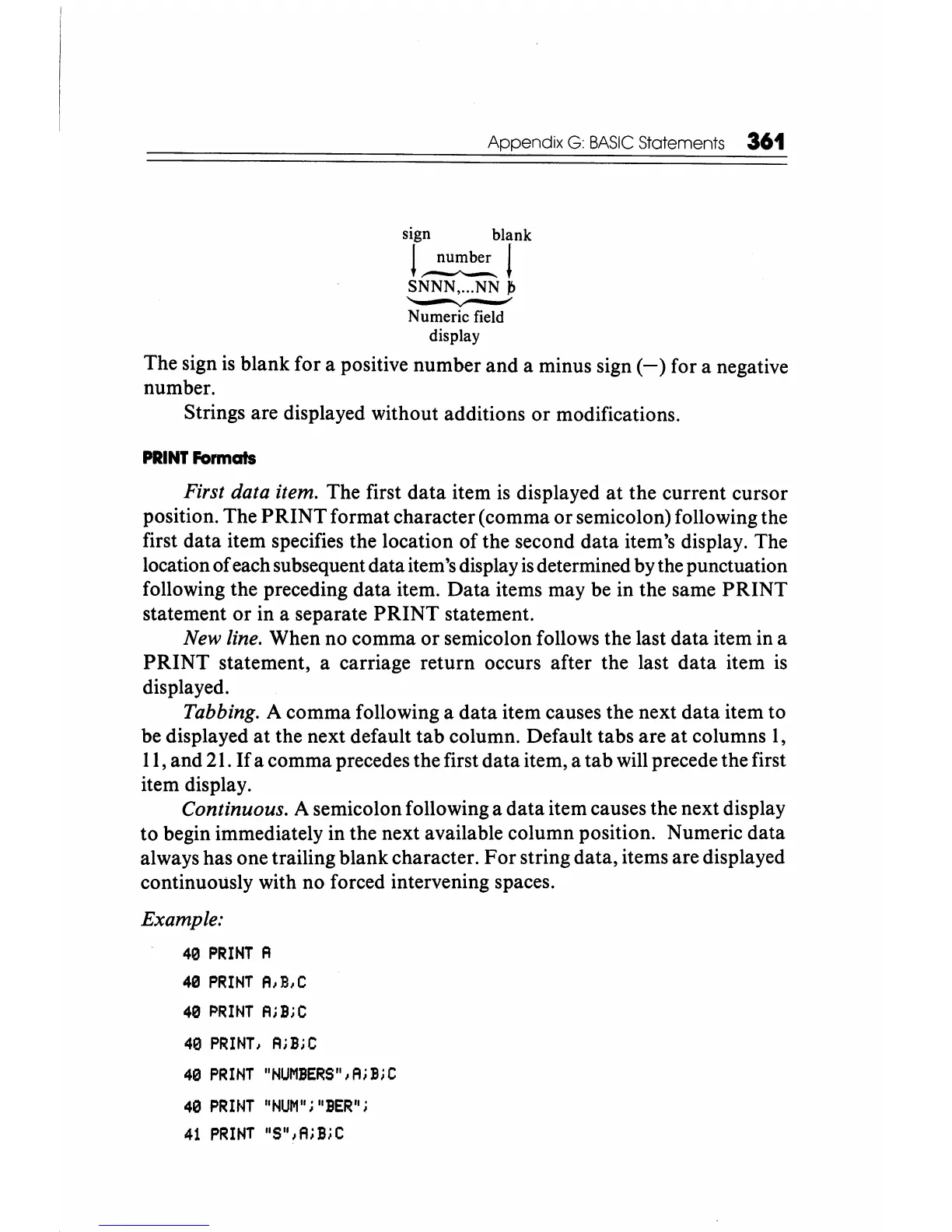
sign blank
L~l
SNNN, ... NN
~
--.-
Numeric field
display
The sign
is
blank for a positive number
and
a minus sign
(-)
for a negative
number.
Strings are displayed without additions
or
modifications.
PRINT
Formats
First data item. The first
data
item
is
displayed
at
the current cursor
position. The
PRINT
format character (comma
or
semicolon) following the
first data item specifies the location
of
the second
data
item's display. The
location
of
each subsequent data item's display
is
determined by the punctuation
following the preceding
data
item.
Data
items may be in the same
PRINT
statement
or
in a separate
PRINT
statement.
New line. When no comma
or
semicolon follows the last
data
item in a
PRINT
statement, a carriage return occurs after the last
data
item is
displayed.
Tabbing. A comma following a
data
item causes the next
data
item to
be displayed
at
the next default
tab
column. Default tabs are
at
columns
1,
11,
and 21.
If
a comma precedes the first
data
item, a
tab
will precede the first
item display.
Continuous. A semicolon following a
data
item causes the next display
to
begin immediately in the next available column position. Numeric
data
always has one trailing blank character.
For
string data, items are displayed
continuously with no forced intervening spaces.
Example:
40
PRINT
A
40
PRINT
A,B,C
40
PRINT
A;B;C
40
PRINT,
A;B;C
40
PRINT
"NUMBERS",A;B;C
40
PRINT
"NUM";"BER";
41
PRINT
"S",A;BiC






 To Next Page