Chapter
1:
Introducing the
VIC
20
Computer 27
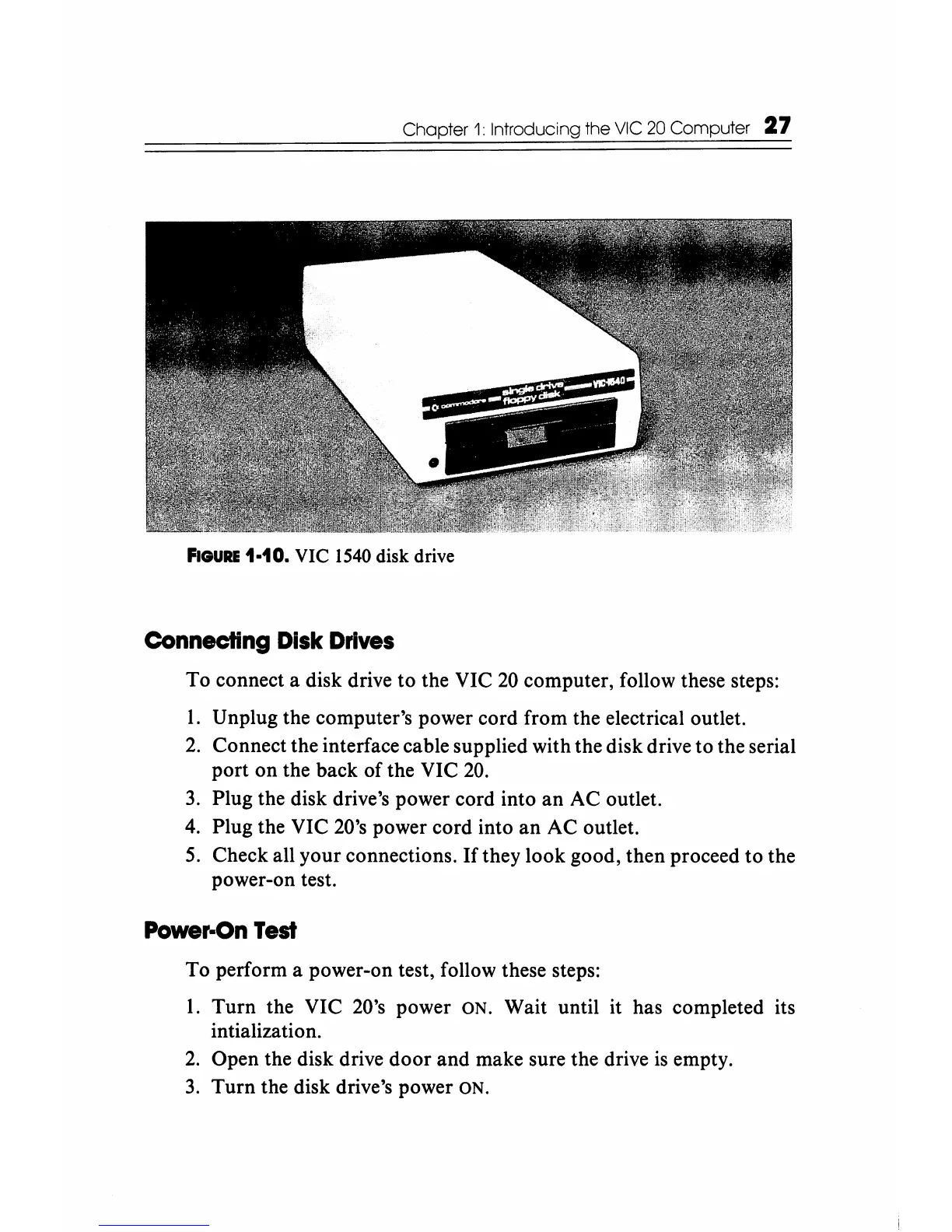
FIGURE
1-10.
VIC
1540
disk
drive
Connecting
Disk
Drives
To connect a disk drive to the VIC
20
computer, follow these steps:
1.
Unplug the computer's power cord from the electrical outlet.
2.
Connect the interface cable supplied with the disk drive to the serial
port on the back of the VIC
20.
3.
Plug the disk drive's power cord into
an
AC outlet.
4.
Plug the VIC 20's power cord into
an
AC outlet.
S.
Check all your connections.
If
they look good, then proceed to the
power-on test.
Power-On
Test
To perform a power-on test, follow these steps:
1.
Turn the VIC 20's power ON. Wait until it has completed its
intialization.
2.
Open the disk drive
door
and make sure the drive
is
empty.
3.
Turn the disk drive's power ON.






 To Next Page