Chapter
2:
Operating the
VIC
20
47
Verification
After you save a program
on
the Datassette, it
is
a good idea to verify
that
it was properly recorded. Occasionally,
poor
quality tapes
or
slight
mechanical fluctuations may cause a program to be incorrectly recorded.
To
protect yourself from losing programs, always verify them immediately after
you store them.
To verify a program, follow these steps.
1.
Rewind the tape and press the STOP/EJECT key.
2.
Type VERIFY, followed by the program's name,
and
press
RETURN.
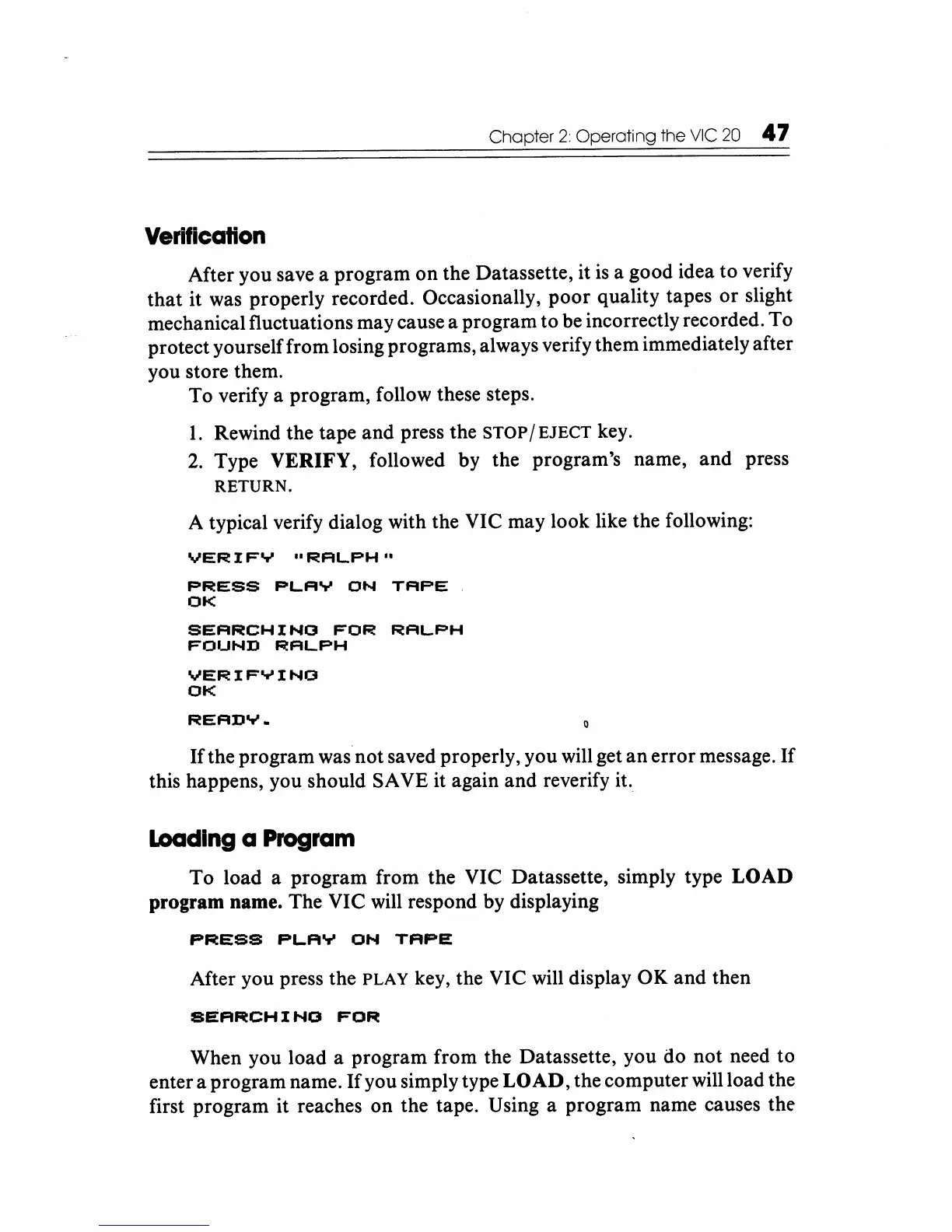
A typical verify dialog with the VIC may look like the following:
VERIFY
"RALPH"
PRESS
PLAY
ON
TAPE
OK
SEARCHING
FOR
RALPH
FOUND
RALPH
VERIFYING
OK
READY.
If
the program was
not
saved properly, you will get
an
error message.
If
this happens, you should SA VE it again and reverify it.
loading a Program
To
load a program from the VIC Datassette, simply type
LOAD
program name. The VIC will respond by displaying
PRESS
PLAY
ON
TAPE
After you press the PLAY key, the VIC will display OK
and
then
SEARCHINO
FOR
When you load a program from the Datassette, you do not need to
enter a program name.
If
you simply type
LOAD,
the computer will load the
first program it reaches on the tape. Using a program name causes the






 To Next Page