50
The
VIC
20
User
Guide
If
you are not sure
of
the exact name
of
a particular file,
or
don't know
what is
on
your diskette, type
LOAD
.......
e
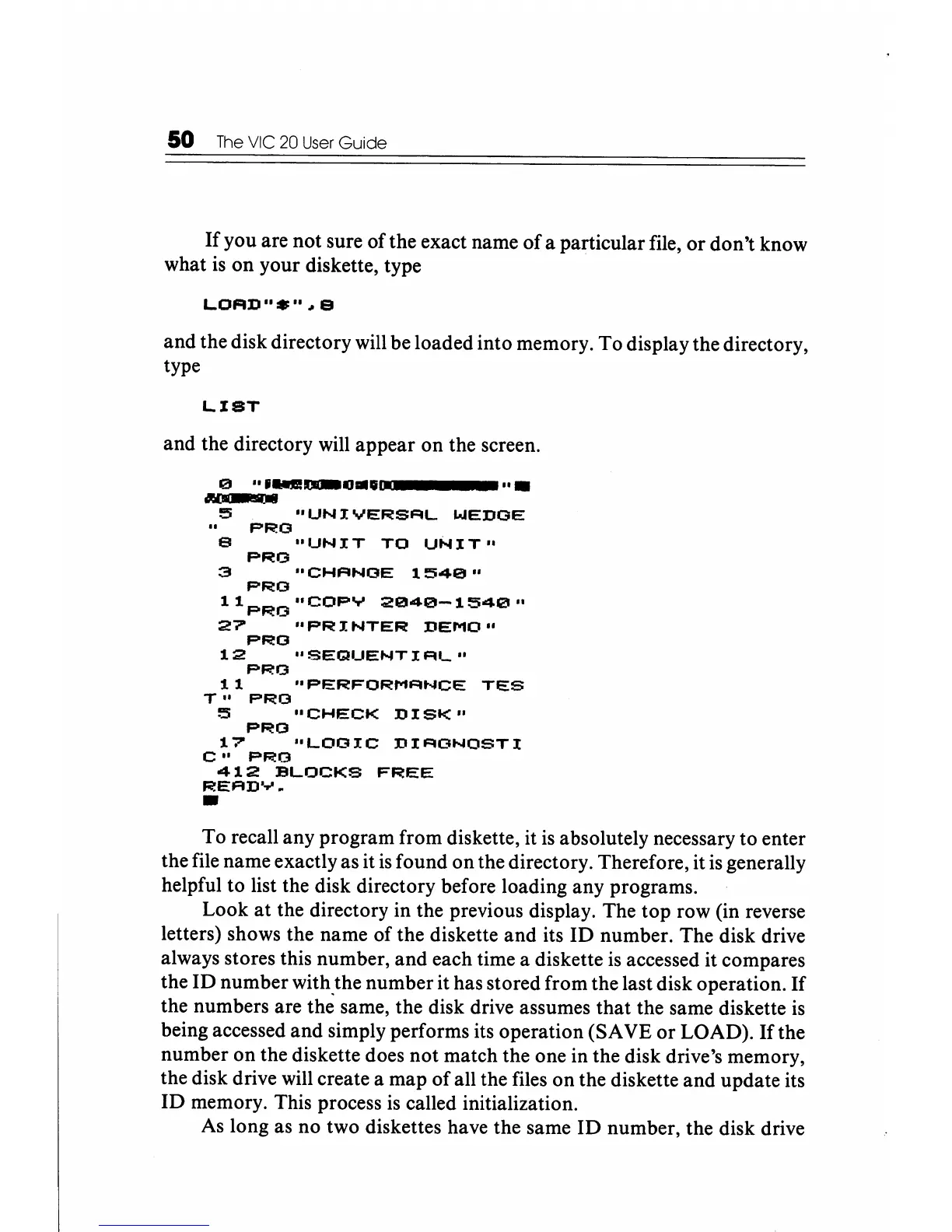
and the disk directory will be loaded into memory. To display the directory,
type
LIST
and the directory will appear
on
the screen.
e
"UNIVERSFIL
WEDGE
PRG
"UNIT
TO
UNIT"
PRO
"CHFINOE
1541211"
PRO
11
pRO
"COPY
2121141211-1541211"
27
"PRINTER
DEMO"
PRO
12
"SEClUENTIFlL"
PRO
11
"PERFORMFINCE
TES
T"
PRO
5
"CHECK
DISK"
PRO
17
"LOGIC
DIFIONOSTI
C"
PF<I!O
412
BLOCKS
FF<I!EE
REFlDY~
•
To recall any program from diskette, it
is
absolutely necessary to enter
the file name exactly as it
is
found
on
the directory. Therefore, it
is
generally
helpful to list the disk directory before loading any programs.
Look
at
the directory in the previous display. The top row (in reverse
letters) shows the name
of
the diskette
and
its
ID
number. The disk drive
always stores this number,
and
each time a diskette
is
accessed it compares
the
ID
number with the number it has stored from the last disk operation.
If
the numbers are the same, the disk drive assumes that the same diskette
is
being accessed
and
simply performs its operation (SAVE
or
LOAD).
If
the
number on the diskette does
not
match the one in the disk drive's memory,
the disk drive will create a map
of
all the files
on
the diskette
and
update its
ID
memory. This process
is
called initialization.
As
long as no two diskettes have the same
ID
number, the disk drive






 To Next Page