Chapter 2 Operating the
VIC
20
55
selected by a
CMD
instruction).
PRINT#
outputs to a file specially
OPENed to that device number.
The
CMD Statement
If
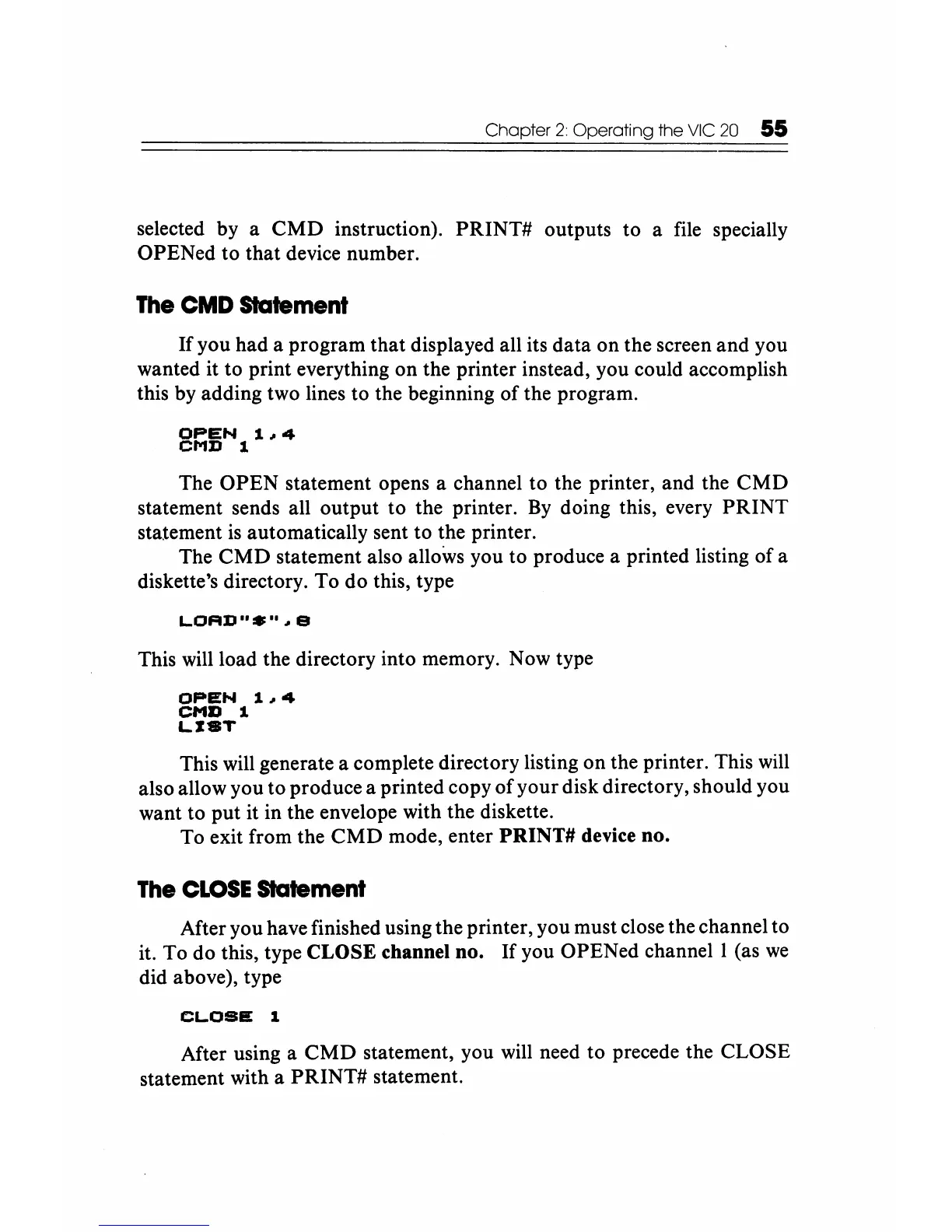
you had a program that displayed all its data on the screen
and
you
wanted it to print everything on the printer instead, you could accomplish
this by adding two lines to the beginning
of
the program.
OPEN
1~4
CMD 1
The
OPEN
statement opens a channel to the printer, and the
CMD
statement sends all output to the printer.
By
doing this, every
PRINT
statement
is
automatically sent to the printer.
The
CMD
statement also allows you to produce a printed listing
of
a
diskette's directory.
To
do this, type
L.OAD
.......
e
This will load the directory into memory. Now type
OPEN
1~4
CMI) 1
L.IST
This will generate a complete directory listing on the printer. This will
also allow you to produce a printed copy
of
your disk directory, should you
want to put it in the envelope with the diskette.
To exit from the
CMD
mode, enter PRINT# device no.
The
CLOSE
Statement
After you have finished using the printer, you must close the channel to
it. To do this, type CLOSE channel no. If you OPENed
channell
(as
we
did above), type
CL.OSE
1
After using a
CMD
statement, you will need to precede the CLOSE
statement with a
PRINT#
statement.






 To Next Page