5. When the VIC has
found the program,
"loading" will appear on
your TV
screen, which lasts for
a minute or two.
6. As soon
as
loading
is complete the
computer will say "READY."
Type "RUN" and press return.
The screen will briefly
flash the
copyright notice
and next, TERMINAL READY will
appear at
the top of the screen.
7.
Type f4, to
make the necessary selections from the menu
pages. Press N to change from
menu
one to
menu two. Type T
to
enter terminal mode.
8. Now
pick
up
your telephone. Dial the telephone number
of the
computer you're
calling.
The computer will answer the phone
with a high pitched tone. Connect the phone jack
to
the back of
the modem. The red light on the modem will light
up
when the
connection is complete.
9. Use the sign
on procedure as
descri6edin your computer
network reference
guide.
CHANGING SCREEN COLORS
VICTERM
I lets you control the character,
screen and border
colors.
To change the screen color,
for example, hold down the
CTRL key and hit the f3 key; you'll
see the color
change on the
screen.
Co
ntinue pressing the f3 key
until screen i s the color
you
want. Below~ts~a table of the color
contronunctlons.^
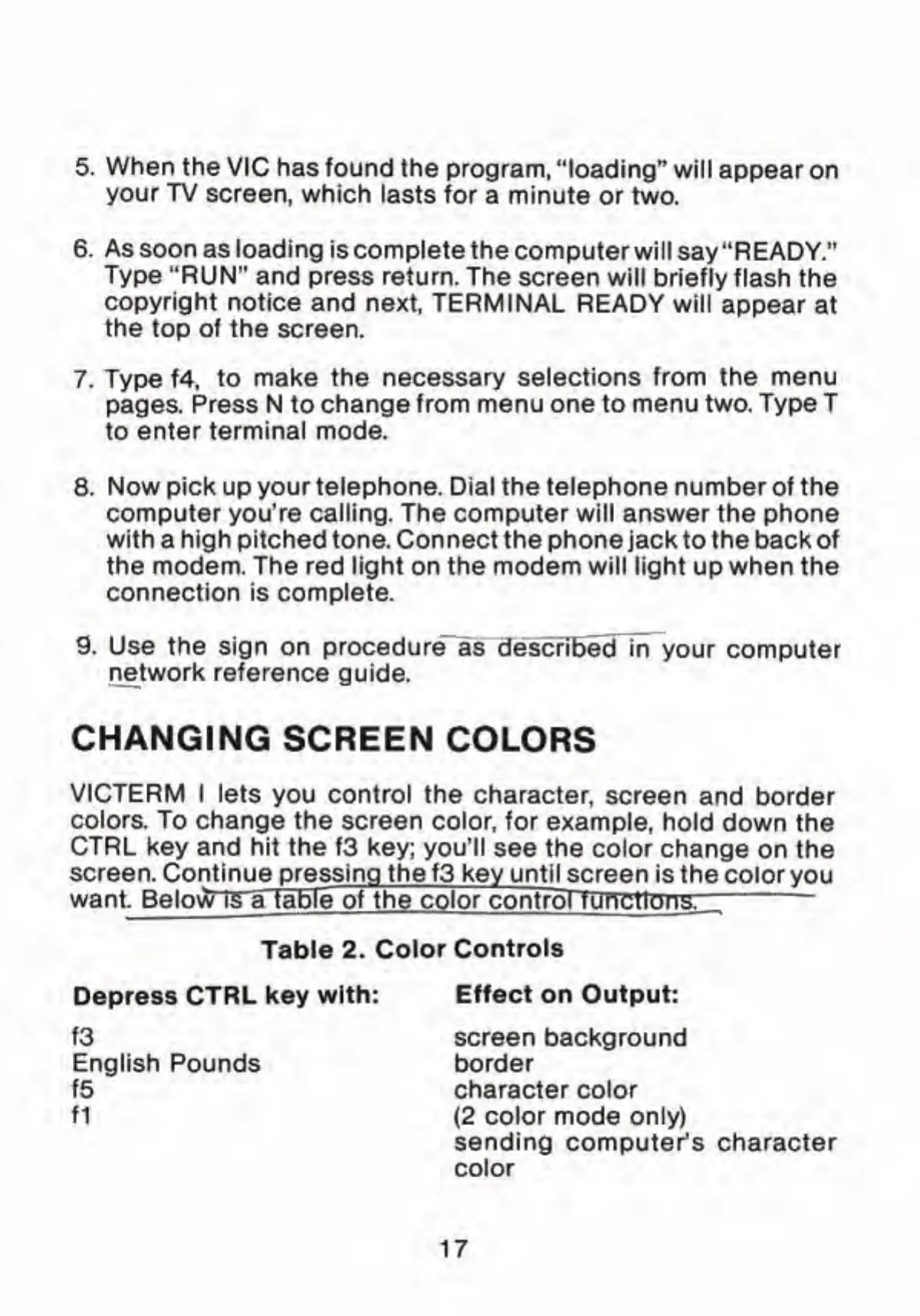
Table 2. Color
Controls
Depress CTRL key with:
Effect on Output:
f3 screen background
English Pounds border
f5 character color
f1
{2 color mode
only)
sending computer's character
color
17



 To Next Page