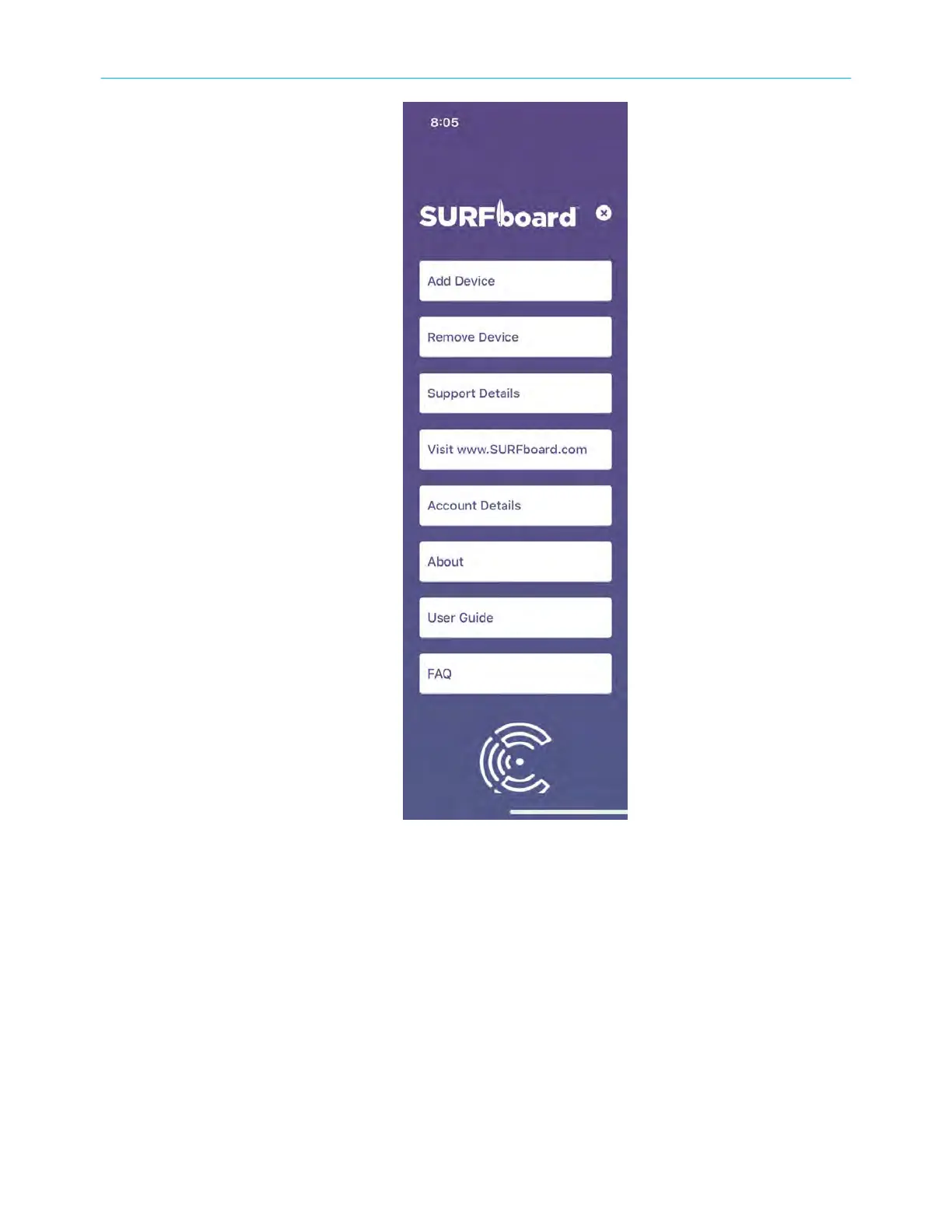
The Side menu has eight buons, which you can tap to Add Device or Remove Device; view
Support Details; visit www.SURFboard.com to your network; view Account Details; learn
About licensing and purchase informaon; get help User Guide; and view FAQ.
Add or remove devices
You can add a new device such as SURFboard Max, Gateway, cable modem or remove an
exisng connected device.
To add a new device:
On the Home screen, tap the side menu and then tap Add Device.Tap to select your device
type and tap Next.Follow the on-screen instrucons. For more details, refer to the respecve
SURFboard Quick Start Guide or the SURFboard User Guide.
Chapter 3: SURFboard Central mobile app features
SURFboard
®
Thruster Gaming Acceleraon Kit W6B User Guide STANDARD Revision x.1 33



 To Next Page