
 Need help?
Do you have a question about the Company NA Master Fade and is the answer not in the manual?
Guidelines for connecting the device to AC power and voltage compatibility.
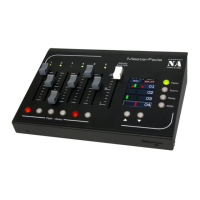
An overview of the MasterFade's features and functionality.
Instructions on how to integrate the MasterFade into a DMX setup.
Steps to enable and access the RDM menu on the device.
How to select and change the DMX mode for a device.
Options for resetting the device to default settings or performing warm/cold resets.
 General
| Brand | Company NA |
|---|---|
| Model | Master Fade |
| Category | Controller |
| Language | English |

 To Next Page