5–10 Reference Guide
Add-On Devices
5. Turn the unit bottom-side up, loosen the screws holding the
RAM cover, then remove the cover.
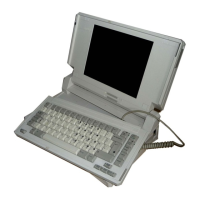
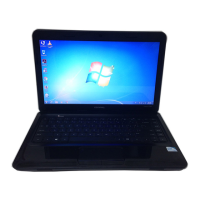
6. Match your notebook to the following illustration. Release
the 2 latches at the sides of the RAM board, so the free edge
of the board pops up.
7. Pull the board out of the connector.
8. Replace the cover.
9. Insert the battery pack.









 To Next Page