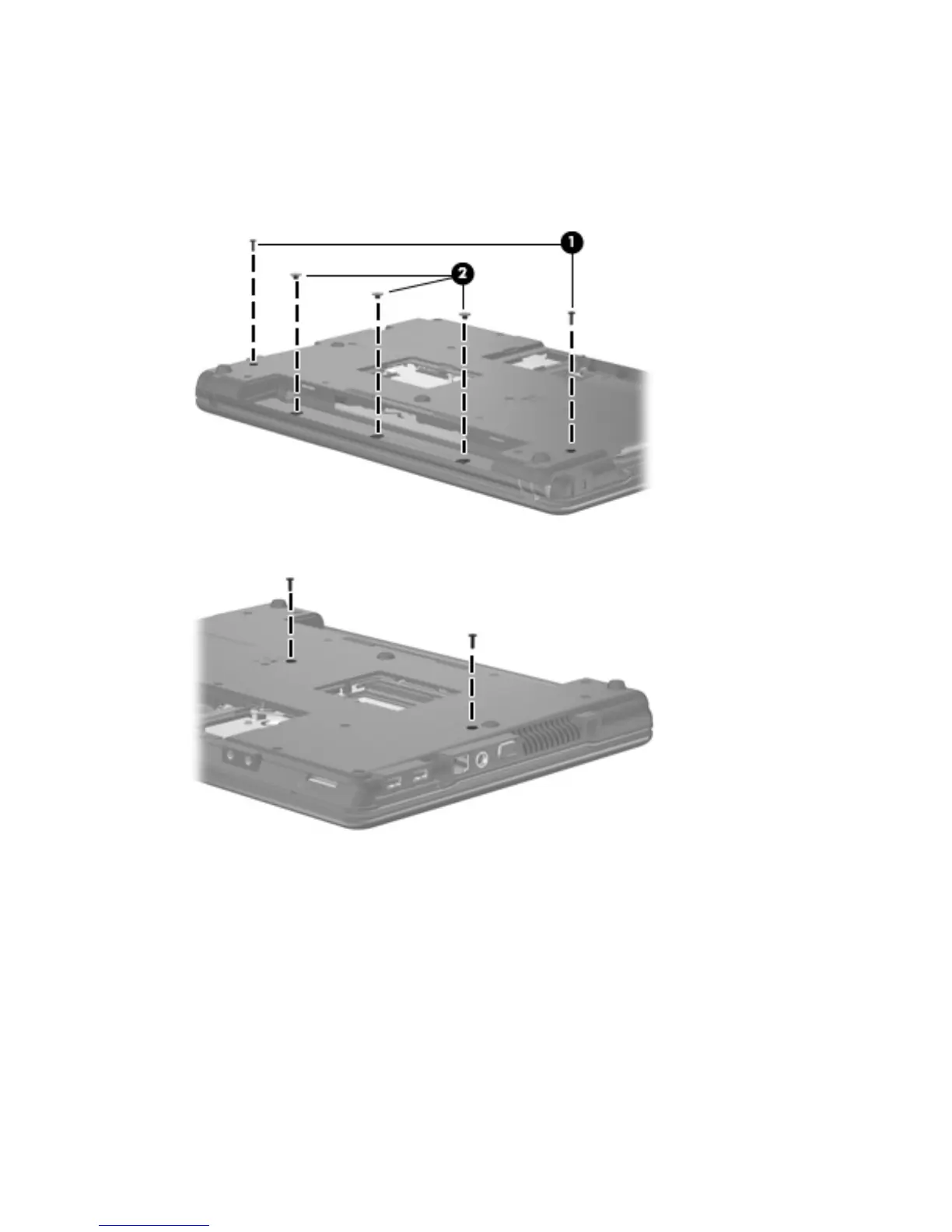
Remove the switch cover and keyboard:
1. Remove the following screws:
(1) Two Slotted Torx 10.0-mm screws
(2) Three Torx 2.0-mm broad-head screws
2. Remove the two Torx 7.0-mm screws that secure the keyboard to the computer.
3. Turn the computer display-side up, with the front toward you.
4. Open the computer as far as possible.
50 Chapter 4 Removal and replacement procedures





 To Next Page