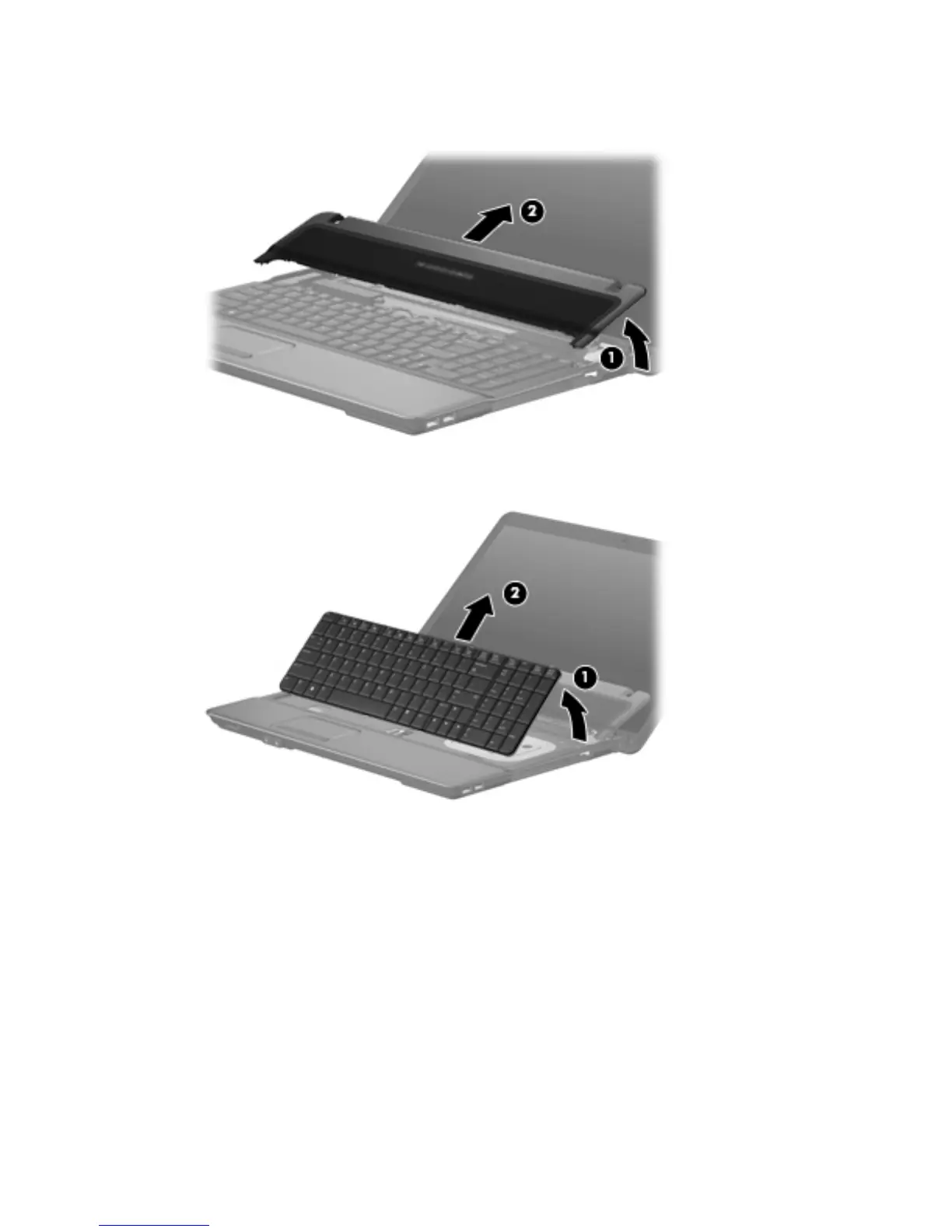
5. Lift the switch cover (1) straight up until it disengages from the computer, and slide it back (2) until
it rests on the display assembly.
6. Lift up the rear edge of the keyboard (1), and slide it back (2) to disengage the four tabs on the
front of the keyboard from the switch cover.
Component replacement procedures 51





 To Next Page