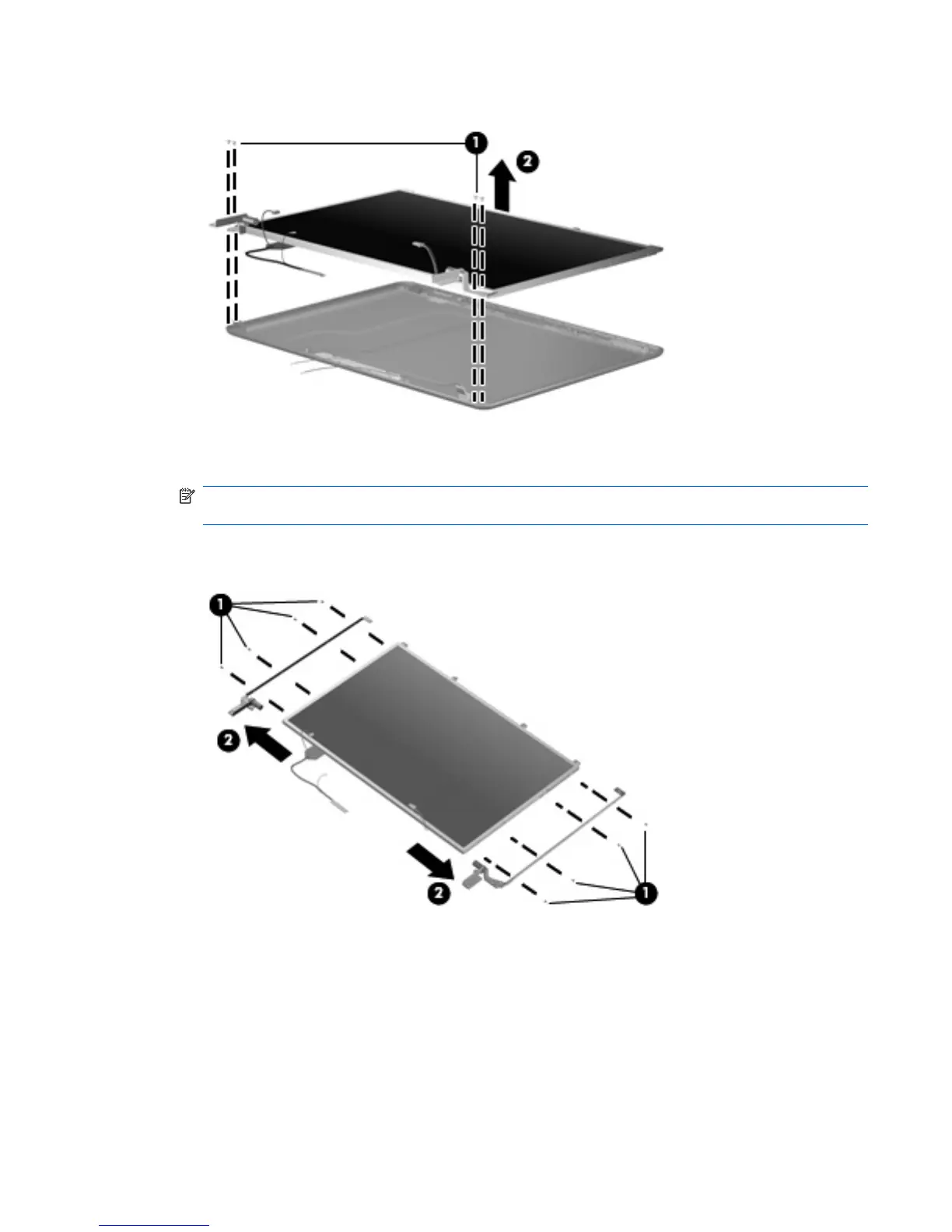
16. Remove the display panel (2).
17. Remove the eight Phillips 3.0-mm screws (1) that secure each display hinge to the display
panel.
NOTE: When removing or replacing the Phillips screws, be sure to remove or replace them in
the same sequence as the numbering found on the display hinges (1–2–3–4).
18. Remove the display hinges (2). The left and right display hinges are available using spare part
number 490329-001.
Reverse this procedure to reassemble and install the display assembly.
Component replacement procedures 59





 To Next Page