Basic Operation
Operating Your Notebook
18 Reference Guide
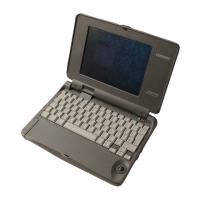
To use the TouchPad
The TouchPad includes an on-off button so you can turn off the TouchPad to avoid
moving the pointer accidentally when you are typing. The indicator light turns off
when you turn off the TouchPad.
1 Click buttons. The Click buttons work like the left and
right buttons on a standard mouse.
2TouchPad(touch-sensitive pointing device).
3 TouchPad on-off button and indicator light.
4 Scroll pad. The scroll pad scrolls vertically to display
the contents of the active window.



 To Next Page
 Loading...