Getting Started 8
Part Number: 216023-001 - Writer: Carey Gregg - Saved by: The Integrity Group
Pages: 18 Words: 2766 Saved date: 09/22/0010:37 AM File Name: Ch01.doc
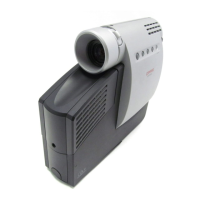
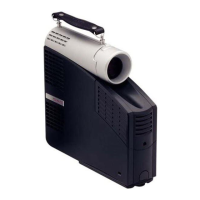
Balancing the Projector
The projector has a built-in elevator foot used to balance and
elevate the projector. Always balance the projector before
connecting any device to it.
Turn the elevator foot sideways to balance the projector.
!
WARNING: To reduce the risk of the projector
tipping or overturning, always turn the elevator foot
90° from its original position before pressing the
elevator button. Refer to the “Adjusting the Projector
Height” section later in this chapter.



 To Next Page