Somfit® is a registered trademark of
Compumedics Limited.
www.compumedics.com
Step 3. Step 5.
OPEN APP
Run the Somt® App.
GO TO SLEEP
You are all set to go.
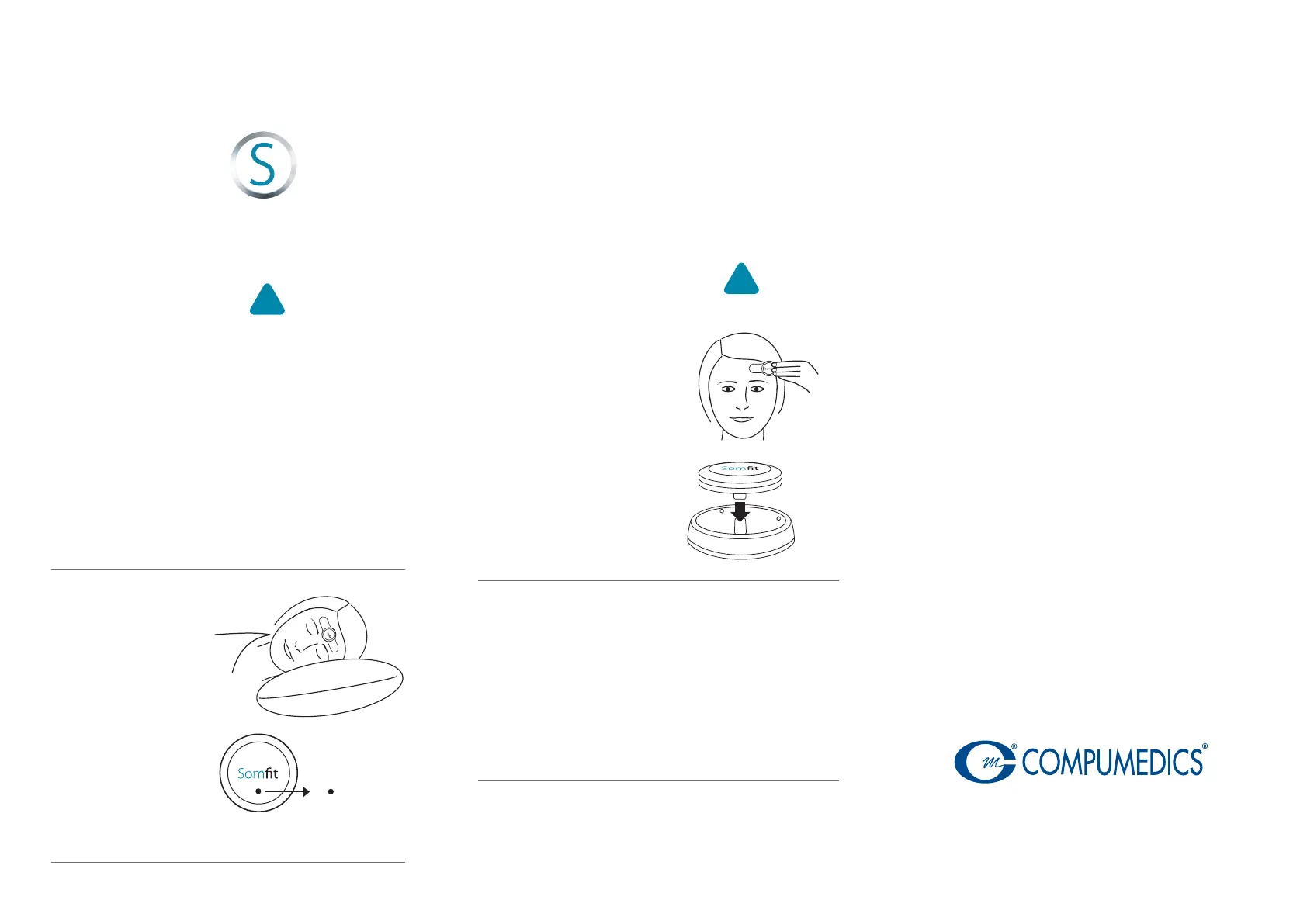
Go to sleep in your
normal sleep position.
It is normal for the
indicator light
to be turned off
during recording.
Indicator Light
Light off
Recording
Step 4.
Step 6.
WAKE
AJ001-0 JAN 2023
From the Somfit App Home screen, press the
‘Start Study’ button to start a new study.
When you wake simply, press the ‘END STUDY’ button.
Confirm you wish to end study by clicking ‘Yes’.
Complete post-sleep survey if prompted.
Data upload will automatically occur.
Carefully remove the
Somfit® device from your
forehead by gently
peeling off the electrode.
Remove the electrode
from the Somfit® and
discard the electrode.
Return the Somfit® to
the charging cradle.
REPEAT
Continue using Somfit® each night until sufficient nights
have been completed. At the end of this period of nights,
you will be instructed by the app to return the kit to your
provider. The provider will instruct you on how to obtain
your results.
www.somt.com
Visit for instructional videos,
tips, and more.
!
Important
Step
!
Important
Step
START RECORDING
After Somfit completes pre-checks, the
recording screen will appear.
Do not open other Apps and avoid using your
phone after you start the study.
You can lock the phone screen, but do not put
the phone in aeroplane mode.
Ensure phone is charging on your bedside table.
It is suggested to turn on silent or do not disturb
mode on your phone to avoid sleep disturbances.
Do not close the App or switch o
your
phone while the study
is uploading.


 To Previous Page
 Loading...
