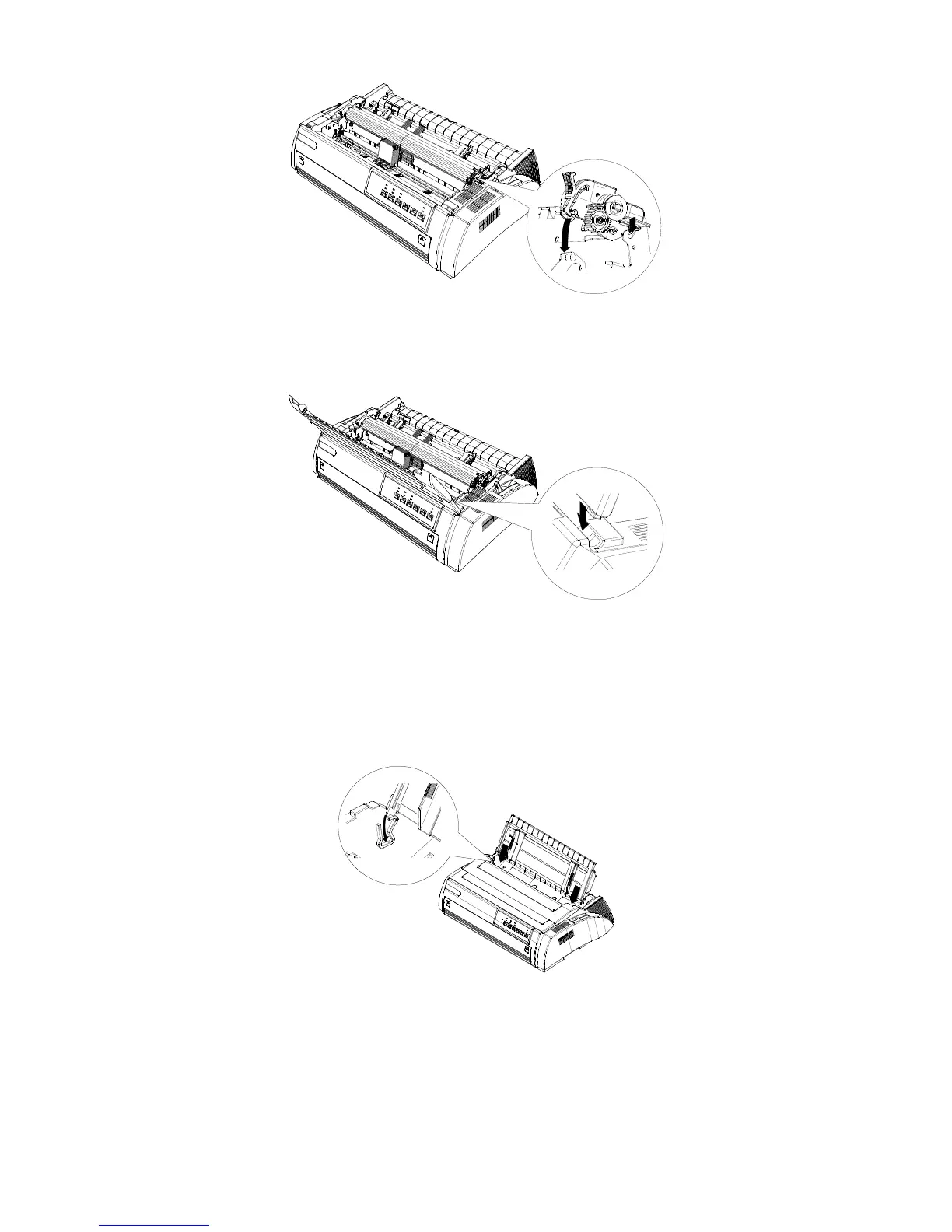
Figure 5
6. Reinstall the printer transparent cover parts. Insert the fixing chip in the front of the
printer cover into the fixing groove on the printer and lay it down.
Figure6
3 Paper Chute Installation
The rear part:
Insert the paper chute groove correctly in its allocated position on the top of the printer, as
shown in figure 7
Figure 7
The front part:
Hold the small handles on both sides of the front paper chute, and push the installation groove
to the allocated position in the printer as shown in figure 8 until you hear a “click” sound.



 To Next Page