8102REUCL002300 // 2WR5R Guide REV1.0
2WR5R-SF_QuickCard line 20200814.indd 2 2020/08/14 10:20:21
REMOTE USER FEATURES
QUICK START CARD
2WR5R-SF
Firstech, LLC. | 2
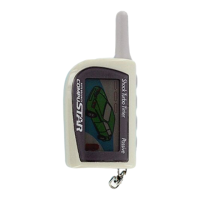
To reprogram your remote, cycle the key in the ignition 5 times within 7 seconds. Parking lights will flash. Then tap the
Lock button on your remote. Repeat for any additional remotes. All remotes must be programmed during one sequence.
If you receive two parking light flashes, your Compustar has exited remote programming mode and you must retry.
Questions/comments? Contact us at 888-820-3690 from 8 AM to 5 PM PST. Also please visit
www.compustar.com for a complete user’s manual.
FEATURE FUNCTION/DESCRIPTION
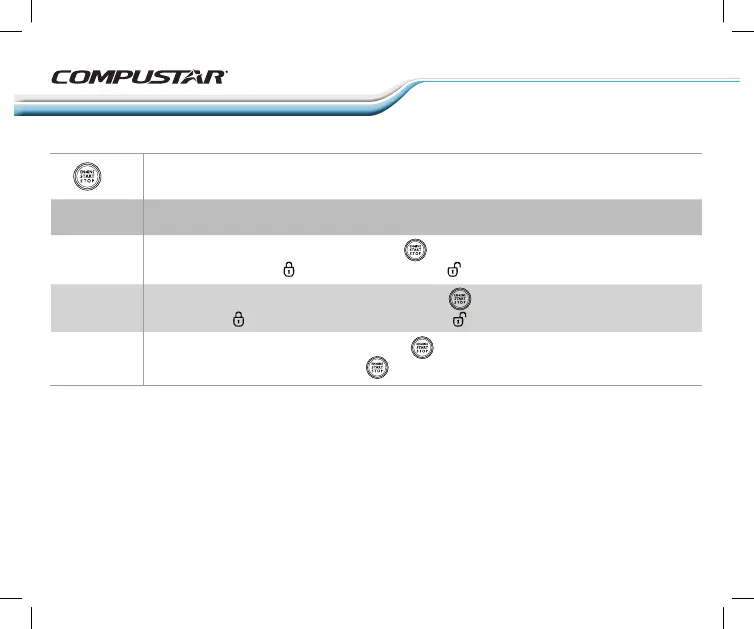
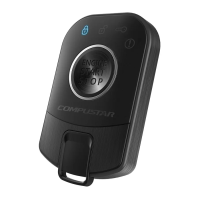
1 quick TAP THEN HOLD for 5 seconds to ENTER the remote user option. Once a selection is made
it will automatically exit the user option.
Proximioty
Unlock
+ 5
Silent
mode
Power
down
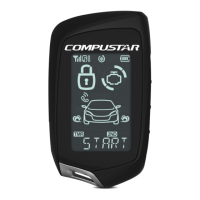
Enter remote user option as shown above: Tap 1 time to enable/disable the proximity
unlock feature. Flashing icon indicate ON Flashing icon idicates OFF.
Enter remote user option as shown above: Double Tap button to enable/disable remote
beep. Flashing icon and beep indicate ON Flashing icon idicates OFF.
Enter remote user option as shown above: Hold button for apporoximatly 5 seconds to
power down the remote. NOTE: HOLD button for 4 seconds to power up.


 To Next Page