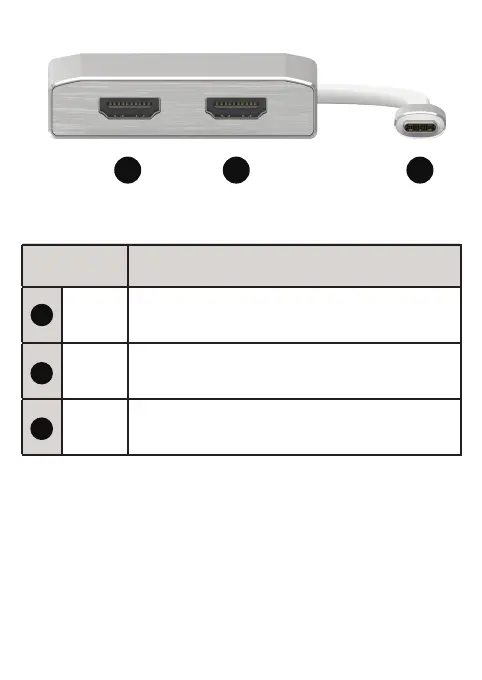
Connect the multiport adapter to your computer by plugging the
USB-C male cable into a USB-C port on your computer.
For maximum single display resolution connect your HDMI monitor to
the HDMI Port 1. The maximum resolution supported is 3840 x 2160
@60Hz. This multiport adapter supports the following external display
modes.
Duplicate or Extended mode in Windows
Operation
13 2
1
2
3
HDMI 1
Connect your HDMI monitor to this port.
Maximum resolution is 3840 x 2160 @60Hz
Port Description
USB-C
Male
Connect this cable to a USB-C port on your laptop.
The USB-C port must support DisplayPort
Alternate Mode to display video
HDMI 2
Connect your HDMI monitor to this port.
Maximum resolution is 3840 x 2160 @30Hz



 To Next Page