MT series remote control intelligent turntable user guide
Copyright reserved by Shenzhen ComXim Technology Co., Ltd. 2017
7
Figure 7 Input password
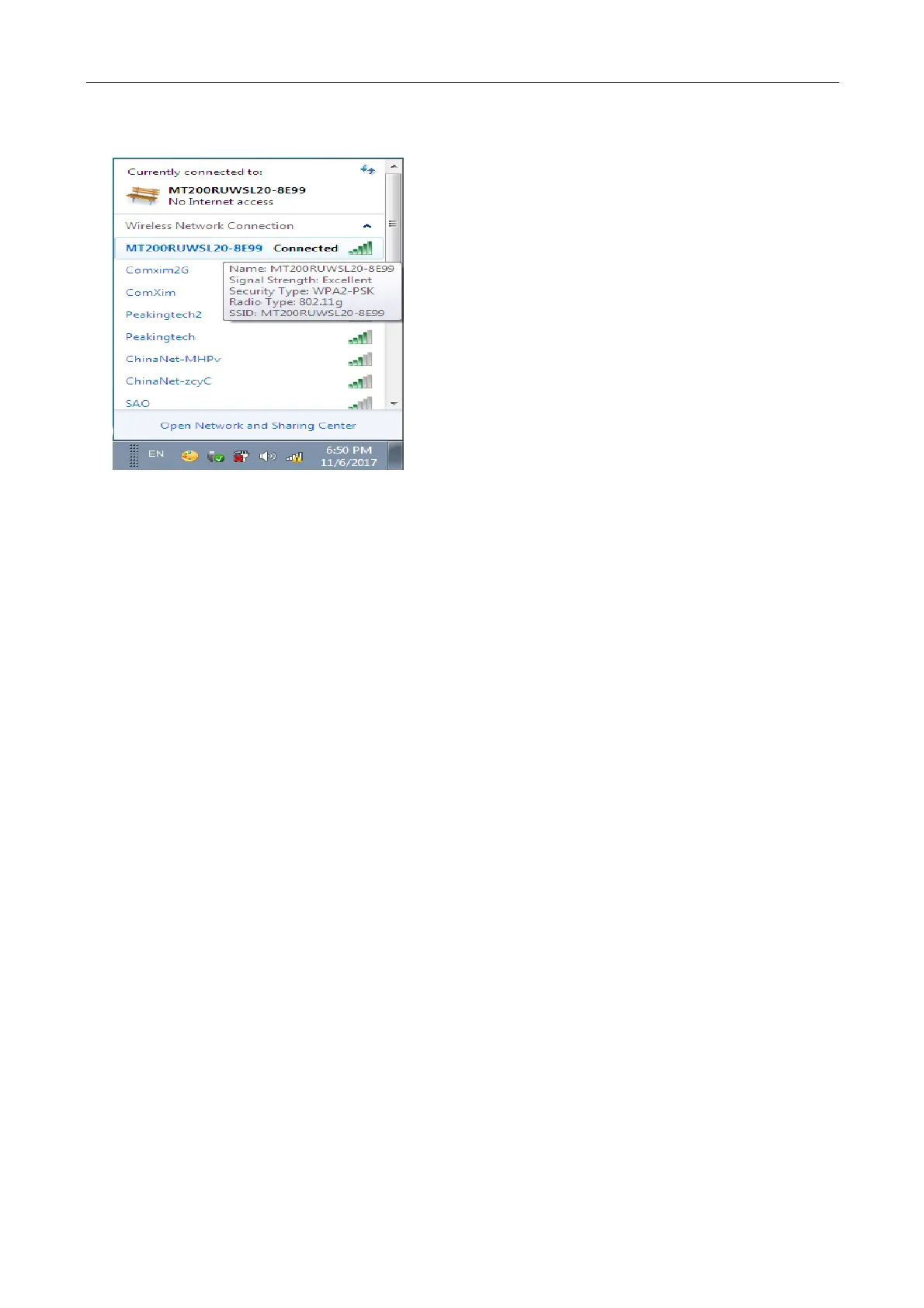
Third Step: Connect the computer and the turntable via WIFI
Figure 8 Connected
First Step : Using Turntable X software to connect WIFI with turntable
Open the Turntable X software, select the Ipv4, click the connection button to connect the turntable, the
software has the default connection IP address input, without modifying (unless the customer service
confirmation IP address changes), click directly on the connection.



 To Next Page