MT series remote control intelligent turntable user guide
Copyright reserved by Shenzhen ComXim Technology Co., Ltd. 2017
8
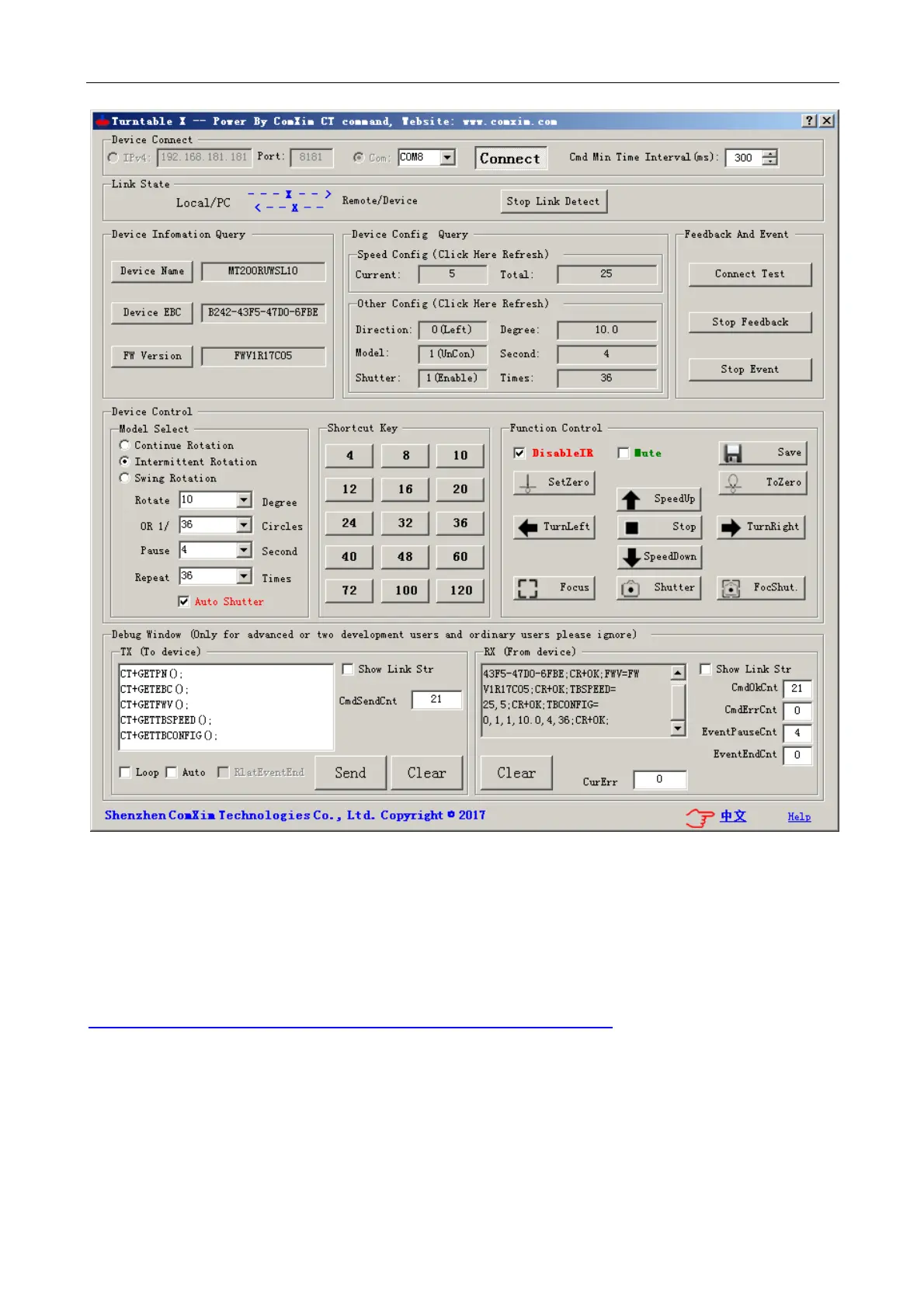
Figure 9 Use IP address to connect turntable (need turntable to support WIFI)
5.2.3 Computer and USB or serial version turntable connection(The product name is
"U" or "C" in the model name)
First Step :Download and install the USB driver
PC End USB driver download address:
http://www.comxim.com/Download/ViewDoc?DocId=20170421_200914_0296
After the first step download, double-click the running program and click Install (wait about 1-2 minutes to
display the installation),As follows Figure 10



 To Next Page