EasyManua.ls Logo

Conairphone TAD1212 - User Manual

Conairphone TAD1212
16 pages
Print Icon
To Next Page IconTo Next Page
Loading...
Reduce 74.3% printed.
IB Size is 105 x 138 mm.(IB-xxxx)
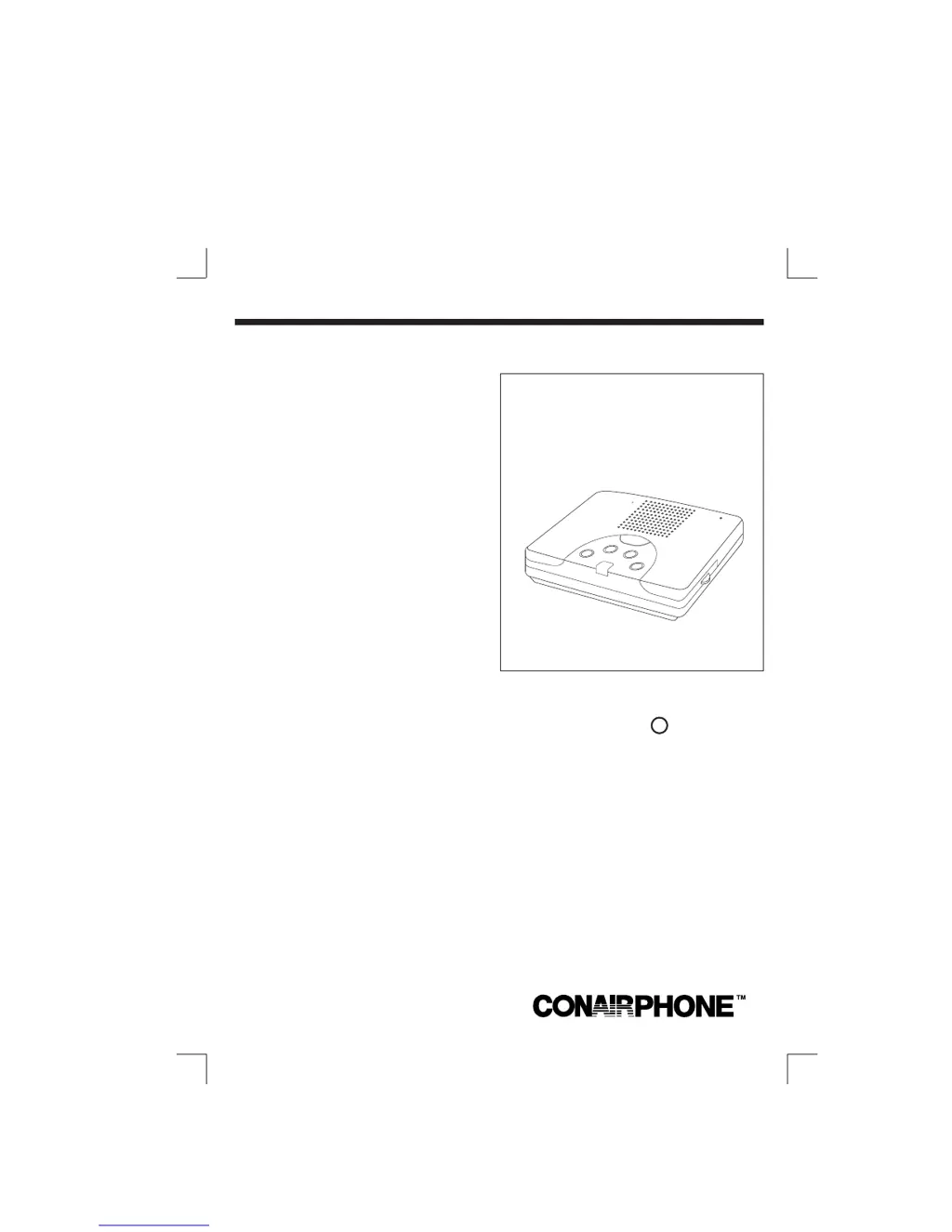
CallKeeper
Digital
Answering System
Model TAD1212
R
OWNER'S MANUAL
Play
M
essages
Battery
L
ow
Message
S
t
o
p
/
S
a
v
e
R
e
p
e
a
t
A
n
n
o
u
n
c
e
m
e
n
t
O
n
/O
f
f
ANSWERING SYSTEM
Callkeeper
R
DIGITAL
AUDIL
CO
NAIR
R
PHONE

Questions and Answers

Summary

Owners Manual

Product Identification: CallKeeper Answering System

Identifies the CallKeeper® Digital Answering System, Model TAD1212, as presented in the owner's manual.

Location of Controls and Components

Answering System Control Layout

Details the various components and controls of the CallKeeper Answering System, illustrated in Diagram A.

Included Carton Contents

Lists the items included in the product carton: Answering System, AC Adaptor, Quick Reference Card, etc.

Important Safety Instructions

General Usage Safety Guidelines

Provides essential safety guidelines for using the telephone equipment, covering fire, shock, and injury risks.

When to Seek Professional Servicing

Outlines conditions under which the product should be unplugged and referred to qualified service personnel.

Battery Safety and Handling Precautions

Battery Handling and Safety Rules

Provides detailed safety instructions for using, handling, charging, and disposing of batteries to prevent injury or damage.

Battery Storage and Temperature Guidelines

Offers guidance on storing batteries, including avoiding high temperatures and proper handling after cold storage.

Installation Guide and Safety

Installation Safety Precautions

Provides safety warnings and precautions to follow when installing the telephone wiring and equipment.

Choosing the Optimal Unit Location

Advises on selecting a suitable location for the answering system unit, ensuring proper ventilation.

Installing the 9 Volt Backup Battery

Details the process of installing a 9-volt battery for power failure protection and retaining messages.

Connecting Telephone Line and Power

Connecting to the Telephone Line

Instructions on how to connect the answering system to the telephone wall jack and modular phone.

Connecting to the AC Power Outlet

Guide on how to connect the AC adaptor to the unit and a standard wall outlet for power.

Message Indicator LED Status and Functions

Interpreting Message Indicator Lights

Explains the meaning of different Message Indicator LED states and the required actions.

Recording Your Custom Outgoing Message

Step-by-step guide on how to record a personalized outgoing message for the answering system.

Verifying Your Outgoing Announcement

Instructions on how to play back the recorded outgoing announcement to verify it.

Adjusting Speaker Volume Level

Explains how to use the rotary volume control to set the desired speaker sound level.

Message Playback and Management Features

How to Listen to Your Messages

Details how to listen to received messages, including playback order and stopping the process.

Saving and Repeating Messages During Playback

Instructions on how to save, repeat, or play previous messages during playback.

Detecting Full Message Capacity

Describes how the unit signals when its message recording capacity is full.

Voice Activated Recording (VOX) Explained

Explains the Voice Activated Recording (VOX) feature and its automatic stopping mechanism.

Understanding Call Screening

How to listen to incoming calls without answering, allowing for screening.

Special Features and Unit Operation

Adjusting Volume for Call Listening

How to adjust the volume to listen to callers without them hearing you.

How to Turn the Answering System Off

Instructions on how to disable the answering system functionality.

Automatic Disconnect Functionality

Explains how the system automatically disconnects when another phone is picked up.

Battery Indicator for Replacement

Details how the indicator light signals a low or missing 9-volt battery.

Selecting Ring Count for Answering

How to set the number of rings before the unit answers incoming calls.

Utilizing the Toll Saver Feature

Explains the Toll Saver feature for identifying message presence to reduce long-distance costs.

Power Failure Protection and System Reset

Battery Backup for Power Outages

Explains how the 9-volt battery provides backup for messages during power outages.

Performing a Unit Reset Procedure

Step-by-step guide to reset the unit if it is not operating correctly after power is restored.

Remote Operation Guide

Understanding Your Remote Security Code

Instructions on locating and using the three-digit security code for remote access.

Remotely Turning the Unit On

How to remotely turn on the answering system by calling from a touch-tone phone.

Remotely Playing Back Messages

Steps to call in and listen to recorded messages remotely using the security code.

Remotely Erasing All Messages

How to erase all recorded messages remotely after playback.

Handling Full Recording Memory Remotely

What happens and how to retrieve messages when the recording memory is full.

Remote Operation Phone Compatibility Notes

Notes on compatibility with different phone types and potential issues with remote operation.

Troubleshooting Your Answering System

Resolving Common Unit Problems

Guide to resolving common problems like unit not operating properly or message indicator issues.

Troubleshooting No Answer Issues

Steps to diagnose and fix issues where the unit does not answer incoming calls.

Contacting Technical Support

Provides toll-free service number for expert assistance if problems are not resolved.

Troubleshooting Connectivity and Audio

Fixing No Answer or No Messages

Troubleshooting steps for when the unit fails to answer or record incoming messages.

Resolving Outgoing Greeting Audio Problems

Guidance on diagnosing and fixing issues with the outgoing greeting audio.

Troubleshooting Power Issues

Steps to resolve issues where the unit does not receive power.

Troubleshooting Remote Access and Recording

Addressing Remote Operation Failures

Troubleshooting steps for problems related to remote operation and phone compatibility.

Message Loss After Power Failure Solutions

Explains why messages might be lost after a power outage and the role of the battery.

Resolving Recording Length Issues

Guidance on addressing issues with outgoing or incoming message recording length.

FCC and Telephone Company Regulations

FCC Compliance and Product Identifiers

Information regarding FCC rules, product identifiers, and compliance requirements for telephone equipment.

Telephone Network Connection Requirements

Guidelines and restrictions for connecting the equipment to the telephone network, including party lines.

FCC Interference Warnings and Mitigation

Warning about modifications and advice on mitigating radio or television interference.

Additional Information and Warranty Details

Further FCC Compliance Notes

Further notes on FCC compliance, device limitations, and connection prohibitions.

Customer Support and Online Resources

Contact information for the Conairphone Consumer Hotline and website for support.

Understanding the Limited One-Year Warranty

Details of the one-year limited warranty, including service, limitations, and legal rights.

Conairphone TAD1212 Specifications

General IconGeneral
BrandConairphone
ModelTAD1212
CategoryAnswering Machine
LanguageEnglish