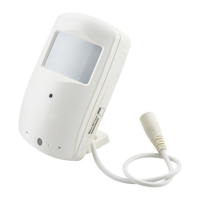
Quick Guide
3.Power on the camera.
Hold on the Power button to power on the camera.
When the Blue indicator is always on, the camera enters
into standby mode.
Hold on the power button for 3 second to power off the
camera.
4.Taking video
Hold on OK button to take videos, the Blue indicator
will flash slowly.
Another press to stop the recording.
5
Short press on
OK button
Blue indicator
Power button
Blue indicator



 To Next Page