Special function:
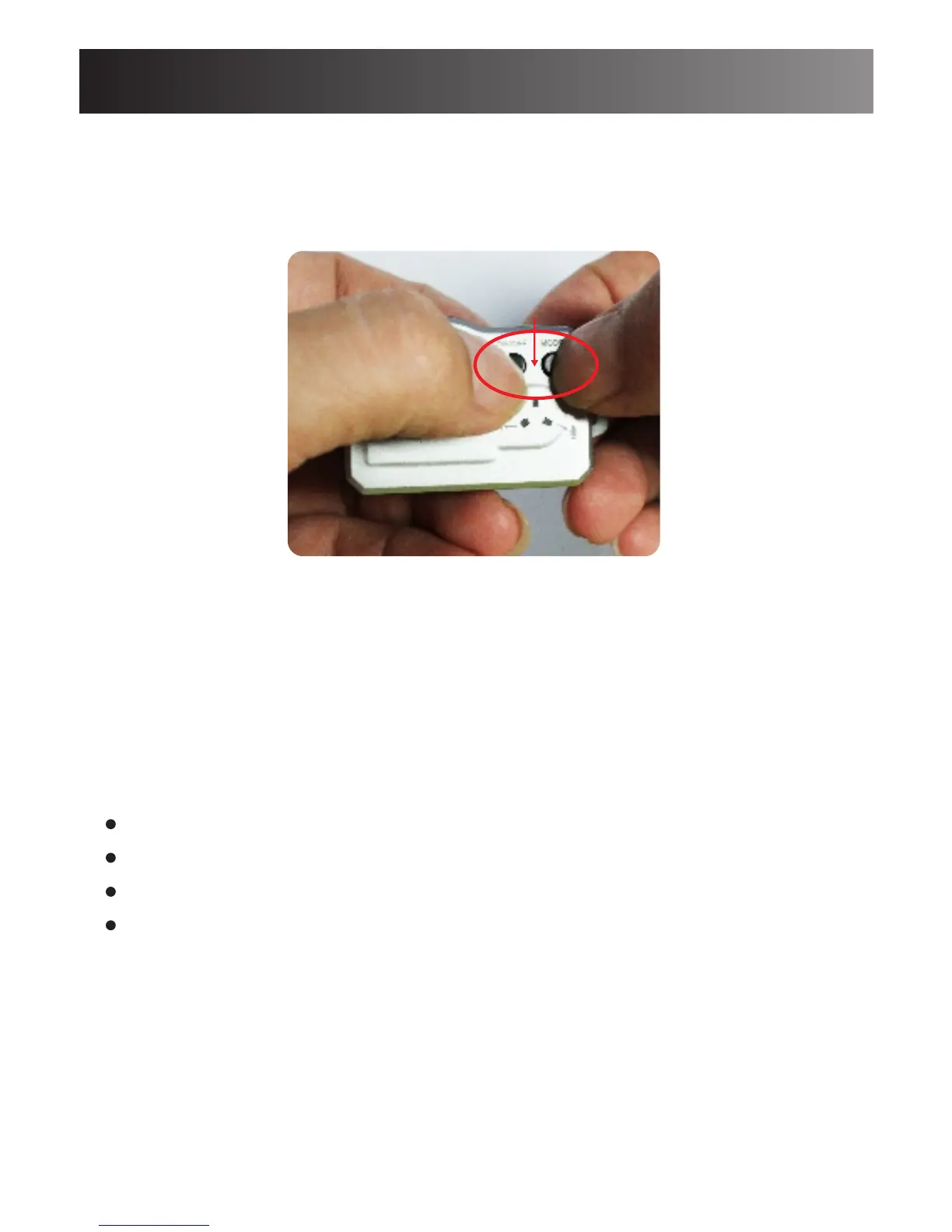
3.Reset Camera
Hold on the Power and Mode button for 5 seconds to
reset the camera.
Important Notice:
- When you connect the camera to your computer, if the
camera cannot be identified, please try to connect again.
- It is suggested to copy the video files into computer for
a smoothly playback.
Power and Mode button
9
Product accessory
1 x DV087 Mini Cam
1 x user manual
1 x USB cable
1 x lanyard
It is important to note that:
If there is anything missing in your product package and
it is not included in the above list of accessories, contact
us as soon as possible at: support@conbrov.com



 To Next Page