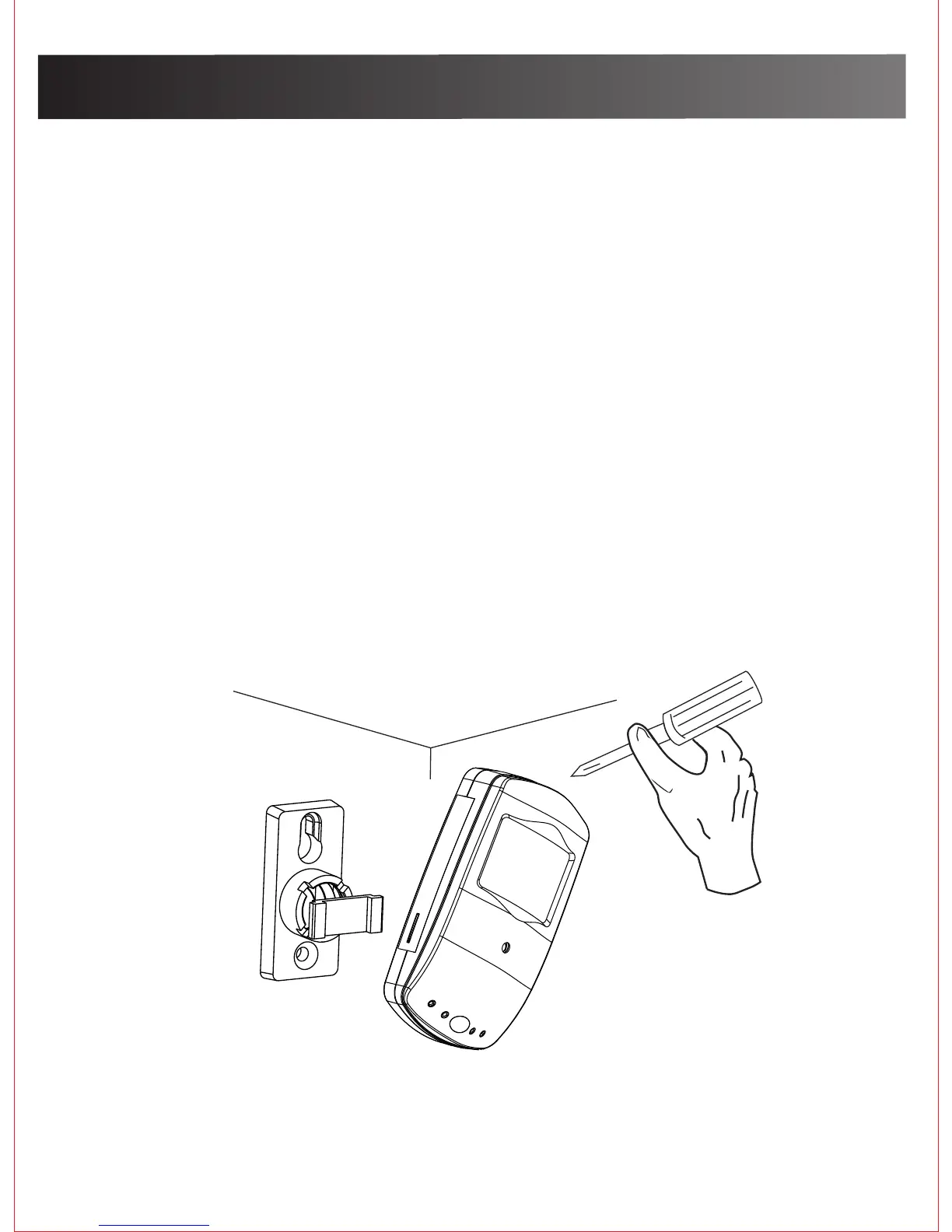
Camera hardware installation
4
3.Fasten the mounting brackets with the provided
screws and expansions if needed.
1. Attach DC power adapter to the power cable at the
bottom of the camera
2. Follow the App Download page to download the
WiFi Cam app and start viewing on your mobile/
smart phone what your WiFi Cam sees.
Once you see on your mobile/smart phone what
your WiFi Cam sees, determine where you would
like to permanently mount your Cam to best
capture activity in your selected viewing area.


 To Next Page